
Skip to main contentSkip to navigation
About usContactVacancies
Log in
MapGear Logo
About MapGearJobs
Log inContact
MapGear, known through GeoAppsGeoApps
GeoApps Logo
Apps
Solutions
Platform
About us
Subscriptions
Get a Demo
GeoApps Logo

GeoApps is the leading software platform for GIS applications and spatial data, enabling organizations to make data-driven decisions.

Solutions

  • Urban Planning
  • Infrastructure
  • Real Estate
  • Environment & Climate
  • Energy Transition
  • Safety & Risk
  • GIS solutions

Products

  • GeoApps
  • Solutions
  • ESG-Maps
  • MapServices
  • TouchTable
  • Consultation
  • Platform

Apps

  • Viewer
  • Dashboard
  • Fieldwork
  • MapTour
  • MapTalk
  • Custom
  • QGIS plugin

For whom?

  • Municipalities
  • Provinces
  • Environmental Services
  • Engineering
  • Contractors
  • Safety Regions
  • Water authorities

Platform

  • Integrations
  • Documentation
  • GIS Lexicon
  • System Status
  • Changelog
  • Support
  • Subscriptions

Company

  • About Us
  • Careers
  • Contact
  • Partners
  • News & Blog
  • Events
  • Case studies

Stay up-to-date

Subscribe to our newsletter to get the latest updates on our products and services. You can unsubscribe at any time.

Keep an eye on our socials too

Stay connected with us through our social media channels and get the latest updates on our products and services.

Quality & trust

MapGear is ISO 9001 and ISO 27001 certified and meets the highest quality and security standards for our products and services.

ISO 9001 Certificering
ISO 27001 Certificering
QGIS Membership 2026
© 2026 MapGear B.V. All rights reserved.
Terms & conditionsPrivacy PolicySustainability statement
Interactive Demos and Guided GIS Walkthroughs | GeoApps
Featured image for Help Users Find Their Way with GeoApps Walkthroughs
View All Posts
📸 Featured
Insights

Help Users Find Their Way with GeoApps Walkthroughs

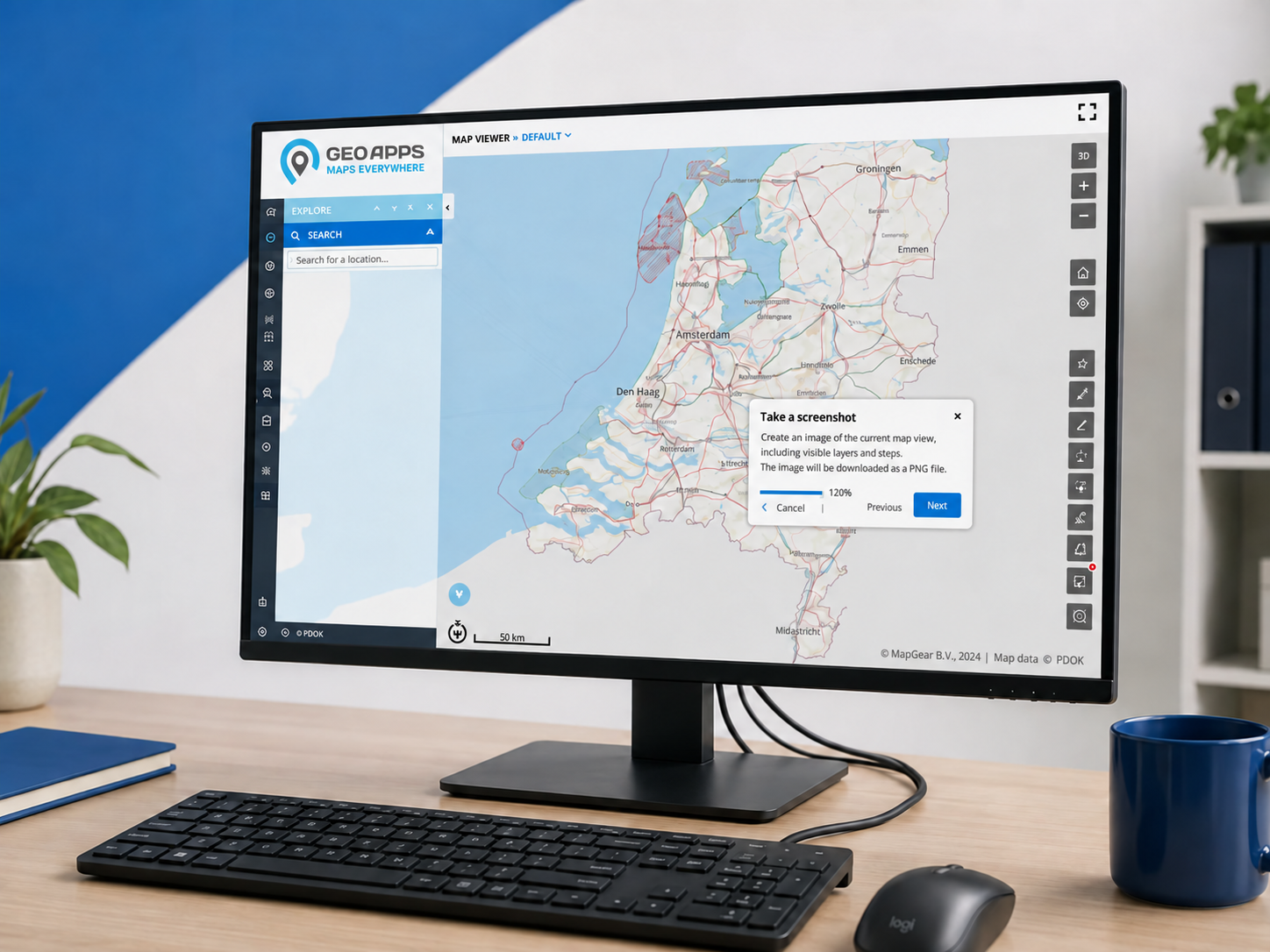
Knowing where to start makes a difference when working with spatial data. Interactive demos and walkthroughs guide users within GeoApps, helping them discover relevant functions and follow workflows. Through GeoApps Manage, guidance can be configured separately for each app.

July 15, 2026
GeoApps Team
3 min

A new colleague opens a GIS application with a straightforward task to complete. The information is available, but the next step is unfamiliar. A short explanation at that moment can be more useful than another document to read beforehand.

GeoApps supports interactive demos and walkthroughs that provide step-by-step guidance inside the application. Users can follow instructions while working, keeping the explanation close to the task.

Give users a clear place to start

For example, consider a colleague preparing for a project meeting. They need to locate an area, choose relevant information and understand what they are looking at. An introduction organised around that task gives them a practical reason to explore the application.

A useful starting point for onboarding is therefore a familiar question: what does this person need to accomplish? Build the explanation around that objective, with a clear beginning and an understandable endpoint.
🖼️
Image not available
This image could not be loaded

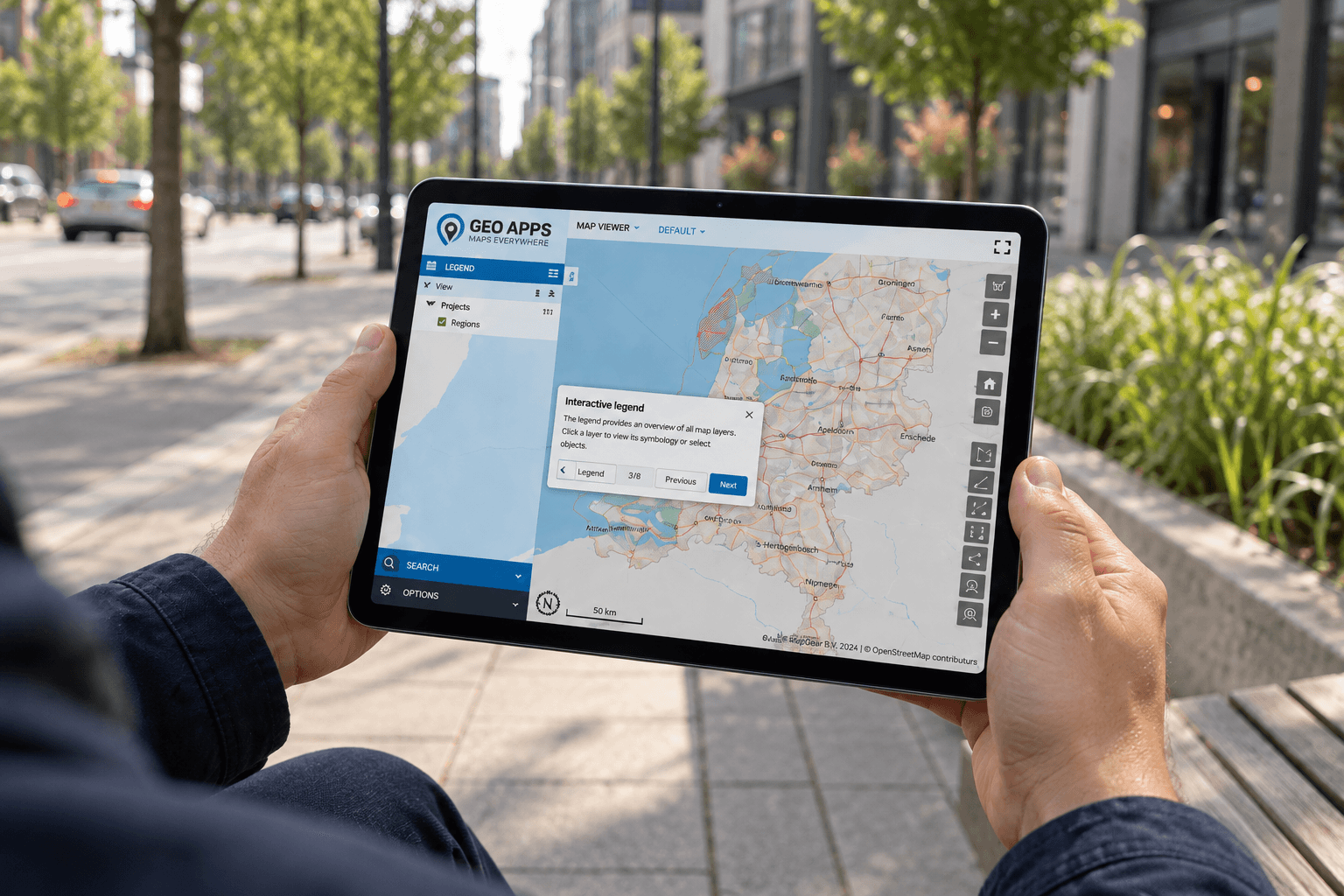
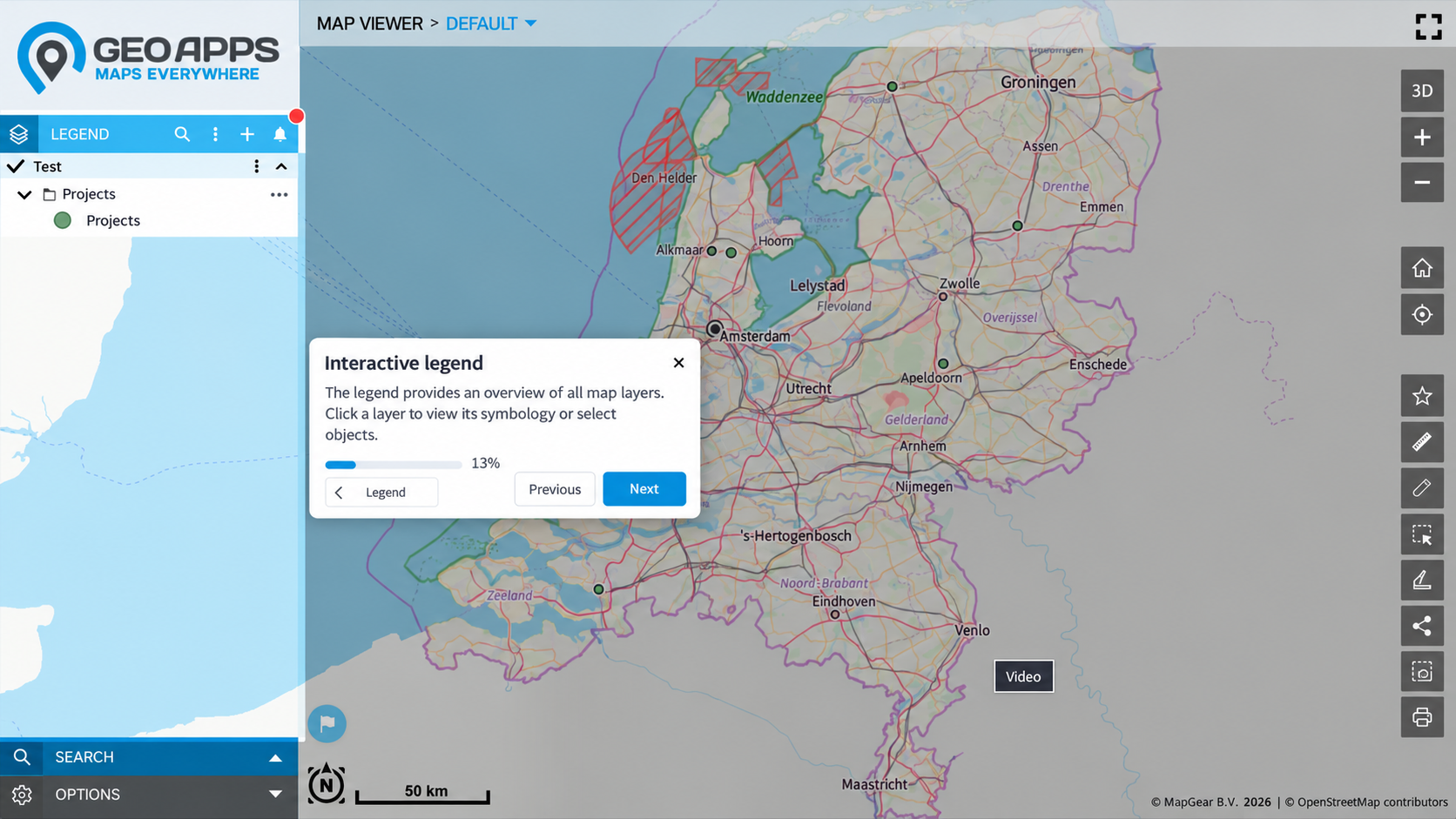
An interactive walkthrough introduces the map legend and explains how to explore available layers.

Bring guidance into the working day

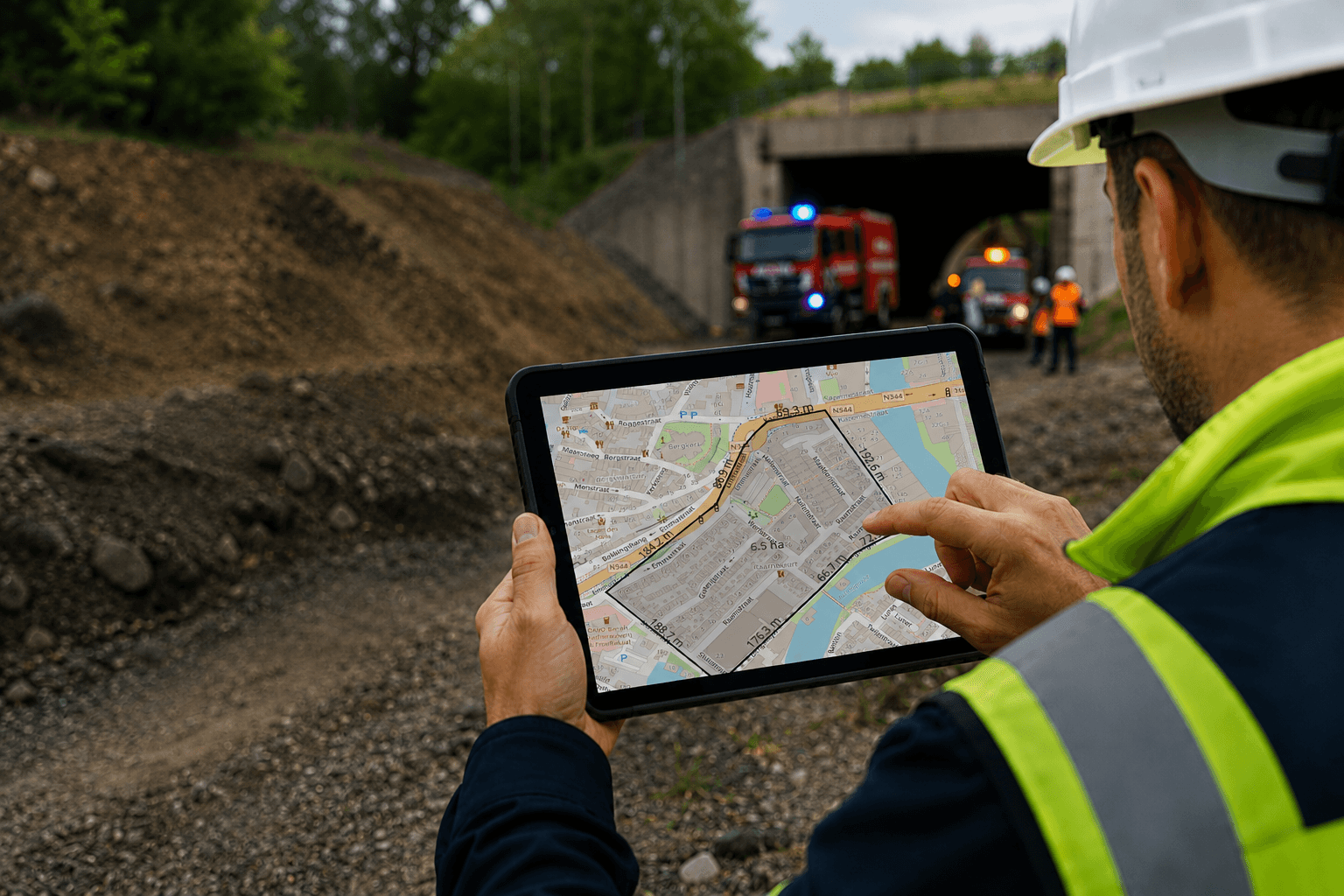
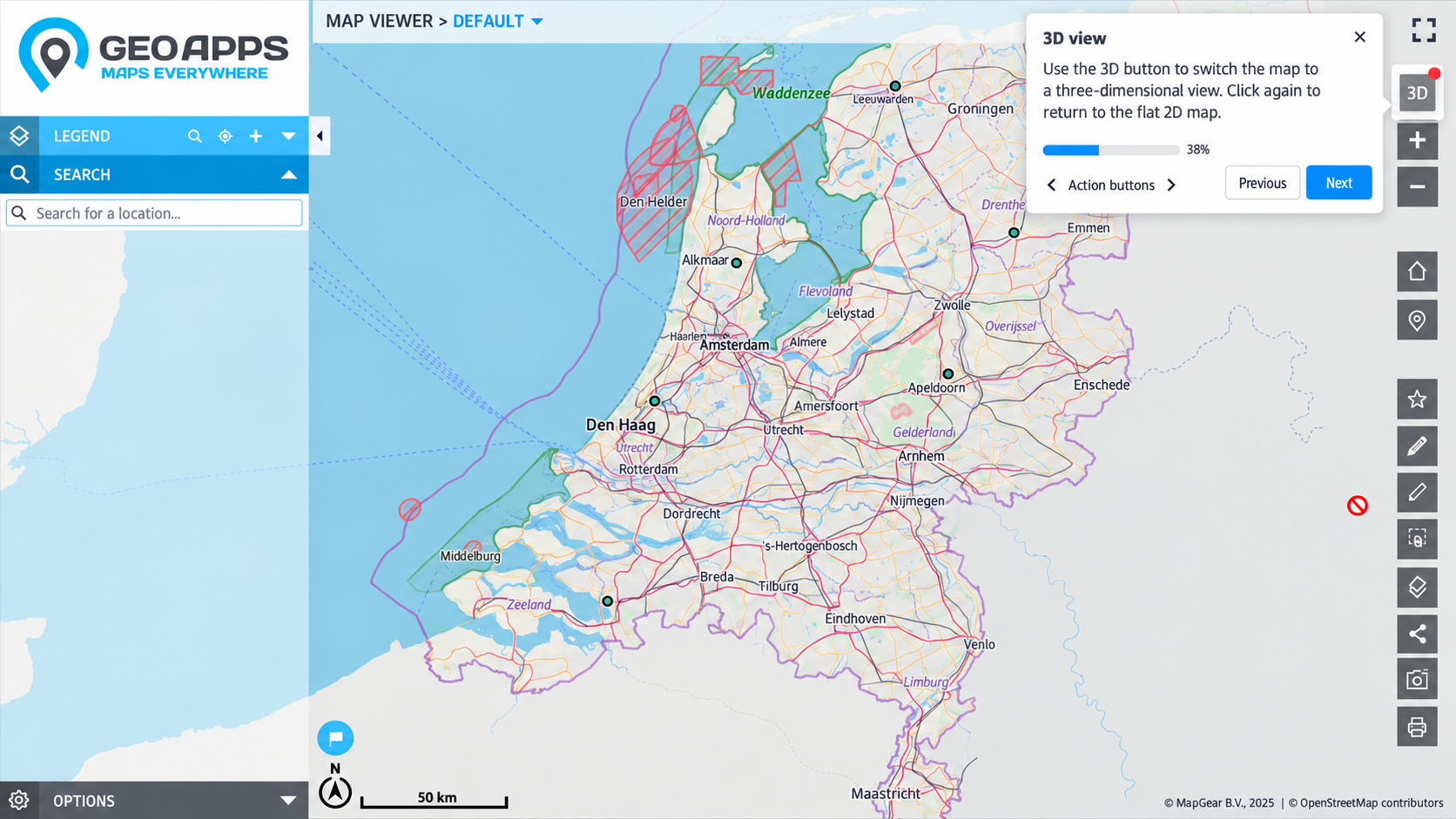
GeoApps walkthroughs can introduce tasks such as finding map layers, viewing object information, applying filters and using dashboards. Consequently, users can receive support without repeatedly switching between the application and a separate manual.
🖼️
Image not available
This image could not be loaded

Consider a task performed only occasionally. Someone may have completed training months earlier but still need a reminder today. In that situation, a brief sequence of relevant instructions offers a manageable way back into the workflow.

Match the explanation to the audience

Walkthroughs can be configured separately for each app through GeoApps Manage. This allows guidance to reflect the functions and workflows of a particular application.

When planning that guidance, consider how audiences differ. A project coordinator might need a short orientation, while a regular user may benefit from instructions for a less familiar task. Keep each explanation focused, and review whether its wording makes sense to someone encountering the process for the first time.

Make learning part of using GIS

Interactive demos and walkthroughs support onboarding and feature discovery. They also provide a first point of help for recurring questions, alongside documentation, training and personal support.

For application teams, a practical next step is to identify where users hesitate. Start with one common task, define what successful completion looks like and consider where guidance would help. This keeps onboarding connected to the work people actually need to do.

Give your users a clearer next step

Explore how interactive walkthroughs could support your organisation’s GeoApps applications and onboarding approach.
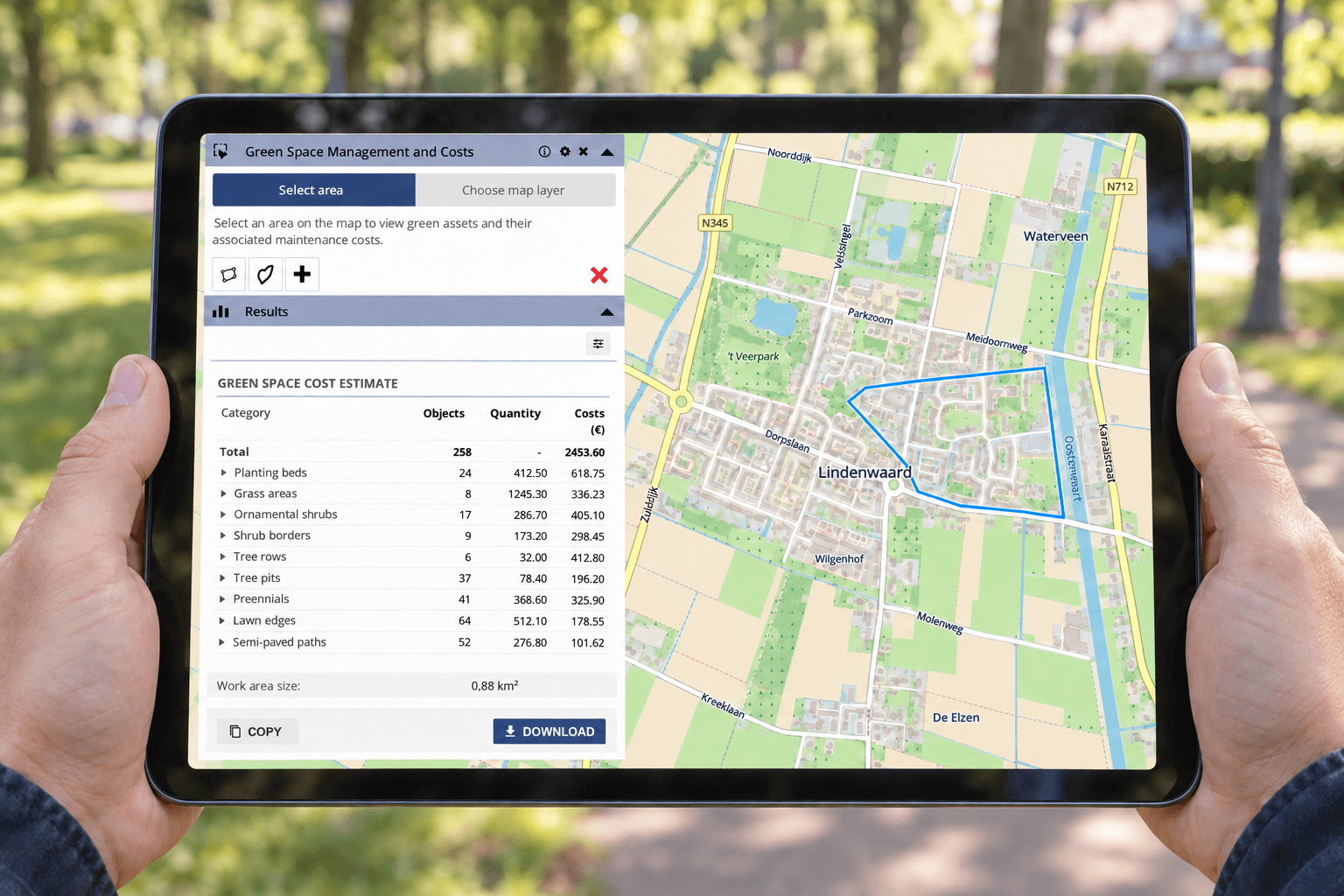

Contact GeoApps to discuss a demonstration.

View All PostsGet a Demo

Related Posts

You might also like

Create Quotes Faster with GeoApps: Quantities and Costs Directly from the Map

Create Quotes Faster with GeoApps: Quantities and Costs Directly from the Map

Location-based quotes often require time-consuming measuring, counting and data collection before the actual calculation can begin. With GeoApps, quantities, areas and costs can be calculated directly from the map as a basis for a more efficient quoting process.

September 22, 2026Read more
Nature restoration becomes measurable: what municipalities should prepare now

Nature restoration becomes measurable: what municipalities should prepare now

The European Nature Restoration Regulation makes reliable monitoring of urban green increasingly important. Discover what this means for municipalities and how spatial data helps demonstrate green development.

August 25, 2026Read more
Interactive GeoApps Walkthroughs: Faster GIS Onboarding

Interactive GeoApps Walkthroughs: Faster GIS Onboarding

Interactive walkthroughs bring guidance directly into GeoApps, helping users learn workflows in context, discover relevant functionality and work more independently without constantly switching to manuals or training material.

July 17, 2026Read more
On-Prem vs. SaaS: Where Should GIS Live in 2026?

On-Prem vs. SaaS: Where Should GIS Live in 2026?

Many organisations are weighing on-premises GIS against SaaS. Discover why a hybrid architecture often provides the best balance between control, flexibility and manageable technical operations.

July 16, 2026Read more
Why GIS Projects Fail (And It’s Rarely Because of the Software)

Why GIS Projects Fail (And It’s Rarely Because of the Software)

A powerful GIS platform cannot compensate for unclear ownership, fragmented data or disconnected teams. Discover why successful GIS environments depend as much on people, processes and responsibilities as they do on technology.

July 13, 2026Read more
Offline GIS with GeoApps: Keep Working Without an Internet Connection

Offline GIS with GeoApps: Keep Working Without an Internet Connection

Internet coverage isn't always available where work happens. With GeoApps' new offline functionality, users can continue working with maps and spatial data anywhere, even without a network connection.

July 2, 2026Read more

Ready to Get Started?

Join thousands of users who are already using GeoApps to transform their spatial data workflows.

Get a Demo
GeoApps Viewer
Gasfabriek project
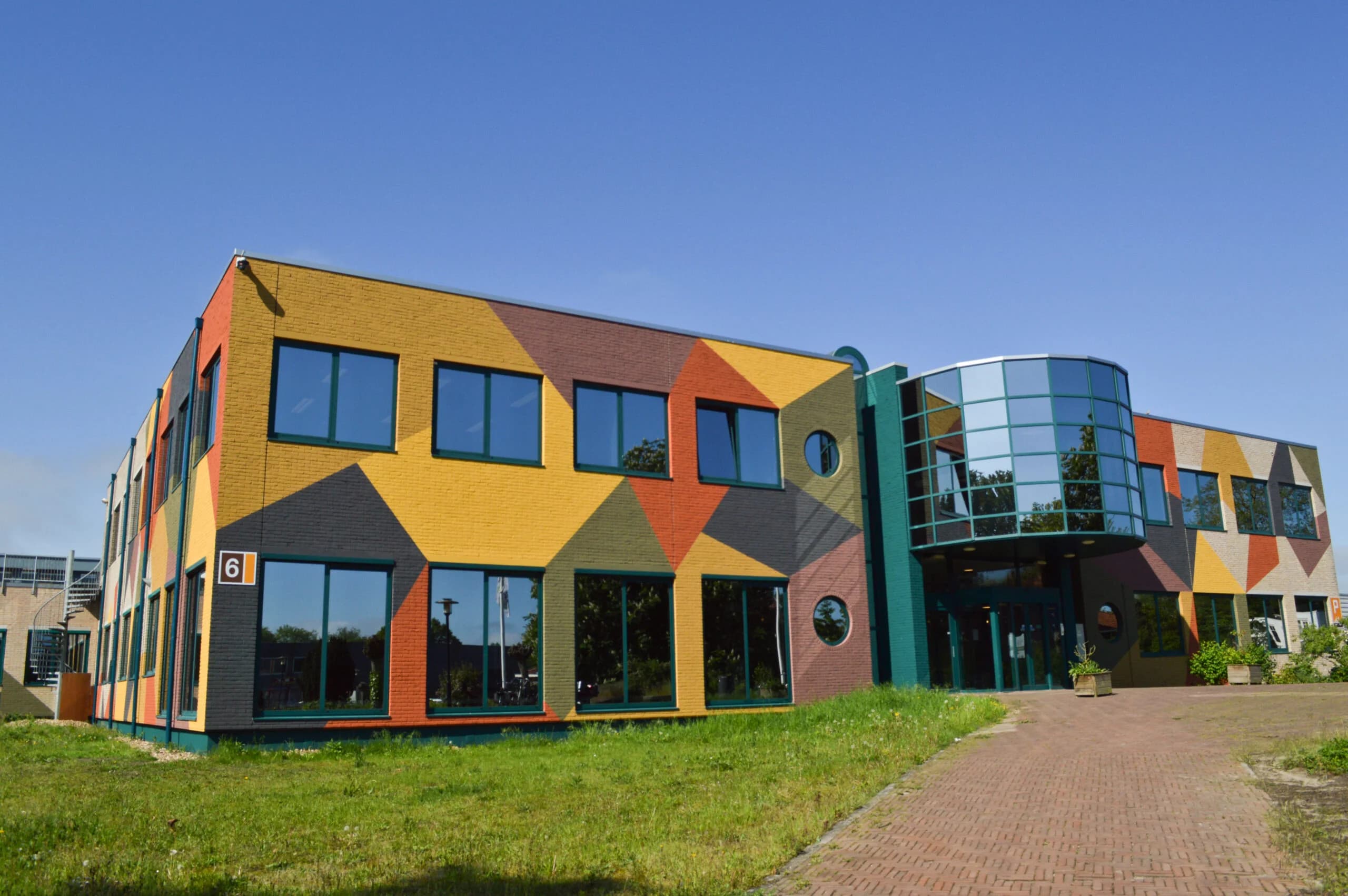
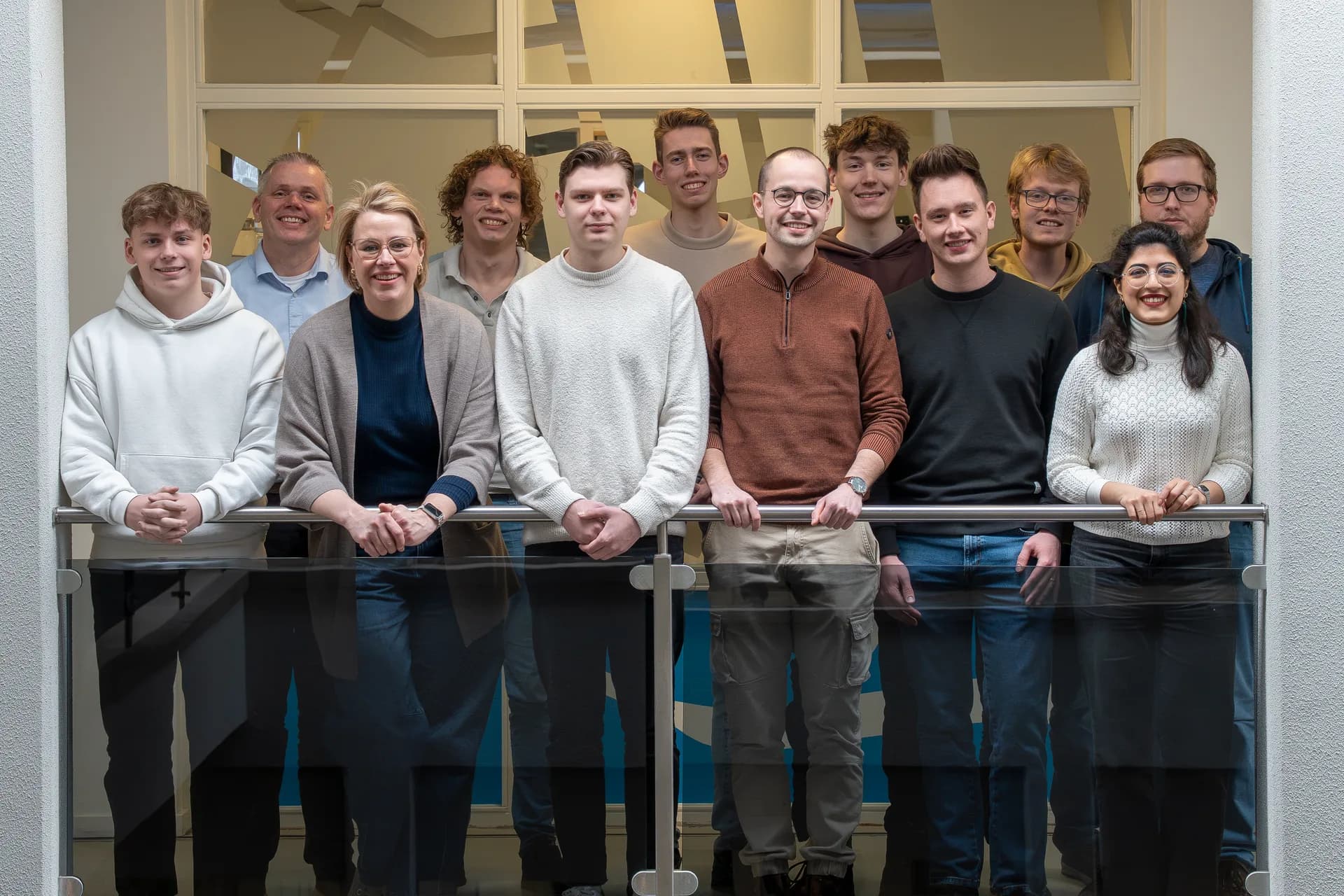
MapGear team office
Last Updated: October 29, 2026