Publish maps in minutes and share them with colleagues, policymakers and project teams. The same setup governments, city departments and consulting and engineering firms already use. Desktop GIS for experts, web maps for the rest of the organization.
From municipalities and provinces to international companies – GeoApps Viewer is the reliable choice for viewing and sharing spatial data.














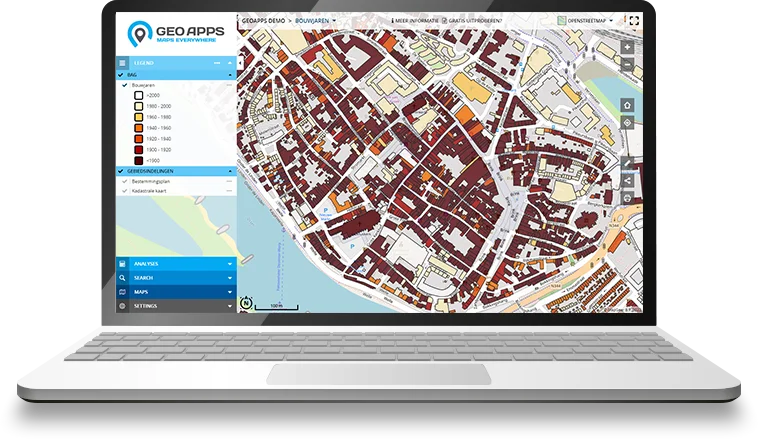
GeoApps Viewer is the web GIS your organisation actually opens: maps, object info, analysis and sharing in the browser. No desktop install, no extra licences per viewer.
Specialists can keep working in QGIS or ArcGIS Pro. Viewer is the layer for colleagues, policymakers and project teams, with user management, editing, analysis and reporting in one place.
Connect national data portals, your own services and files (WMS, WMTS, WFS, GeoJSON, Shapefile, GeoPackage), plus extras such as Cyclomedia StreetSmart or 3D, in a single map.
The modern GIS architecture
Desktop GIS (QGIS or ArcGIS Pro) and databases & services stay in place. Viewer publishes maps to teams, decision-makers and external users, without everyone needing desktop GIS.
Your GIS architecture stays modular, desktop, data and Web GIS reinforce each other.
Web GIS · GeoApps
Maps, dashboards, fieldwork and organization-wide access
Desktop GIS
QGIS or ArcGIS Pro for specialist data processing and analysis

Databases & services
PostgreSQL, APIs and OGC / ArcGIS services from and into GeoApps
Available in the browser, alongside QGIS and open standards. Viewer makes maps available to the whole organization, without desktop GIS for everyone.
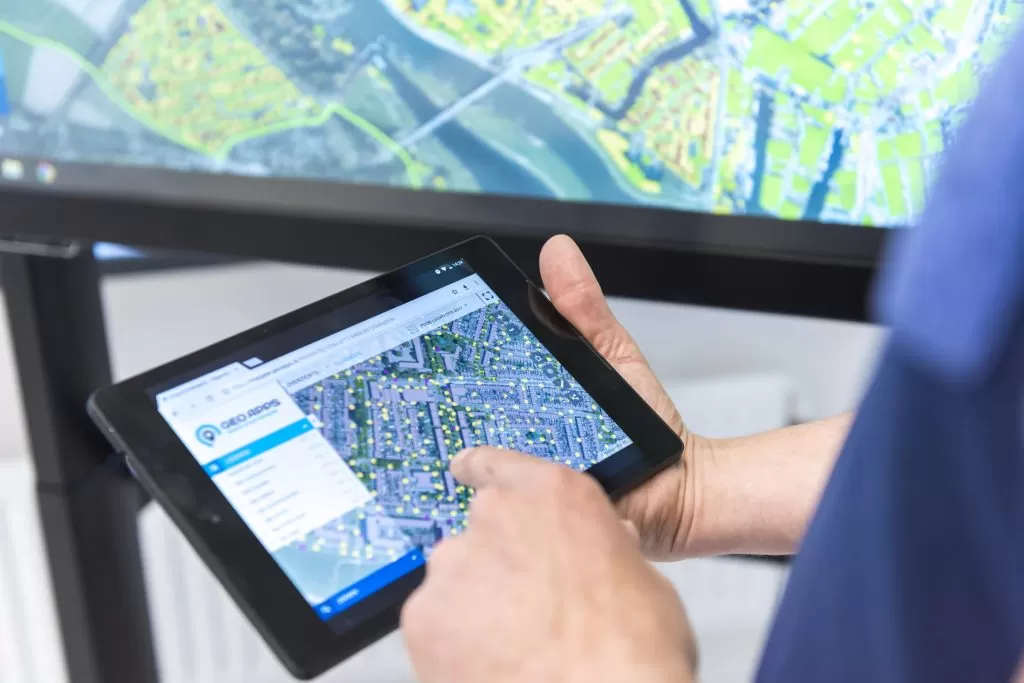
No installation required. Open your GIS viewer in the browser on desktop, tablet or smartphone, always with the latest maps and data.
Connect WMS, WMTS, WFS, national data portals and your own sources in one viewer. GeoApps supports those open specifications; it is not an OGC product or member.
Specialists keep analysing in QGIS. Viewer publishes the same data and maps to teams, decision-makers and external users. A QGIS plugin moves work between desktop and web.
Analyze your data with 3D views, object information, aerial imagery and Street View for faster insight and better decisions.
Organizations across government and engineering use GeoApps for Web GIS, from district atlases to custom applications built on open standards.
From map publishing and data management to analysis and collaboration. GeoApps Viewer helps organisations manage geo-information more simply, share it better and use it more smartly.
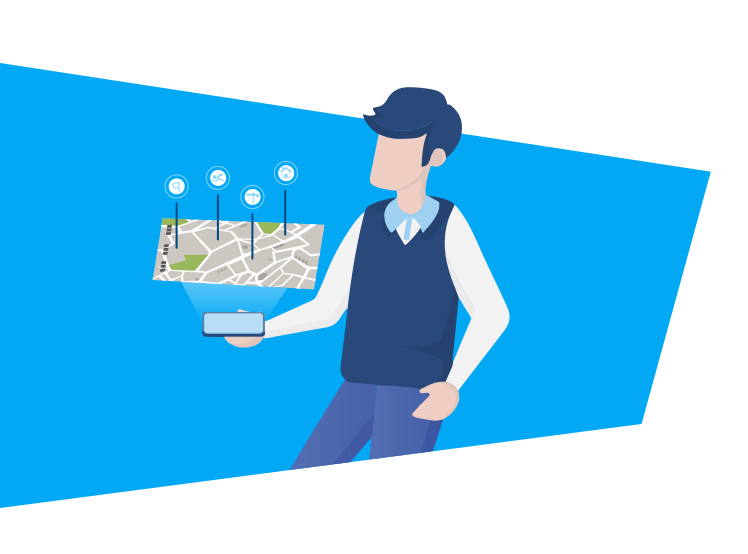
Build professional web maps without a long development project. Use standard layers, your own styles and symbols, and decide who can open your maps.
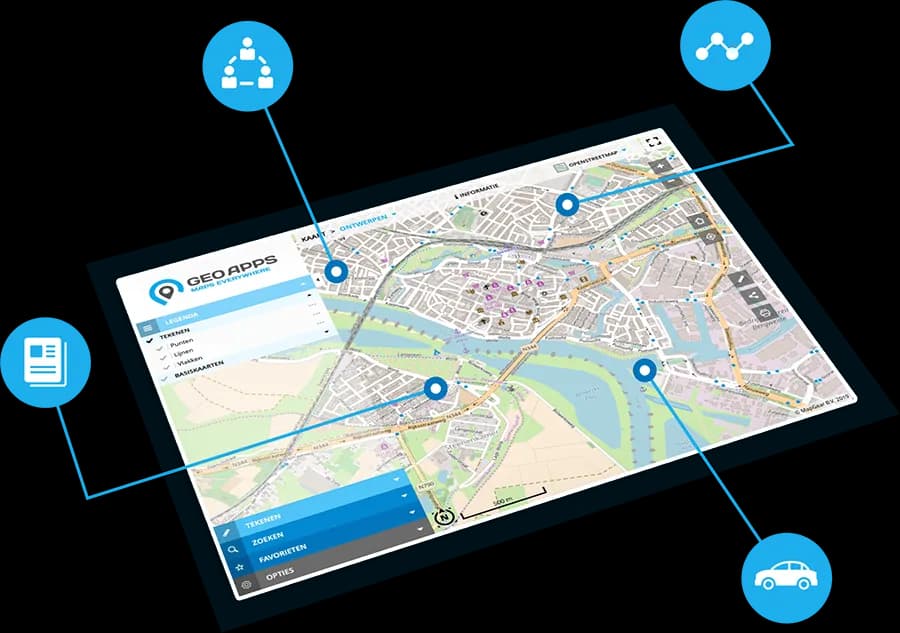
Manage users, datasets and permissions from one place. With features such as Active Directory, your GIS stays secure, clear and ready to scale.
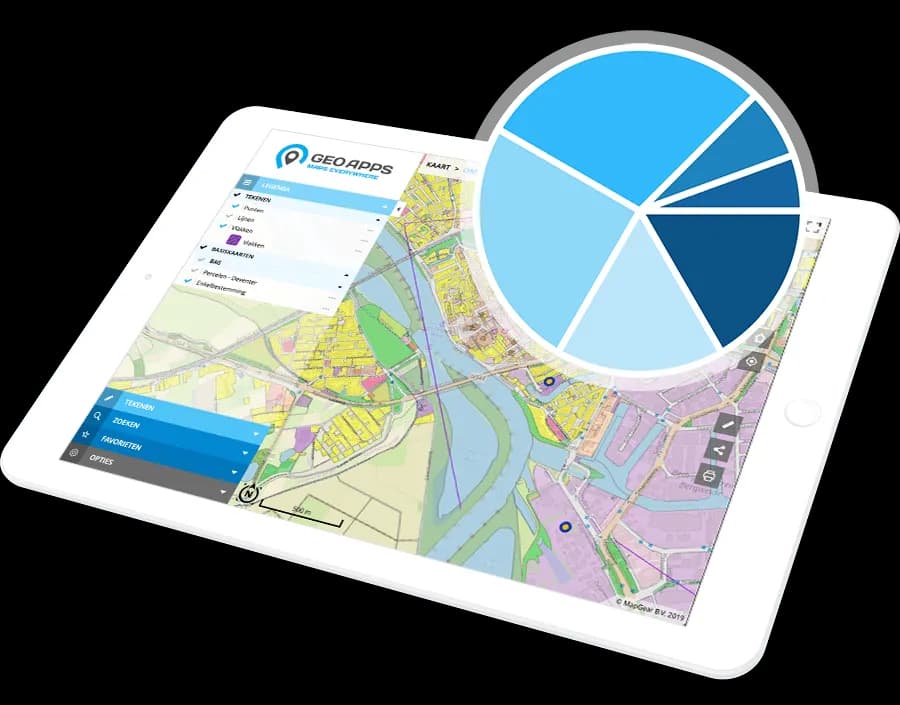
Analyse spatial data, visualise trends and generate reports that support decisions. Share results so everyone works from the same current picture.
Explore your spatial data from every angle with our cutting-edge visualization technologies.
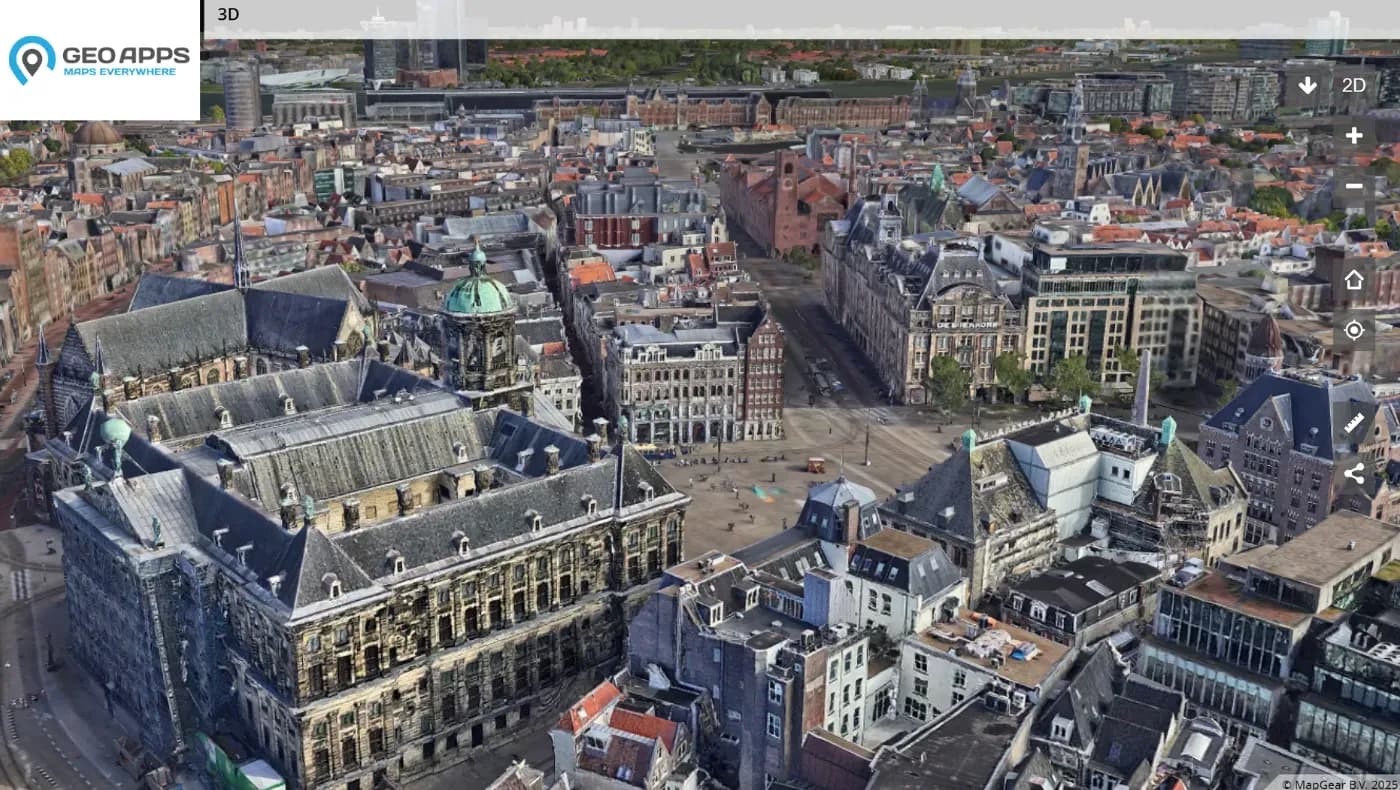
Explore your spatial data in stunning three dimensions with realistic rendering, elevation models, and immersive navigation controls.
Learn more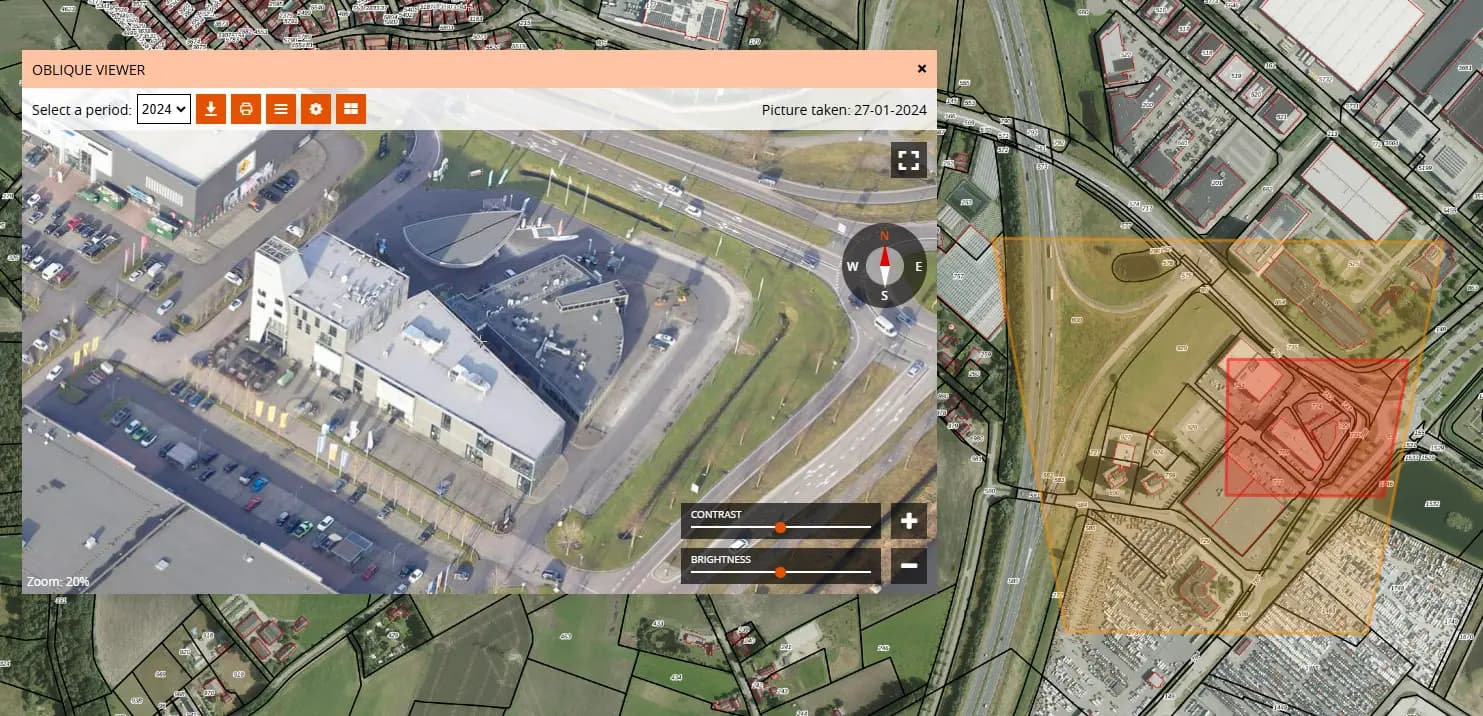
View high-resolution aerial imagery from multiple angles for comprehensive site analysis and better understanding of your projects.
Learn more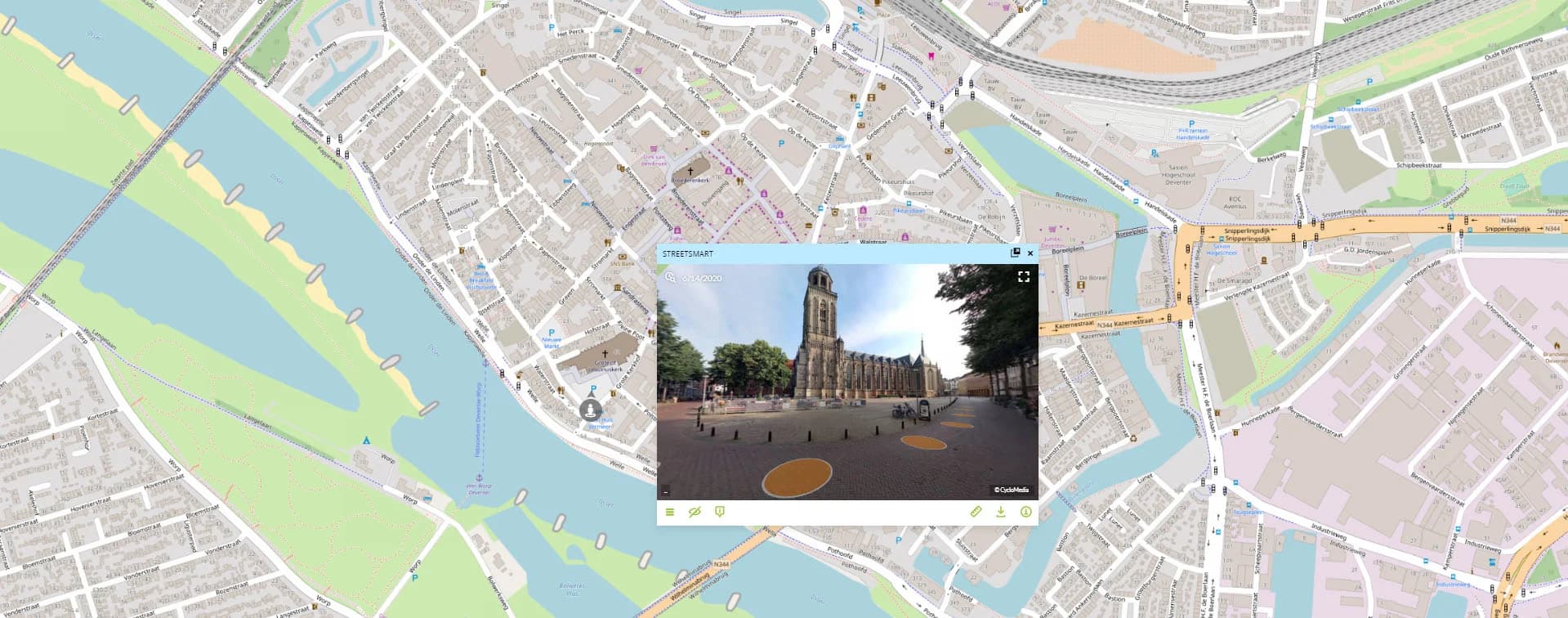
Seamlessly navigate between map view and street-level imagery for ground-truth verification and detailed site inspection.
Learn more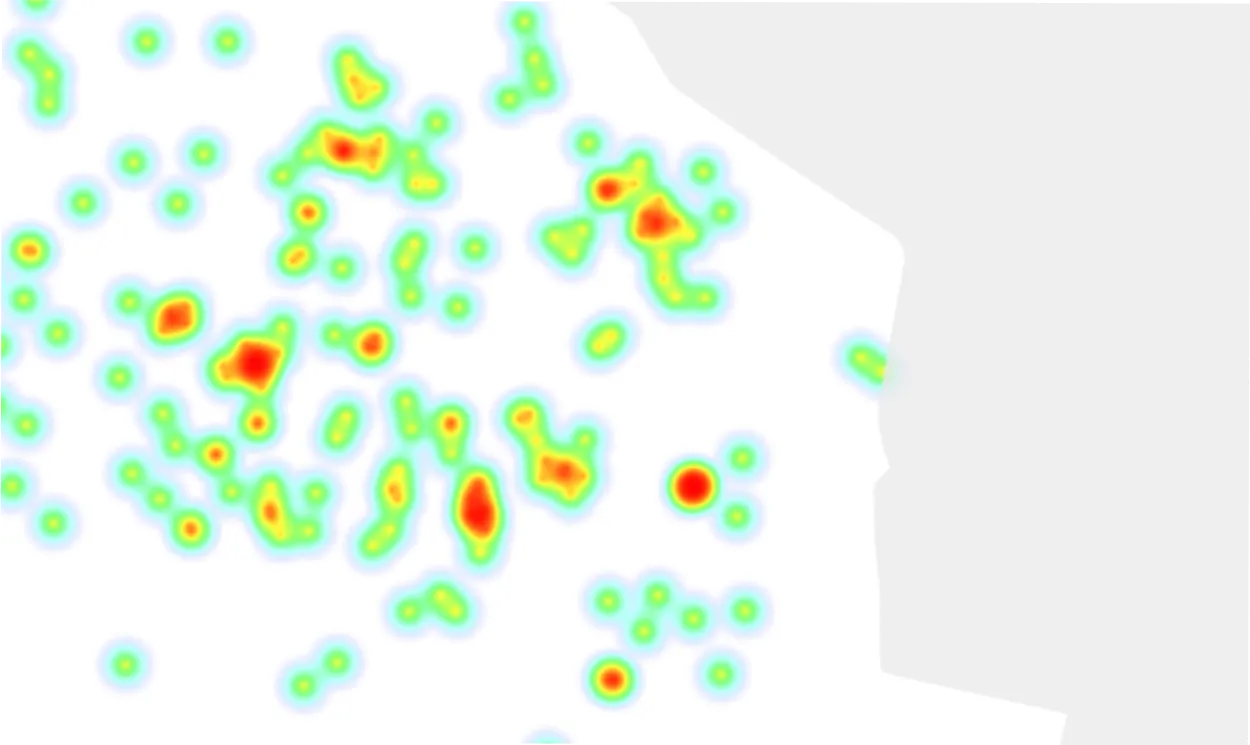
Monitor your spatial data in real-time with automatic updates and live tracking. Stay informed of critical changes as they happen.
Customer Stories
The best way to get to know GeoApps? Hear from organizations that use it every day. See how they speed up workflows, improve collaboration, and get more value from their geospatial data.

"GeoApps is a map viewer without fuss – super simple for end users and yet an extensive management environment for us as specialists."
Hugo van Beusekom
Project Manager Geo-data Management

"Calculations that used to take us a week are now done in minutes. This saves us enormous amounts of time and money."
Harry de Brauw
Energy Transition Advisor

"Documents are always up-to-date thanks to the integration with SharePoint. And the sales team decides for themselves who gets access and which documents are visible."
Jacco Wanders
GIS Advisor
"GeoApps is a map viewer without fuss – super simple for end users and yet an extensive management environment for us as specialists."
Hugo van Beusekom
Project Manager Geo-data Management
"Calculations that used to take us a week are now done in minutes. This saves us enormous amounts of time and money."
Harry de Brauw
Energy Transition Advisor
"Documents are always up-to-date thanks to the integration with SharePoint. And the sales team decides for themselves who gets access and which documents are visible."
Jacco Wanders
GIS Advisor

"The GeoApps map viewer gives us all the data to choose charging location locations; this way we work smarter, more efficiently and completely data-driven."
Charging Infrastructure Team
Qwello

"Thanks to GeoApps, we have all data and maps per district in one place. We can immediately visualize and share our urban challenges, making decision-making with colleagues and partners much faster and more transparent."
Amar Sjauw en Wa
Project Leader District Atlas

"The user-friendliness of the platform is excellent - our customers need hardly any instructions, the backend works pleasantly. Additionally, GeoApps works fast, securely and the team innovates continuously; that makes it a reliable partner for us."
Guido Palm
(former) Director
"The GeoApps map viewer gives us all the data to choose charging location locations; this way we work smarter, more efficiently and completely data-driven."
Charging Infrastructure Team
Qwello
"Thanks to GeoApps, we have all data and maps per district in one place. We can immediately visualize and share our urban challenges, making decision-making with colleagues and partners much faster and more transparent."
Amar Sjauw en Wa
Project Leader District Atlas
"The user-friendliness of the platform is excellent - our customers need hardly any instructions, the backend works pleasantly. Additionally, GeoApps works fast, securely and the team innovates continuously; that makes it a reliable partner for us."
Guido Palm
(former) Director
Join thousands of professionals who are already converting their data into valuable insights with GeoApps.
Answers to common questions about GIS viewers and GeoApps Viewer.