
Skip to main contentSkip to navigation
ExploreJobsAbout usContact
Log in
MapGear Logo
JobsNewsAbout MapGear
Log inContact
MapGear, known through GeoAppsGeoApps
GeoApps Logo
Apps
Solutions
Platform
About us
Get advice
TouchTable icon
TouchTable

Bring your geo-data to life

Transform complex GIS data into understandable, interactive maps. Collaborate on spatial plans with all stakeholders around one table.

Get a Demo
TouchTable Digital Map Table

Please accept cookies to play this video

Trusted by leading organizations

From municipalities to consultancy firms, our digital map table helps organizations visualize their spatial data and collaborate effectively.

  • Zone College
  • Airbus
  • Alliander
  • Duurzaamheidskaart
  • Frescon
  • Gemeente Helmond
  • Gemeente Maasgouw
  • Gemeente Utrecht
  • Kadaster
  • Koninklijke Landmacht
  • Zone College
  • Airbus
  • Alliander
  • Duurzaamheidskaart
  • Frescon
  • Gemeente Helmond
  • Gemeente Maasgouw
  • Gemeente Utrecht
  • Kadaster
  • Koninklijke Landmacht
  • PraatMee
  • Lycens
  • Politie Haaglanden
  • ProRail
  • Provincie Overijssel
  • Rijkswaterstaat
  • Saxion
  • Tauw
  • Universiteit Twente
  • GeoApps
  • PraatMee
  • Lycens
  • Politie Haaglanden
  • ProRail
  • Provincie Overijssel
  • Rijkswaterstaat
  • Saxion
  • Tauw
  • Universiteit Twente
  • GeoApps

TouchTable is the physical layer for GIS work in the room

GeoApps at scale

Show GeoApps maps, layers and analyses on a large multi-touch screen. Ideal when maps need to be the centre of meetings, planning or participation – not just on a laptop.

Maps & layers from GeoApps

WMS, vector data, 3D and thematic layers – the same stack as in the Viewer, table-sized.

Draw and analyse together

Multiple users on the map at once: measure, annotate and compare scenarios.

Sessions that stick

From design charrettes to public meetings: make complex geo-information discussable for everyone at the table.

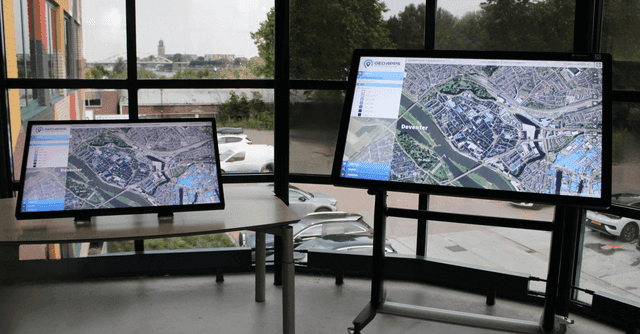
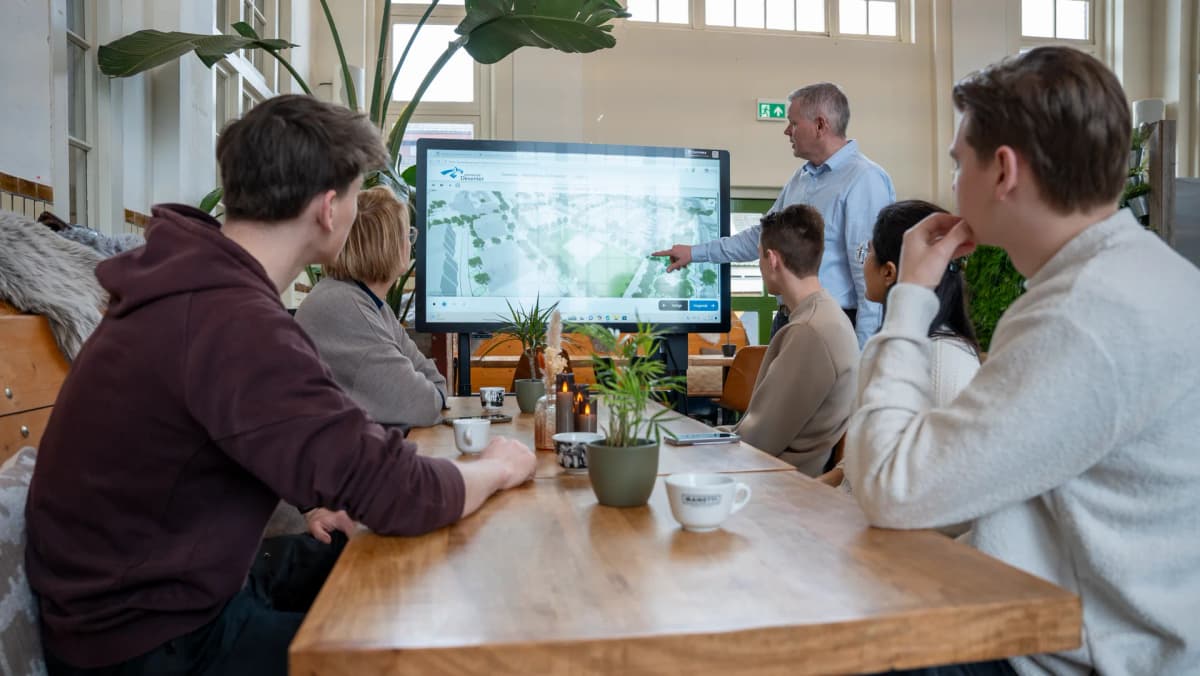
GeoApps maps on the map table
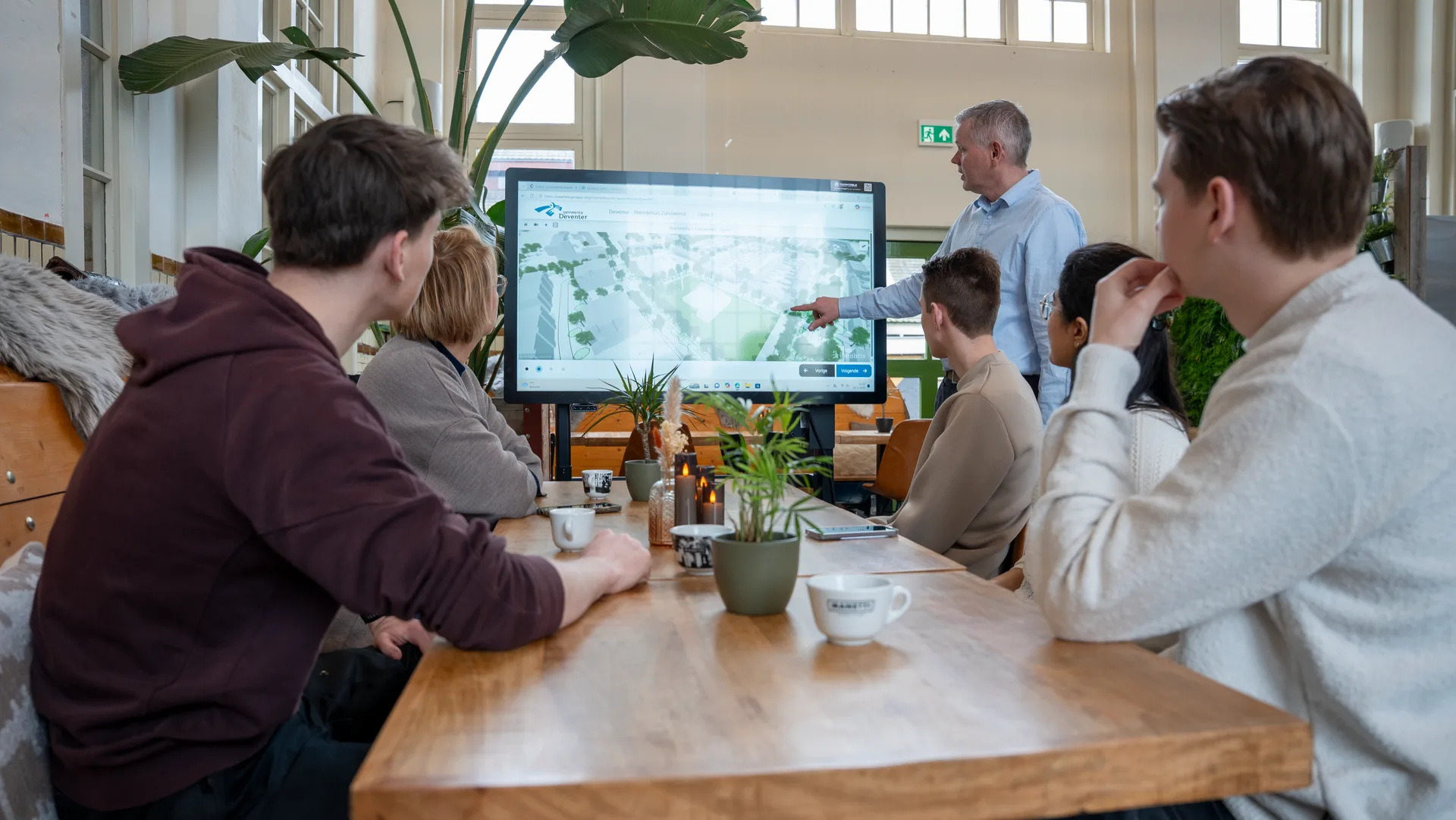
Interactive presentation
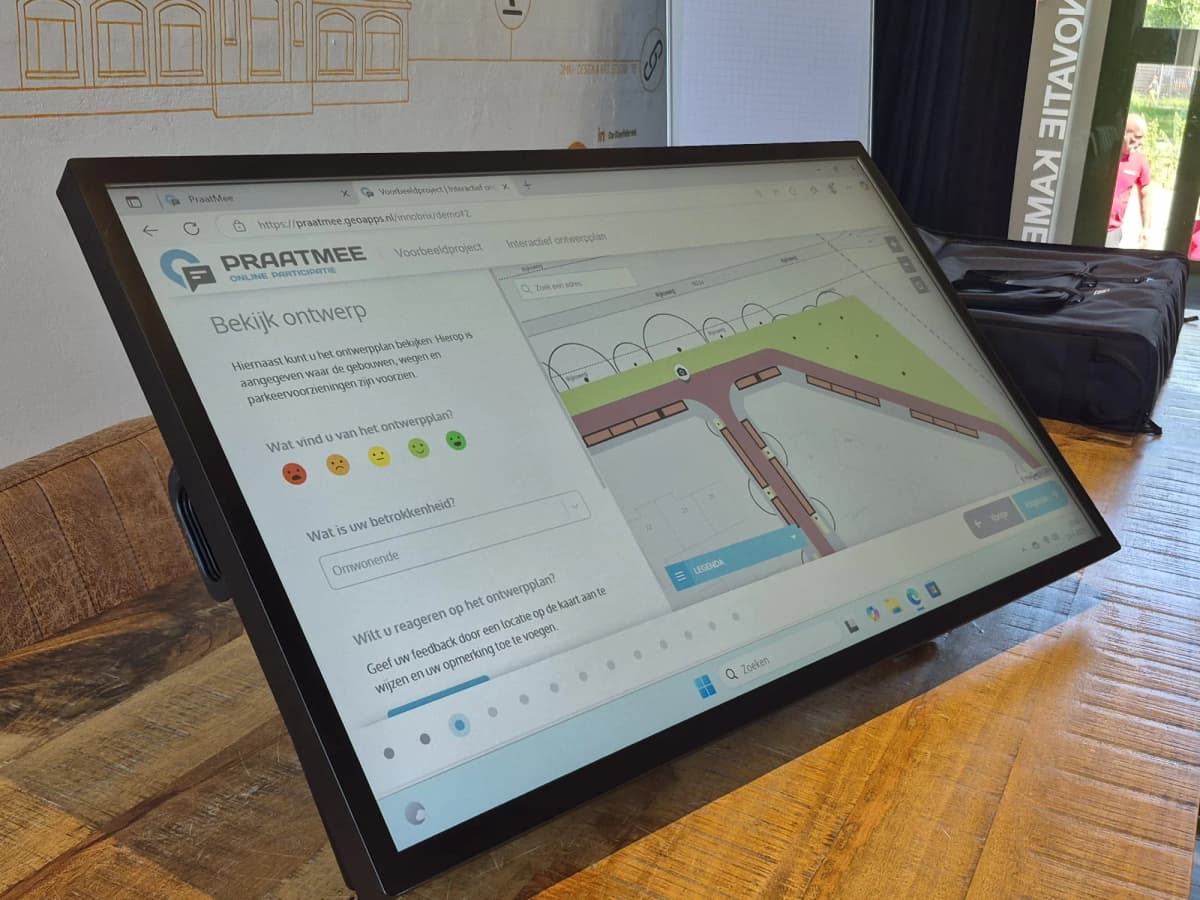
Participation at the table

What is the Digital Map Table?

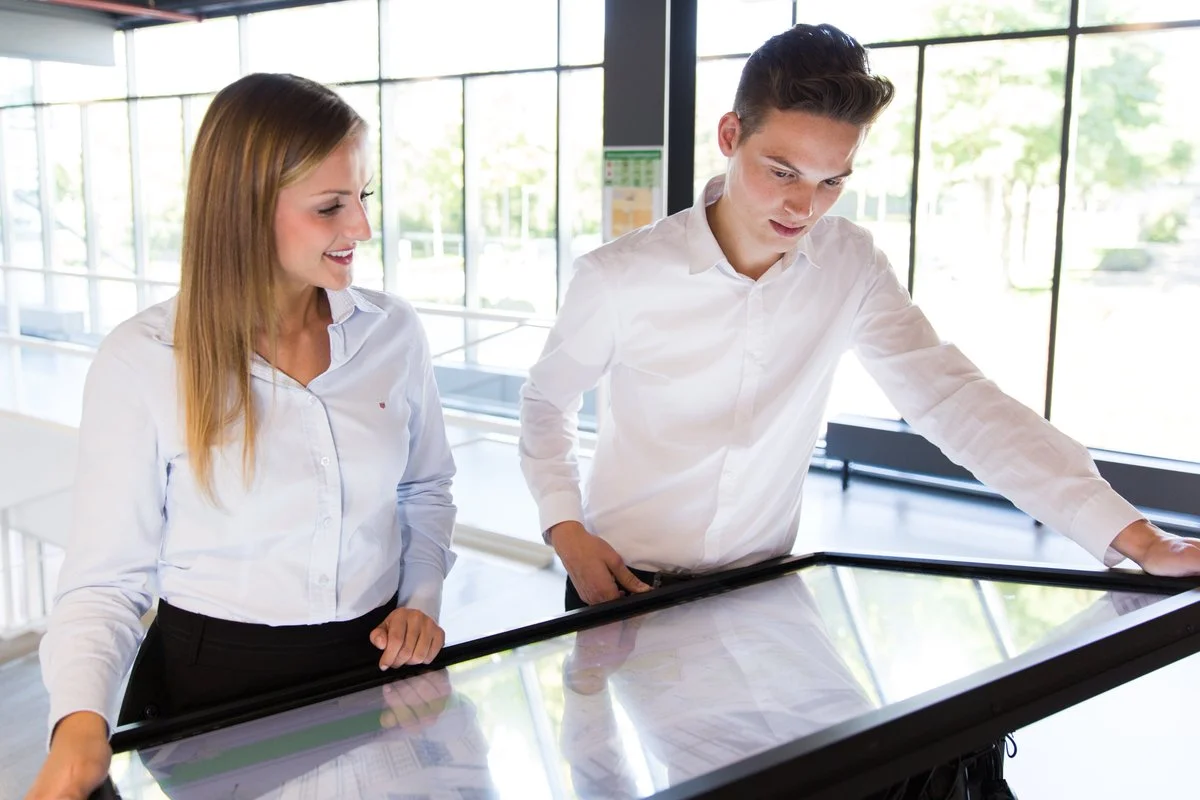
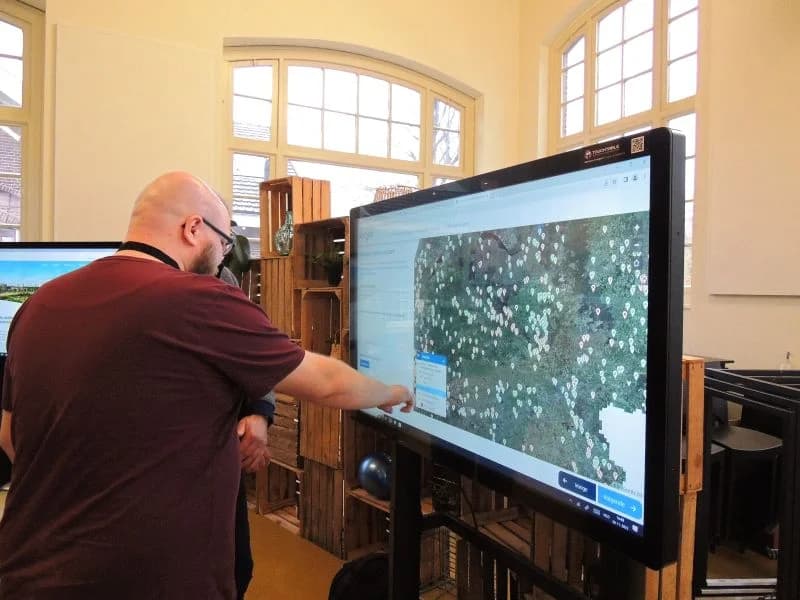
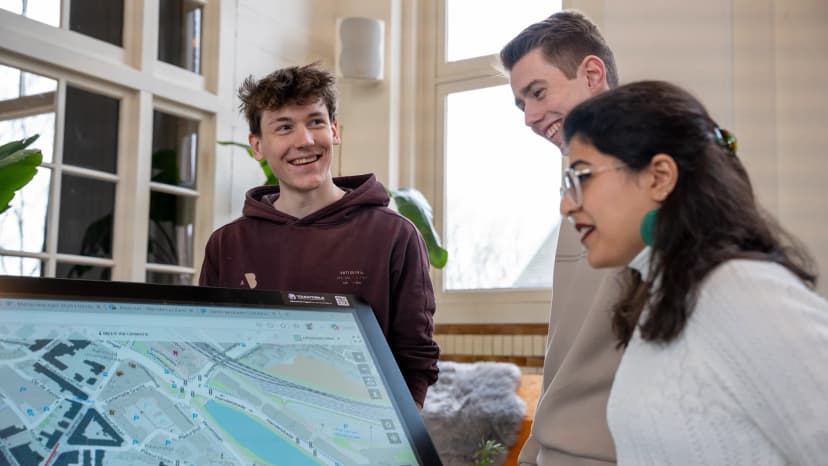
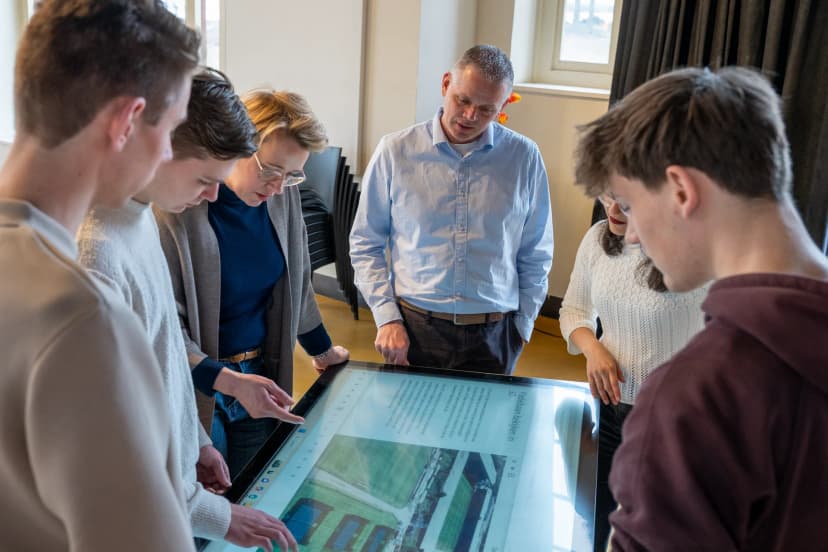
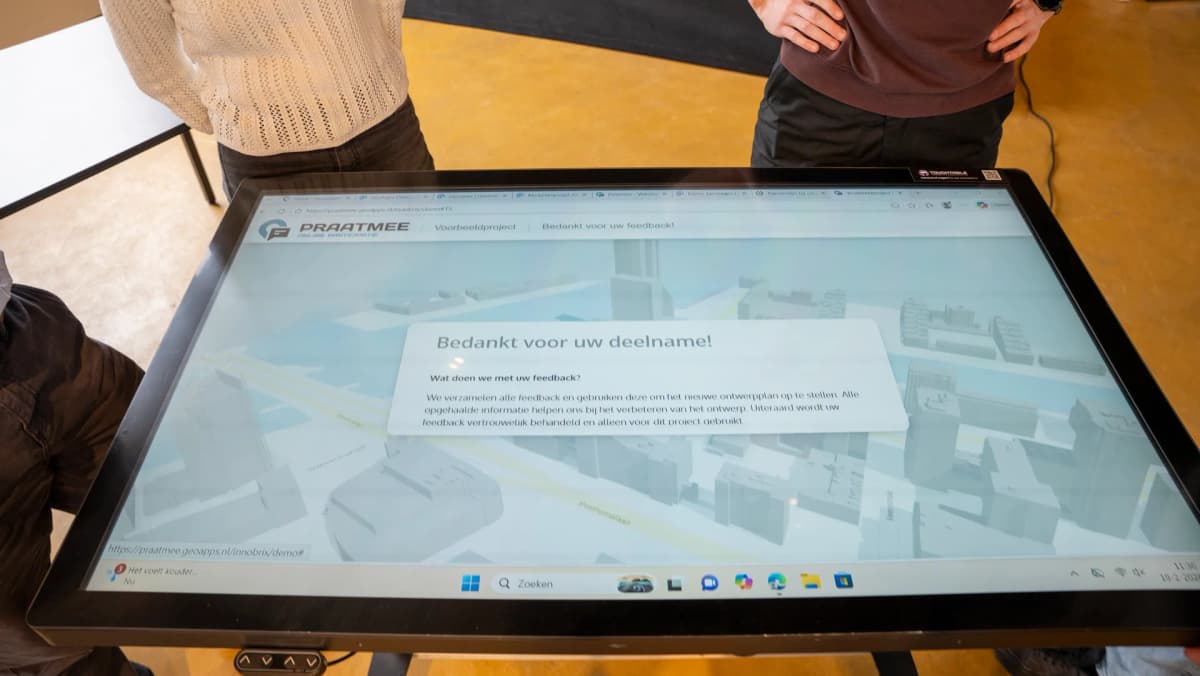
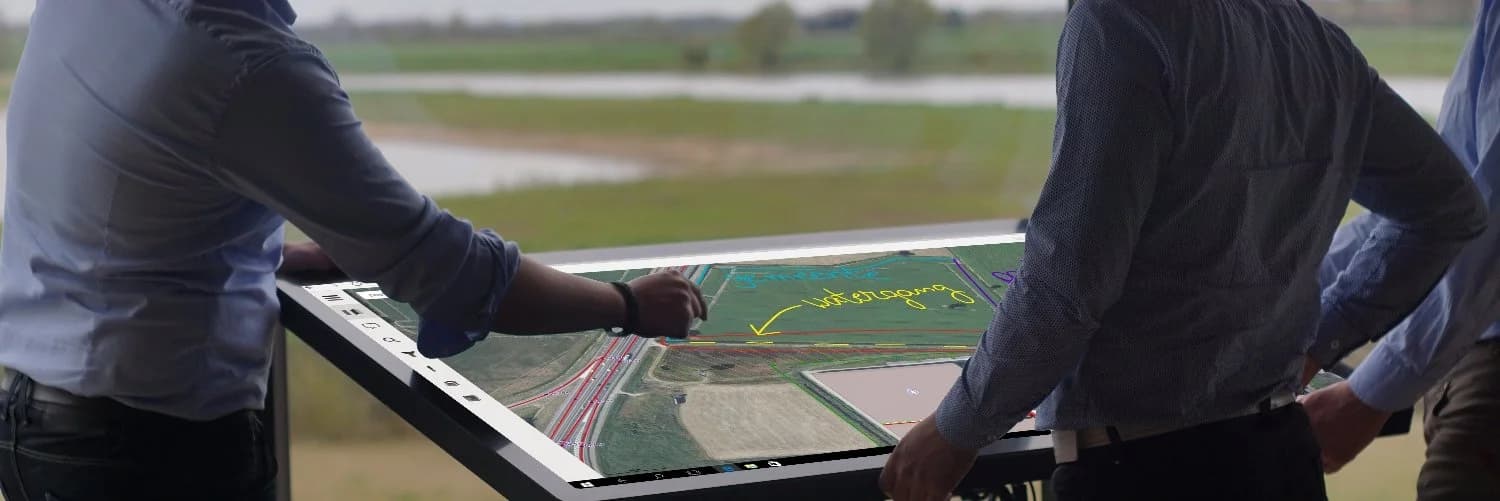
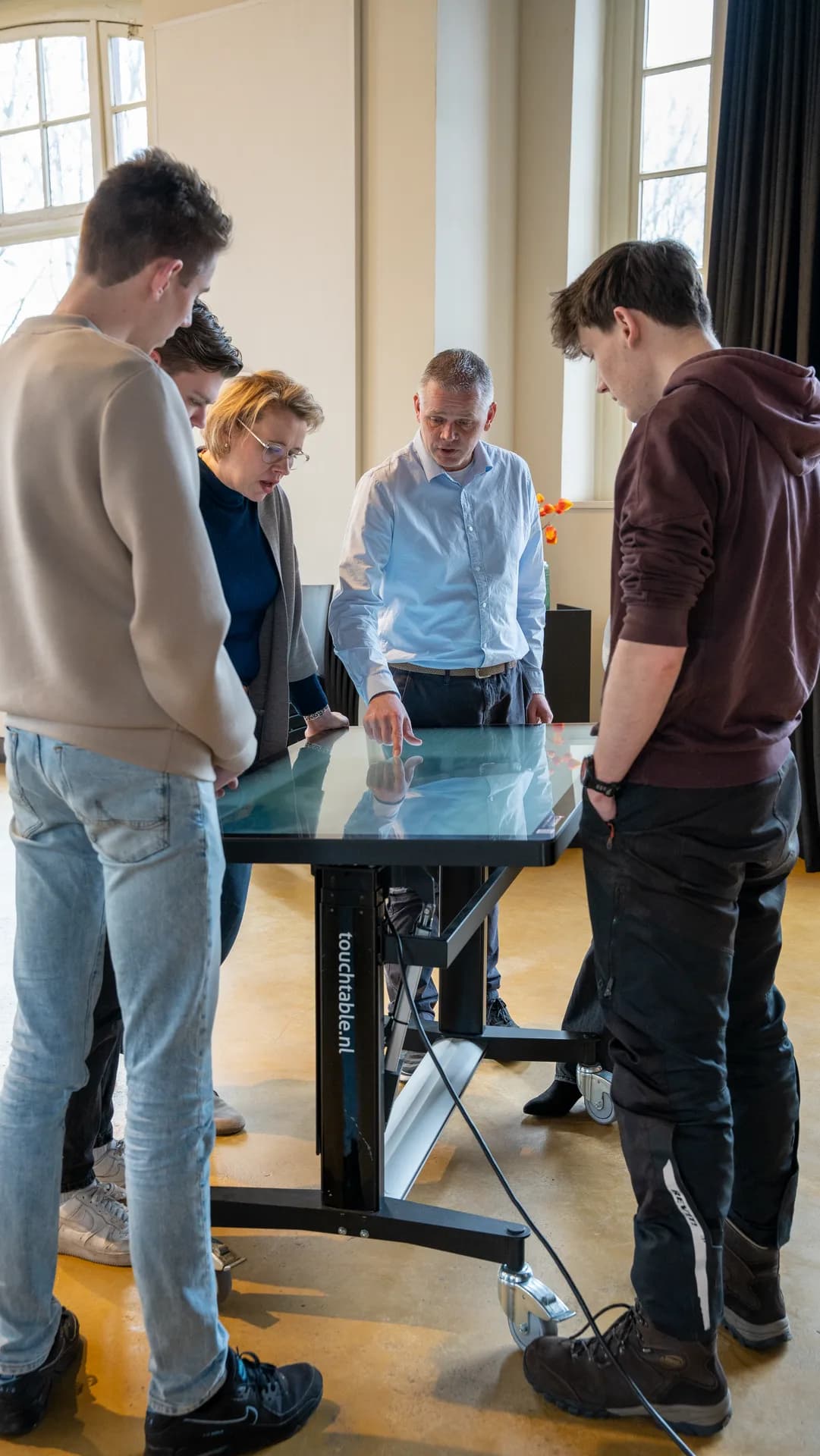
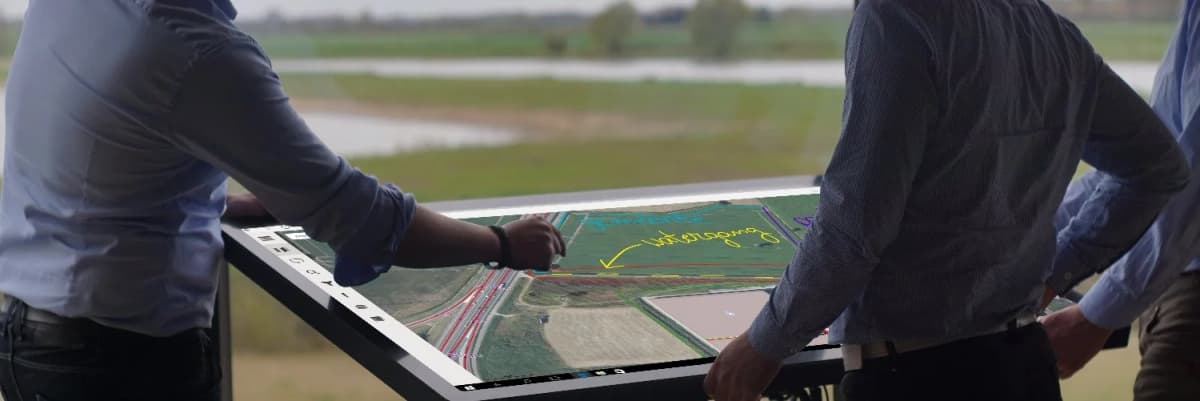
The Digital Map Table combines a large multi-touch screen with powerful mapping software. This transforms any discussion about GIS data or spatial plans into a visual and interactive conversation where everyone can participate.

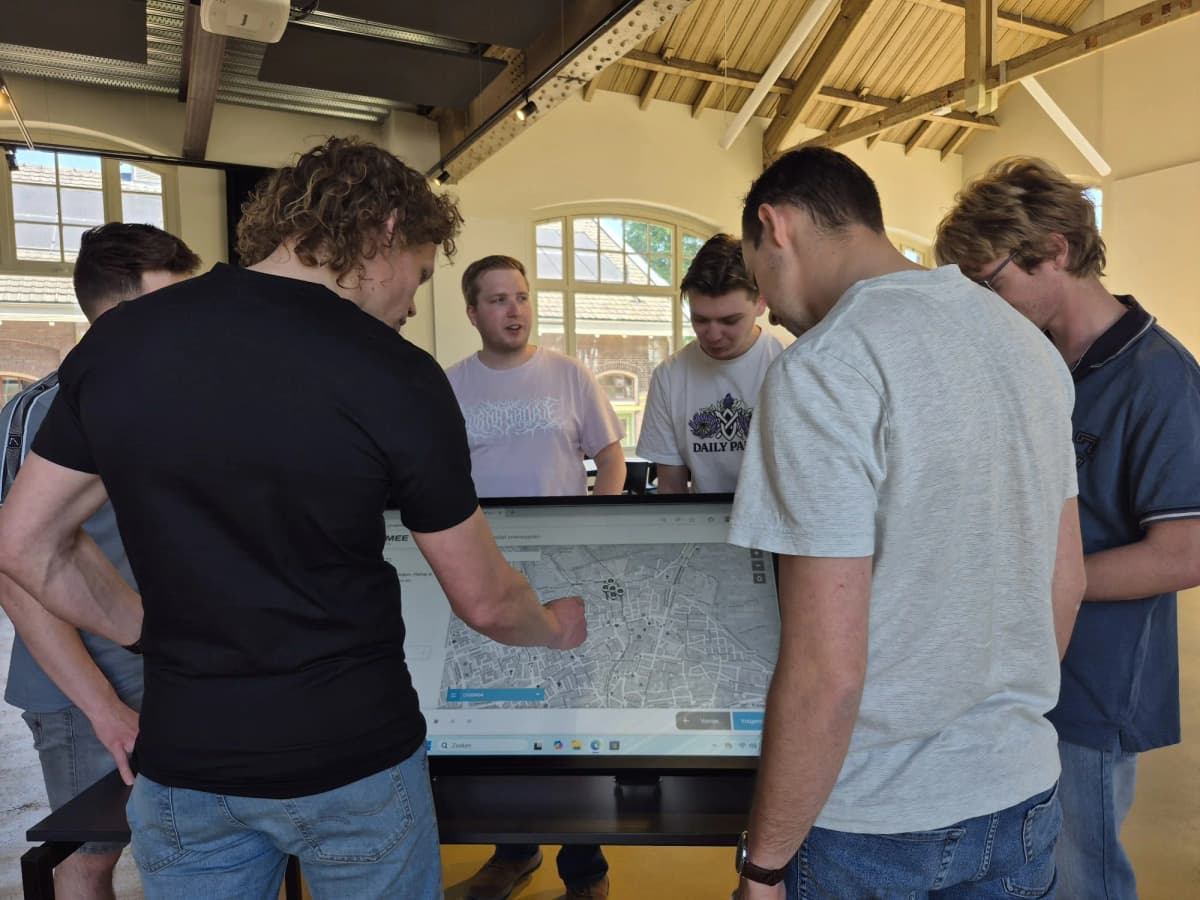
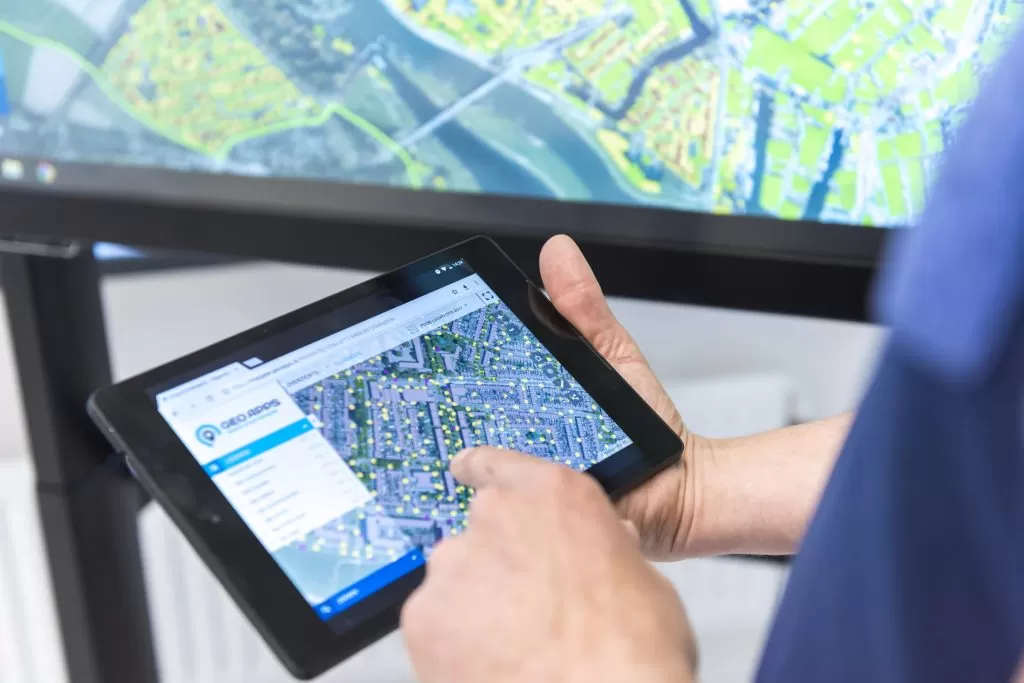
TouchTable in use for GIS analysis

Multi-touch Support

Multiple users can interact simultaneously with the map

Custom Interfaces

Tailored interfaces optimized for large touchscreens

High Performance

Smooth performance even with large datasets

Integration Ready

Connect with your existing GIS infrastructure

From GIS data to conversation at the table

A familiar workflow for planners, GIS specialists and project teams

1

Connect your maps

Load project layers, base maps and GeoApps apps on the large screen – ready for the session.

2

Explore together

Zoom, pan and draw with several people at once. Discuss scenarios directly on the map.

3

Capture decisions

Share insights with stakeholders and continue in your GeoApps environment.

Data and maps in the meeting room

Mobile & ready to go

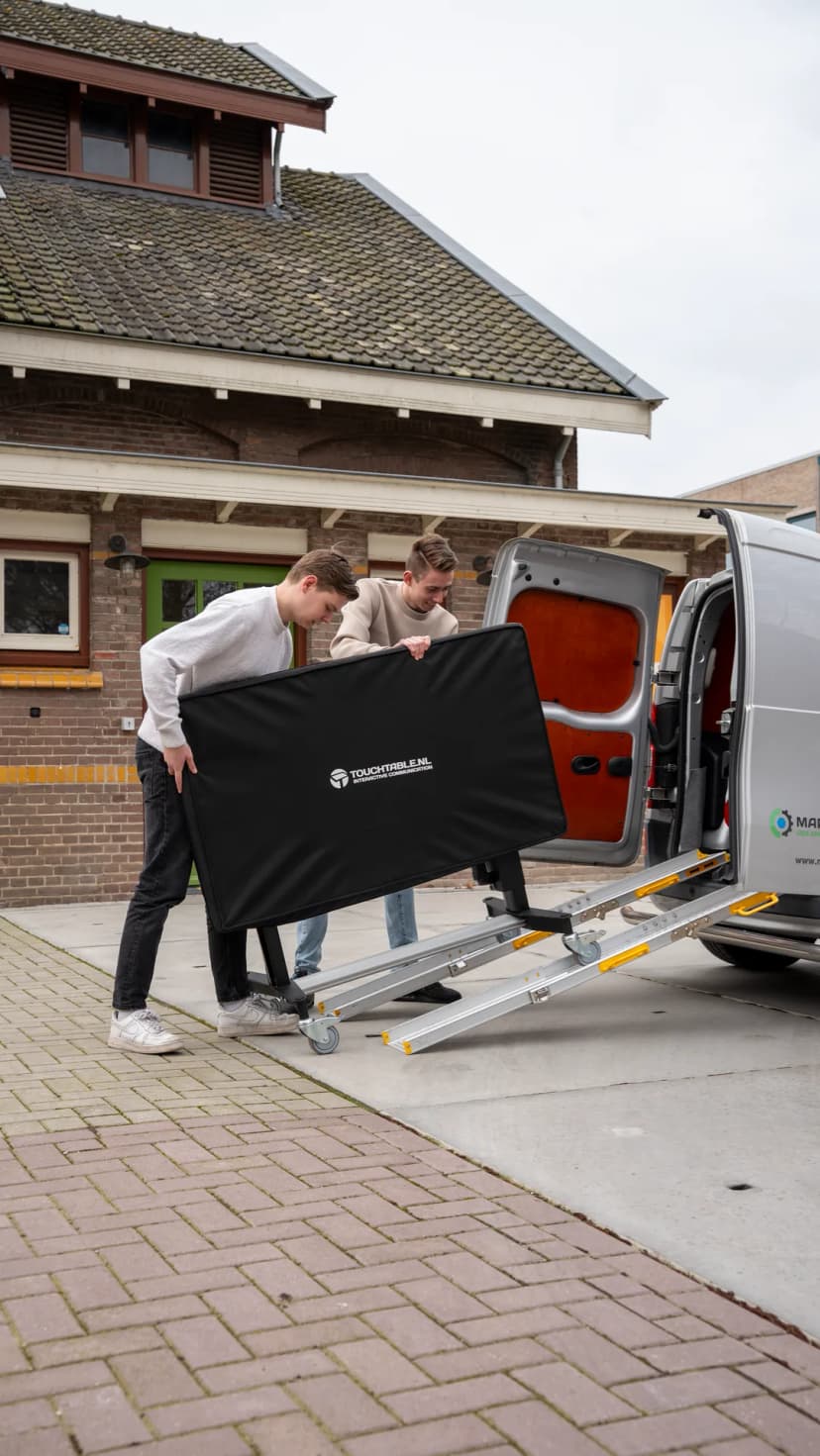
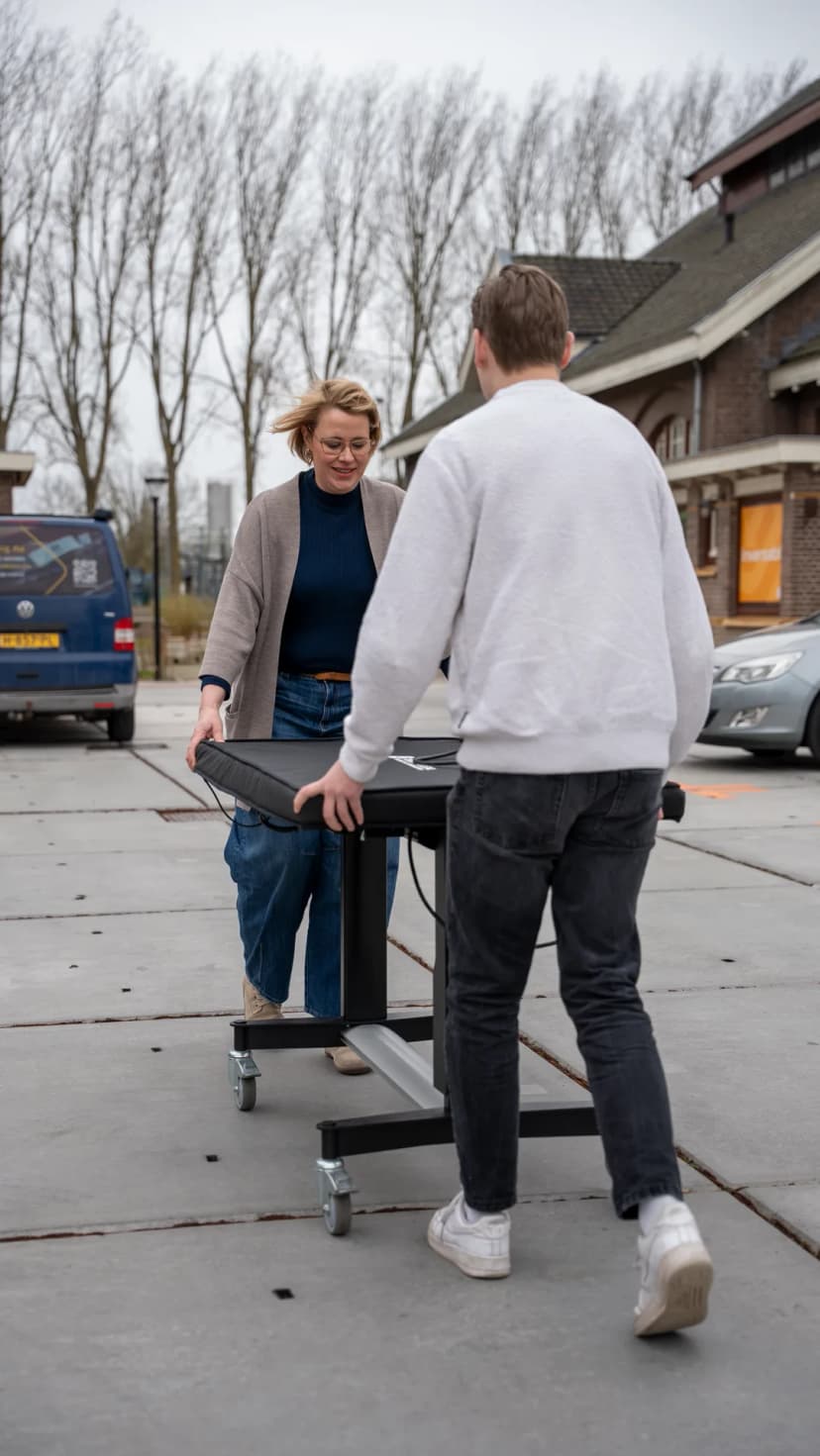
TouchTable can be transported to your location. We deliver, set up and collect.

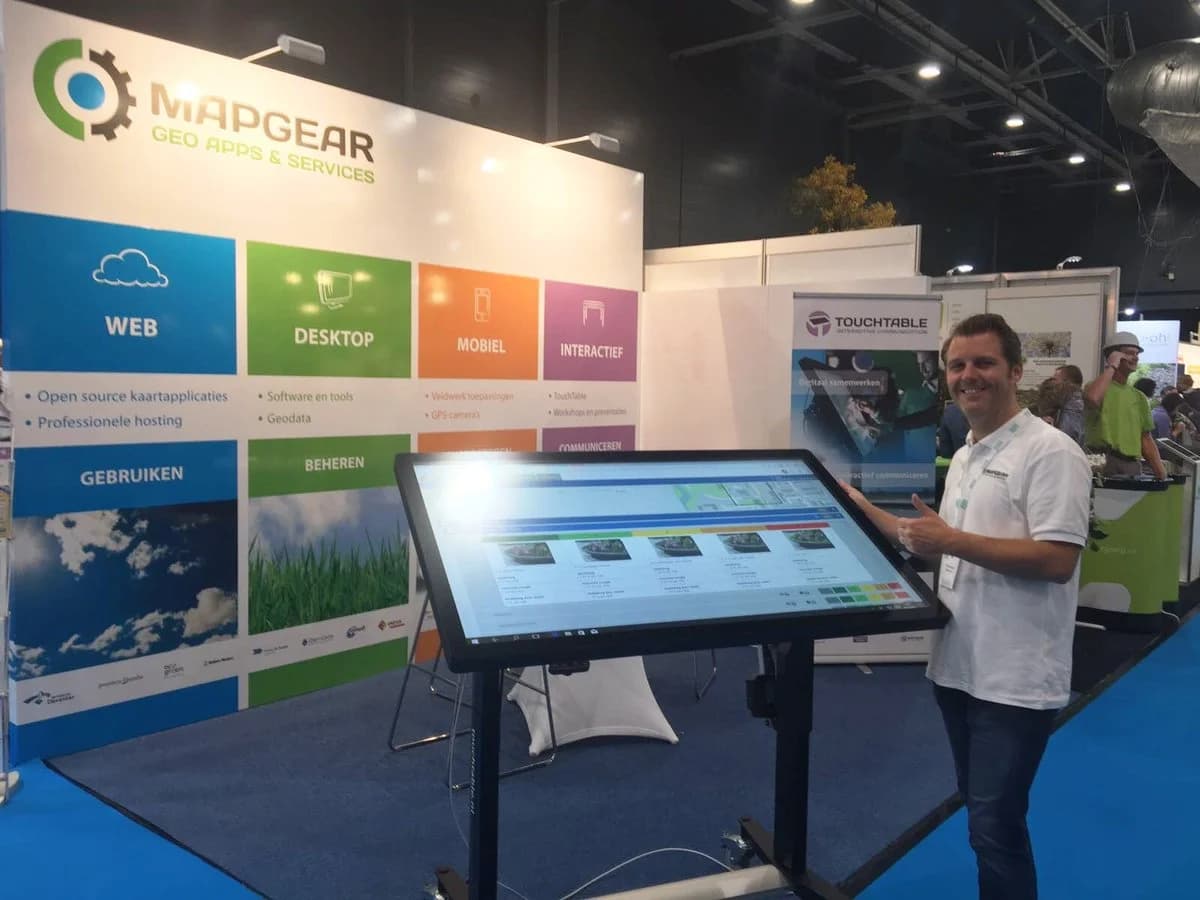
From workshops to trade fairs – the table goes where you need it. Our transport van brings the TouchTable safely to your event or project location.

TouchTable transport
TouchTable on location
Ready for transport

Ready for transport

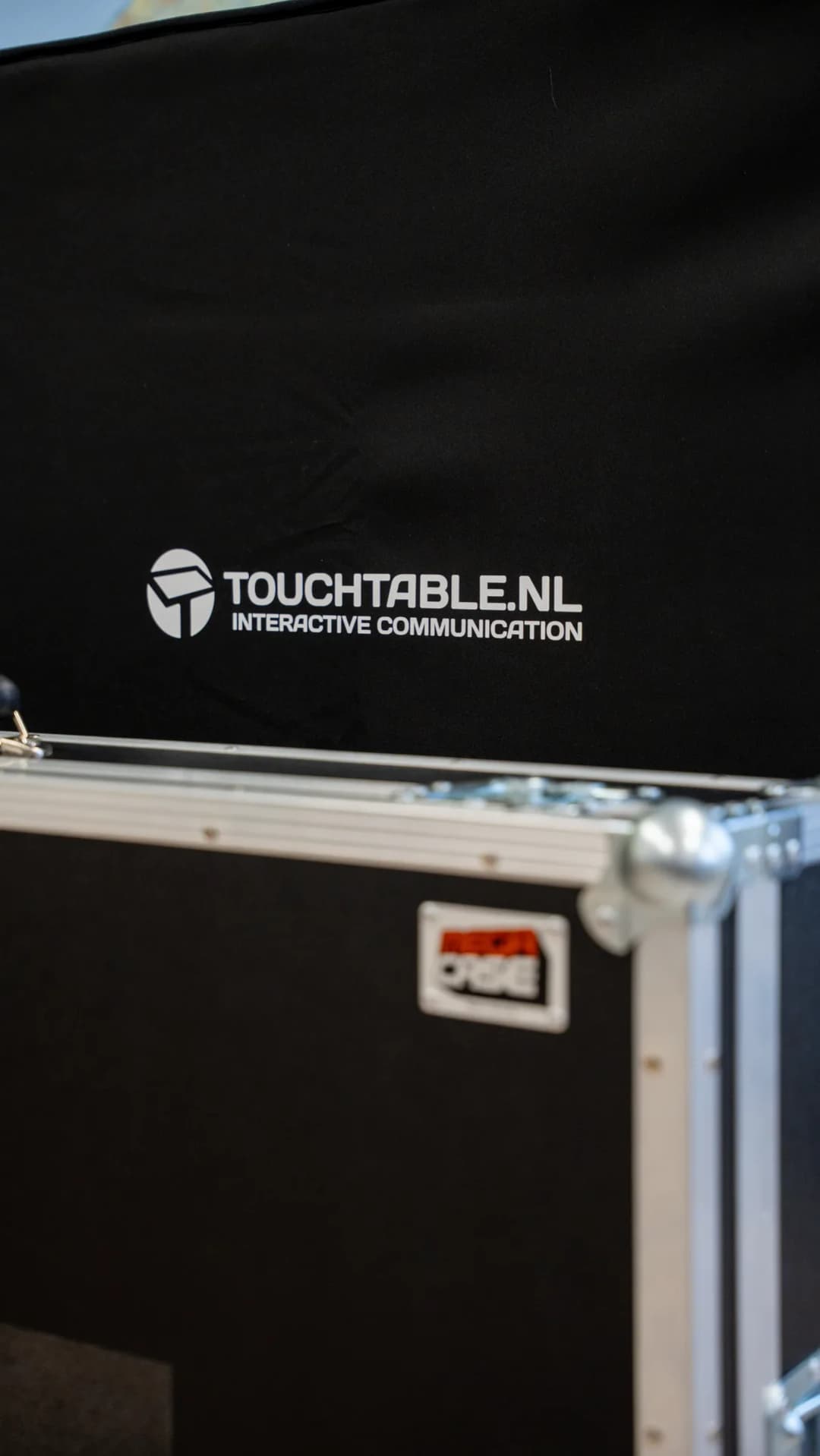
TouchTable Go fits in a carrying case and can be taken by car.

The compact TouchTable Go variant comes with a protective carrying case. Ideal for demos on location or smaller sessions.

TouchTable in action

From trade fairs to participation sessions, workshops to education – discover how TouchTable is used.

GeoApps maps on the map table

GeoApps maps on the map table

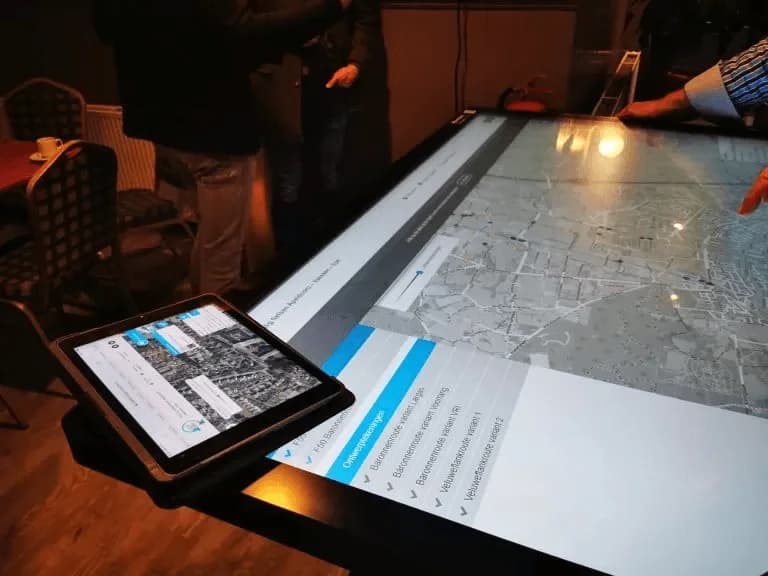
Planning with stakeholders

Planning with stakeholders

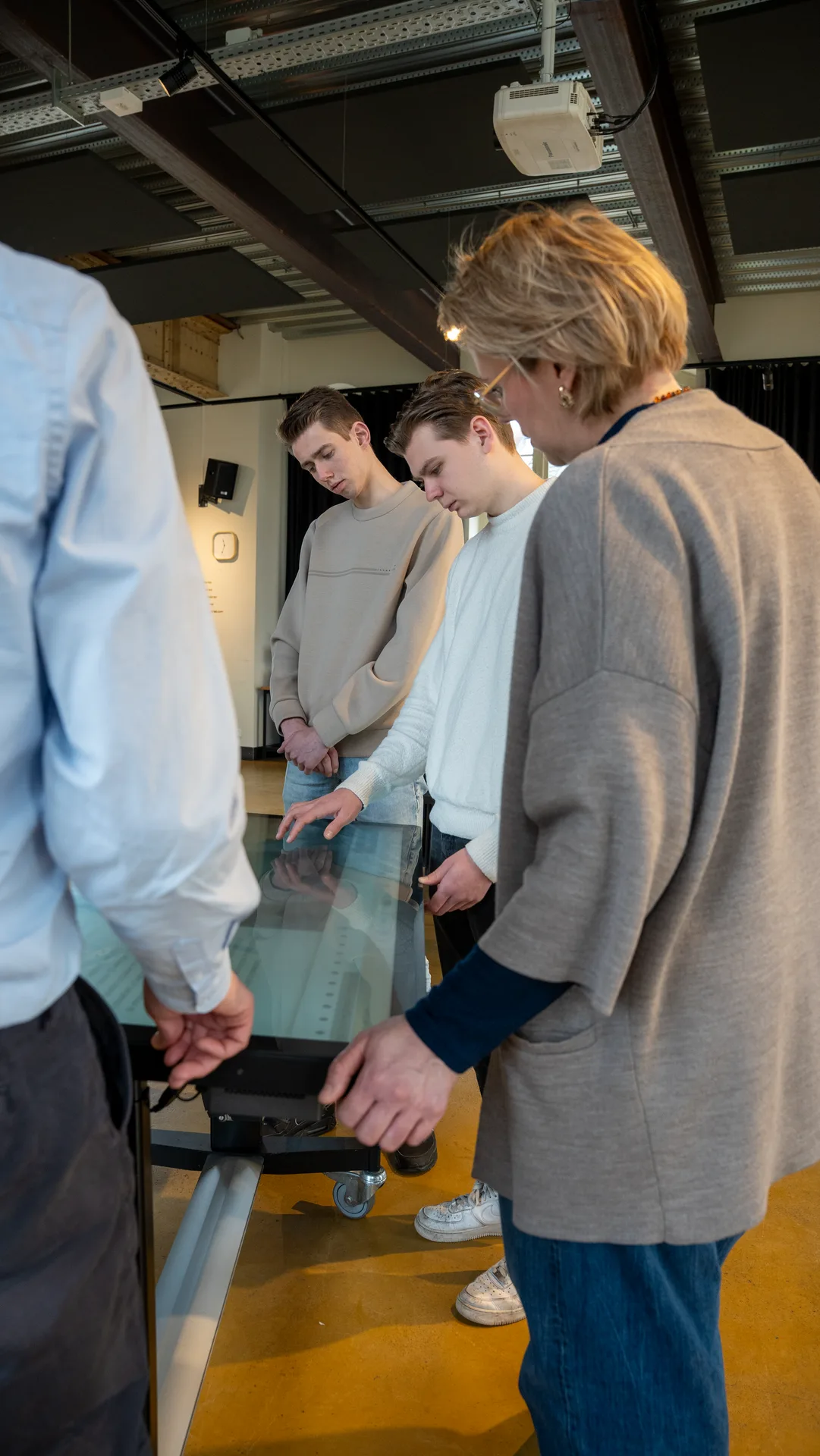
Participation at the table

Participation at the table

Participation at the table

Participation at the table

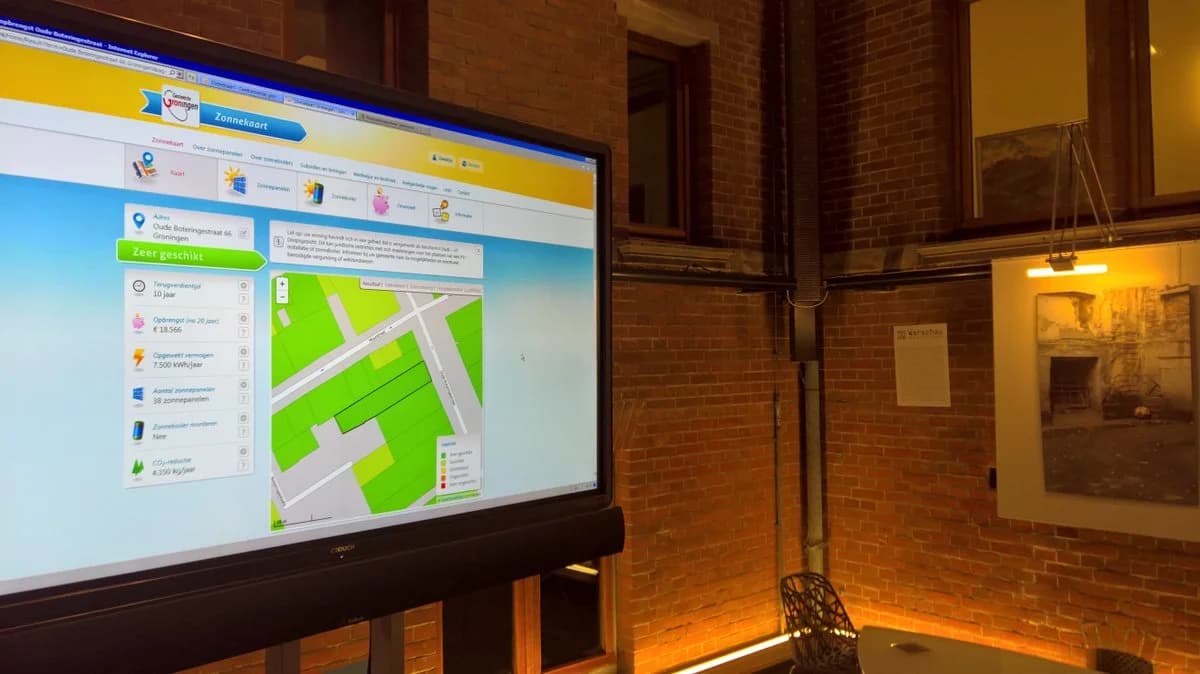
Sustainability and energy transition

Sustainability and energy transition

Collaboration around the table

Collaboration around the table

Spatial planning

Spatial planning

Interactive presentation

Interactive presentation

Workshop or brainstorming session

Workshop or brainstorming session

GIS education at the table

GIS education at the table

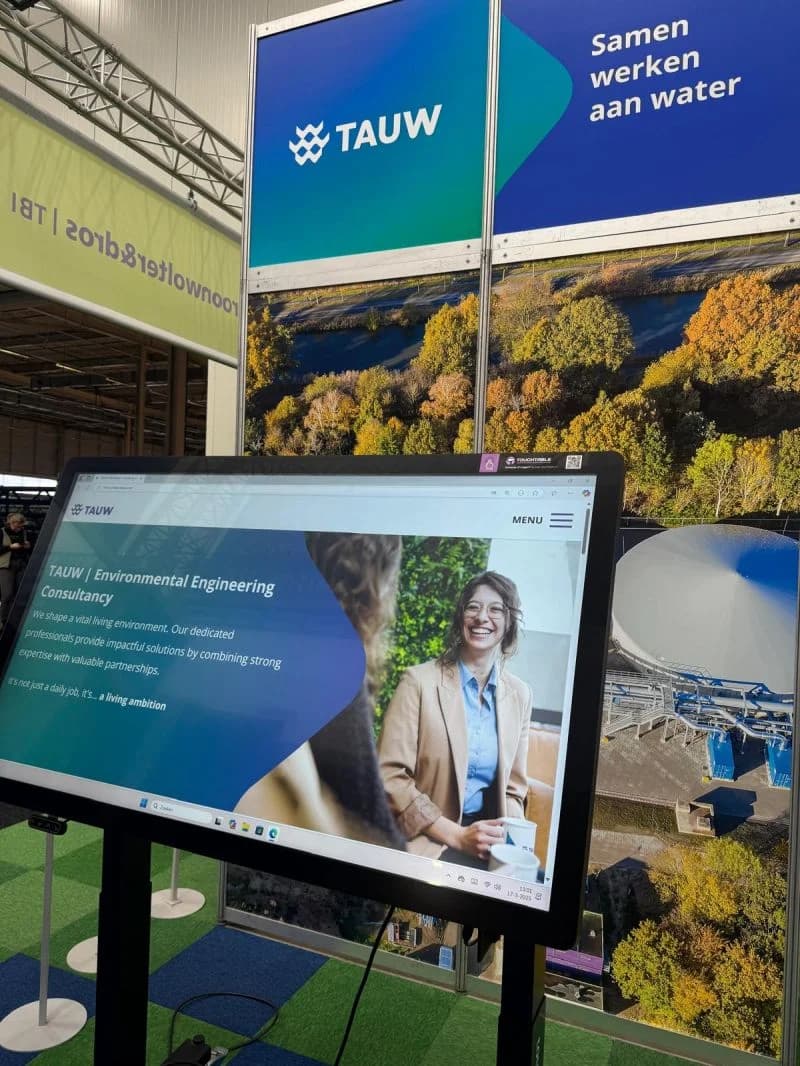
Geo-ICT at trade shows and events

Geo-ICT at trade shows and events

Reviewing designs and scenarios

Reviewing designs and scenarios

Data and maps in the meeting room

Data and maps in the meeting room

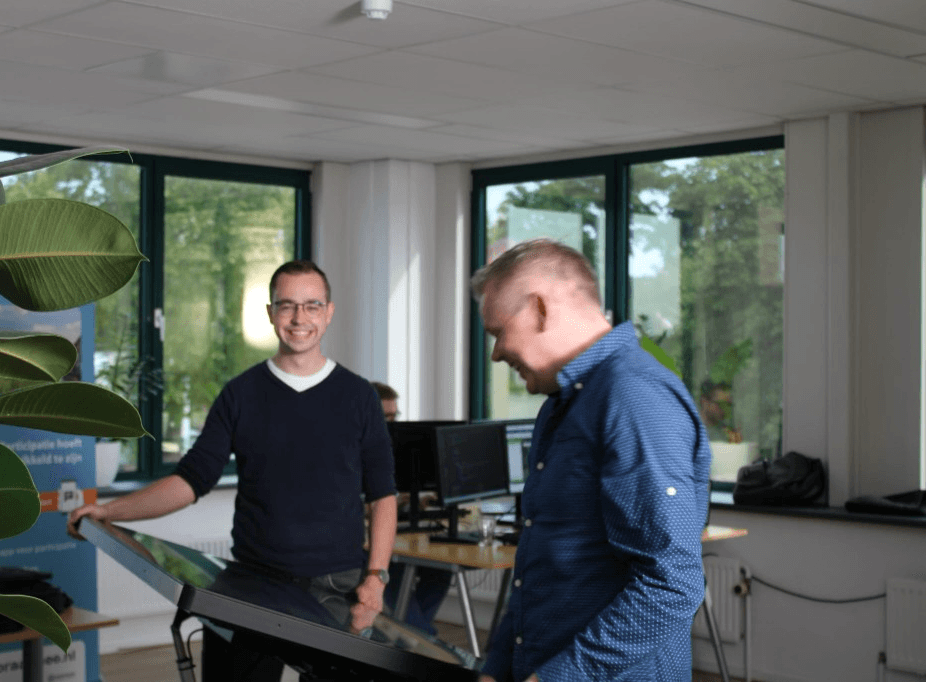
Collaborating at the TouchTable in the office

Collaborating at the TouchTable in the office

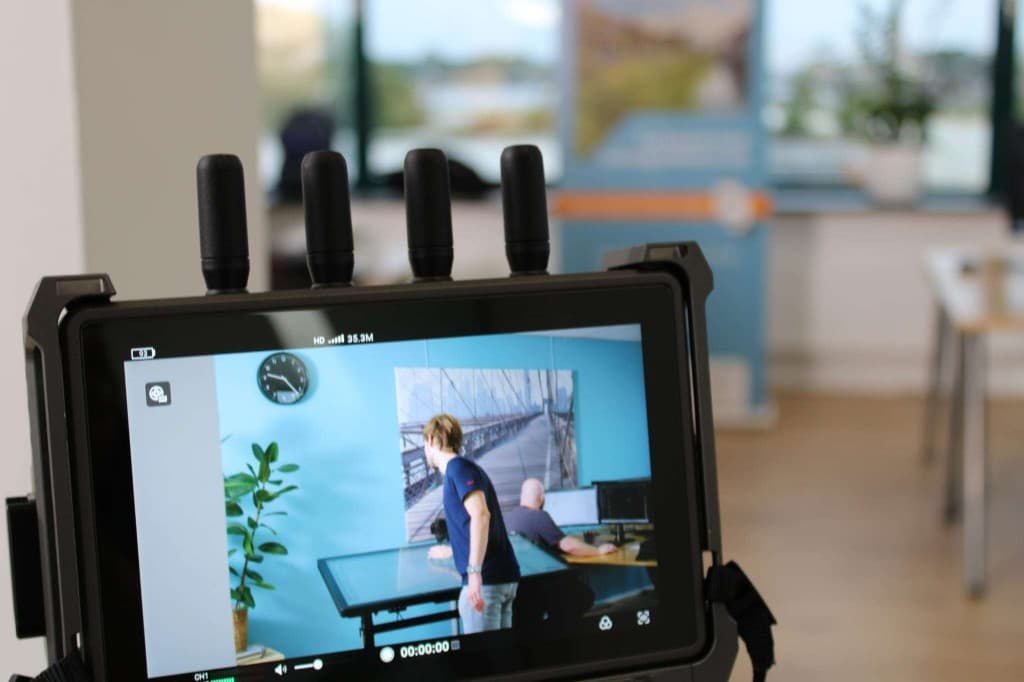
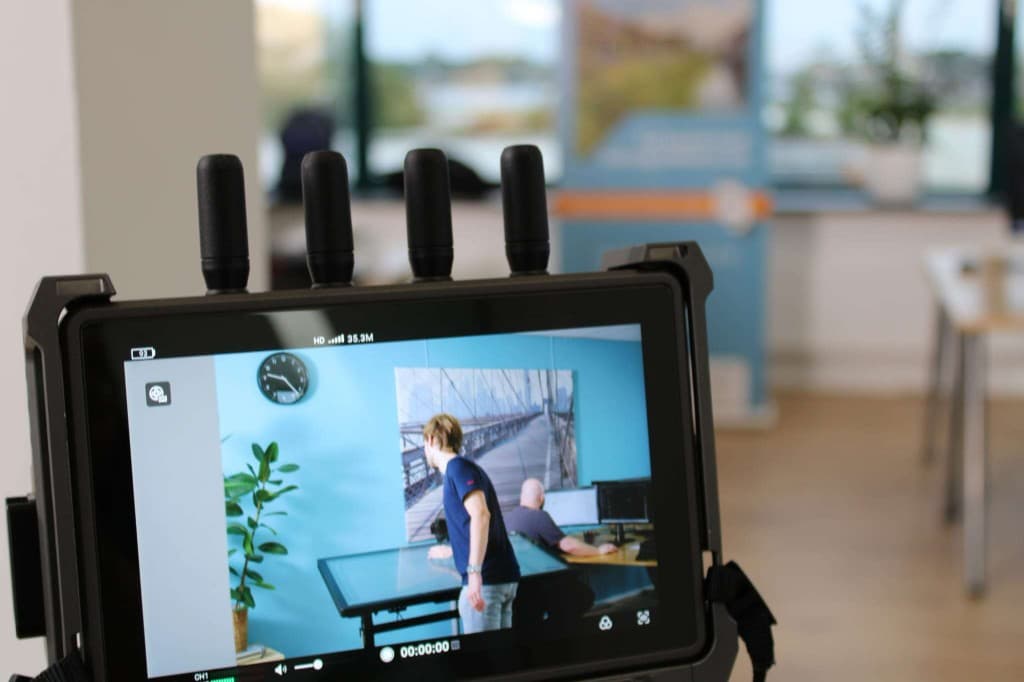
TouchTable demonstration at the office

TouchTable demonstration at the office

Office demo

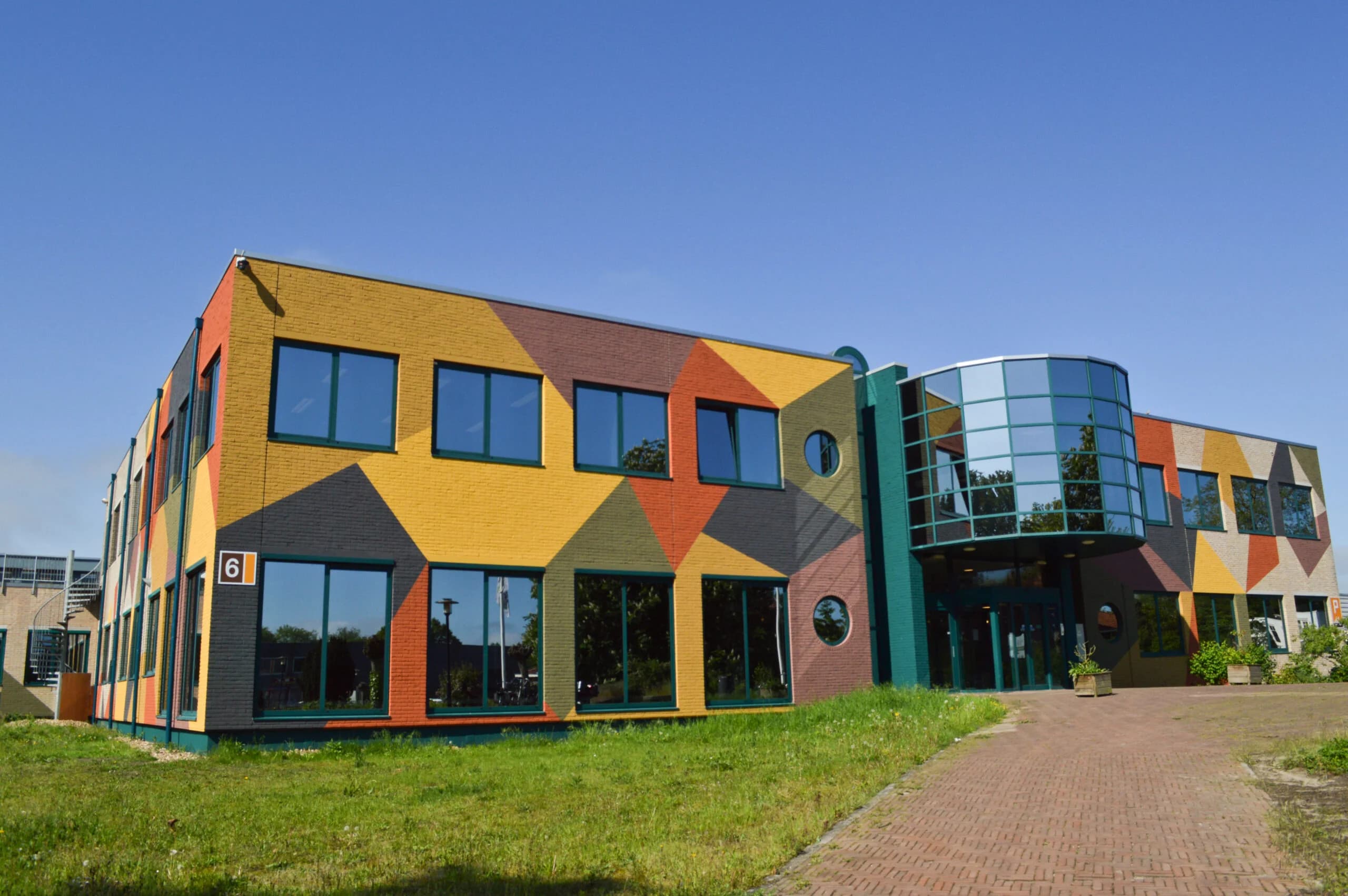
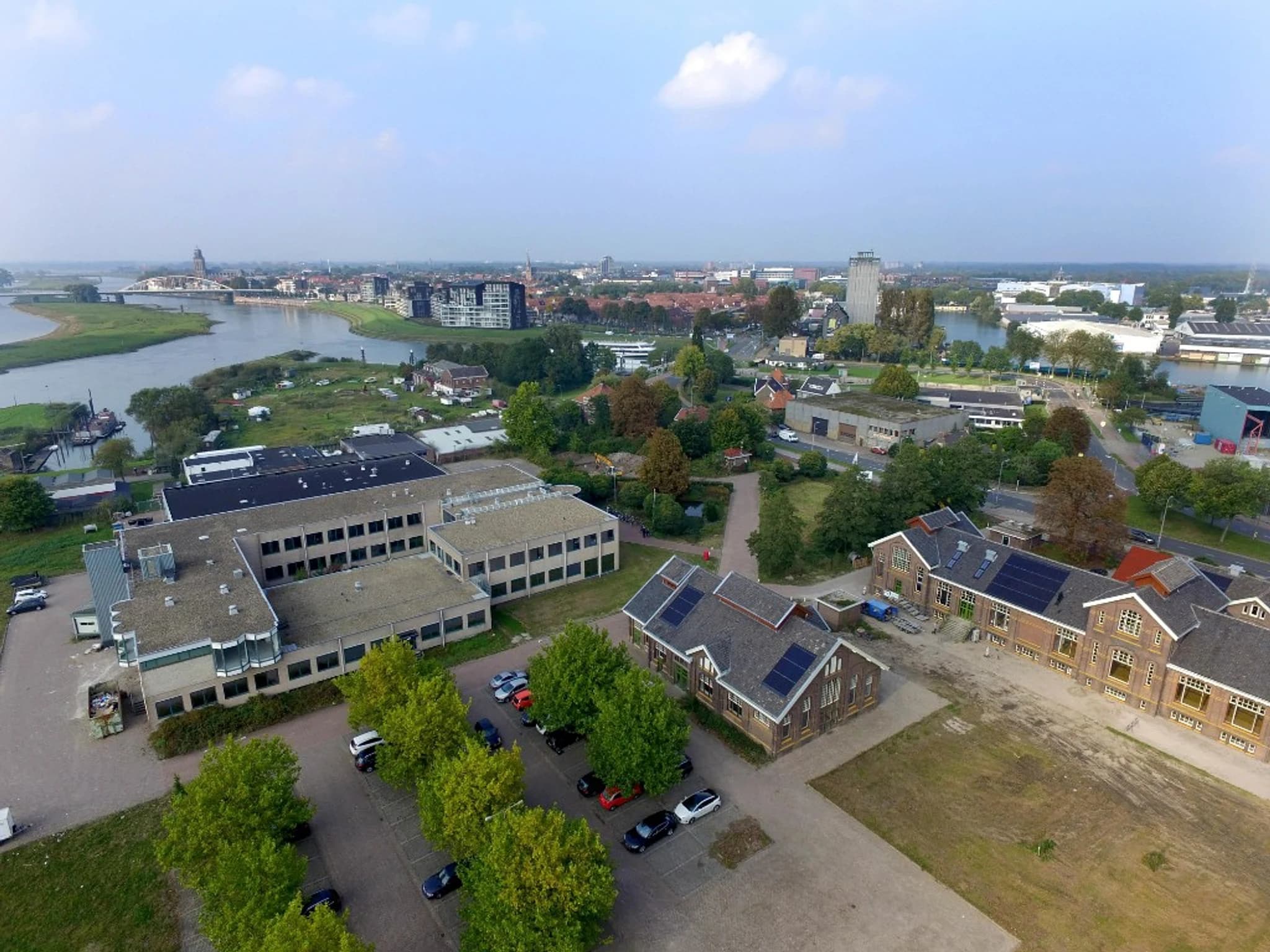
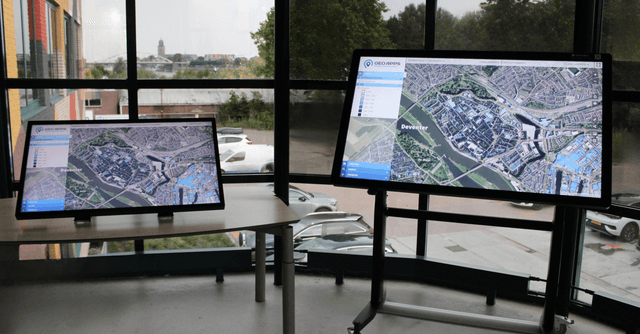
Visit us at Gasfabriek Campus in Deventer for a live demonstration.

Our team shows you the TouchTable in action – ideal before you rent, buy or plan a session.

Collaborating at the TouchTable in the office
TouchTable demonstration at the office

GIS use cases in practice

Where TouchTable and GeoApps meet – with real deployment images from projects and sessions.

Spatial planning

Spatial planning

Discuss area development, spatial visions and scenarios on one interactive map.

More about this solution

Participation & engagement

Participation & engagement

Let citizens and stakeholders co-create plans with understandable map visuals.

More about this solution
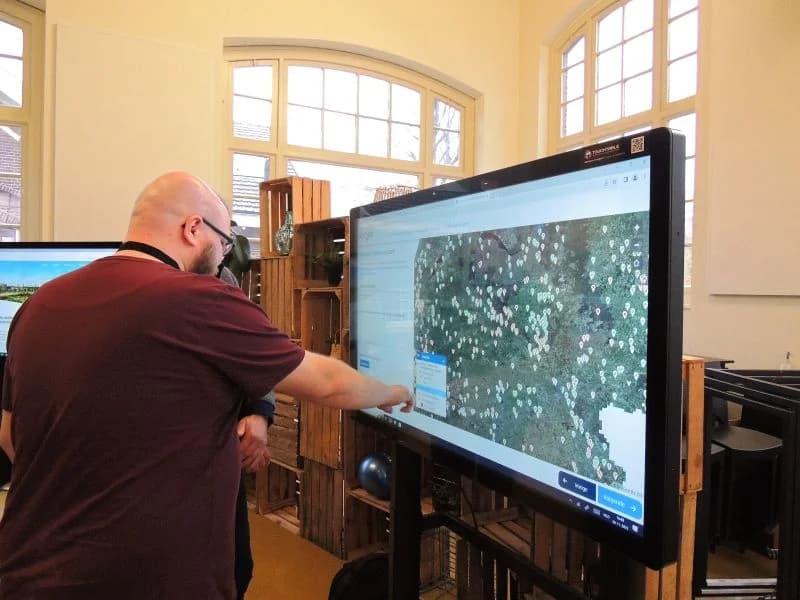
GIS viewer on the big screen

GIS viewer on the big screen

Viewer capabilities in the room: layers, filters and analysis for technical and non-technical audiences.

More about this solution
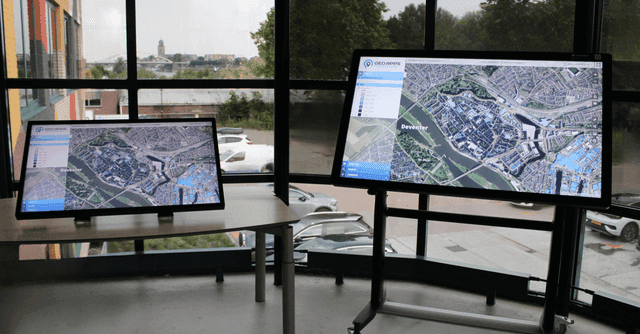
Education & knowledge sharing

Education & knowledge sharing

Explain GIS, geo-ICT and spatial topics interactively to students and trainees.

More about this solution

Key benefits of interactive touchtable solutions

Enhanced Engagement

Create interactive experiences that captivate your audience

Better Understanding

Help stakeholders understand complex spatial information

Collaborative Planning

Facilitate group discussions and decision-making

Professional Presentation

Present your projects in a modern and impressive way

Part of the GeoApps ecosystem

TouchTable complements software and data – it is not a standalone product.

GeoApps Viewer

The same map engine, optimized for large touch format.

More about this solution

MapTalk

Combine online participation with in-person sessions at the map table.

More about this solution

MapServices

Current geodata and base maps as the foundation for your sessions.

More about this solution

More about TouchTable

Models, rental, brochures and technical documentation on touchtable.nl.

Go to touchtable.nlBrochures & flyers

Ready to bring your data to life?

Discover how TouchTable can transform your spatial projects and improve collaboration.
Get a Demo
GeoApps Viewer
Gasfabriek project
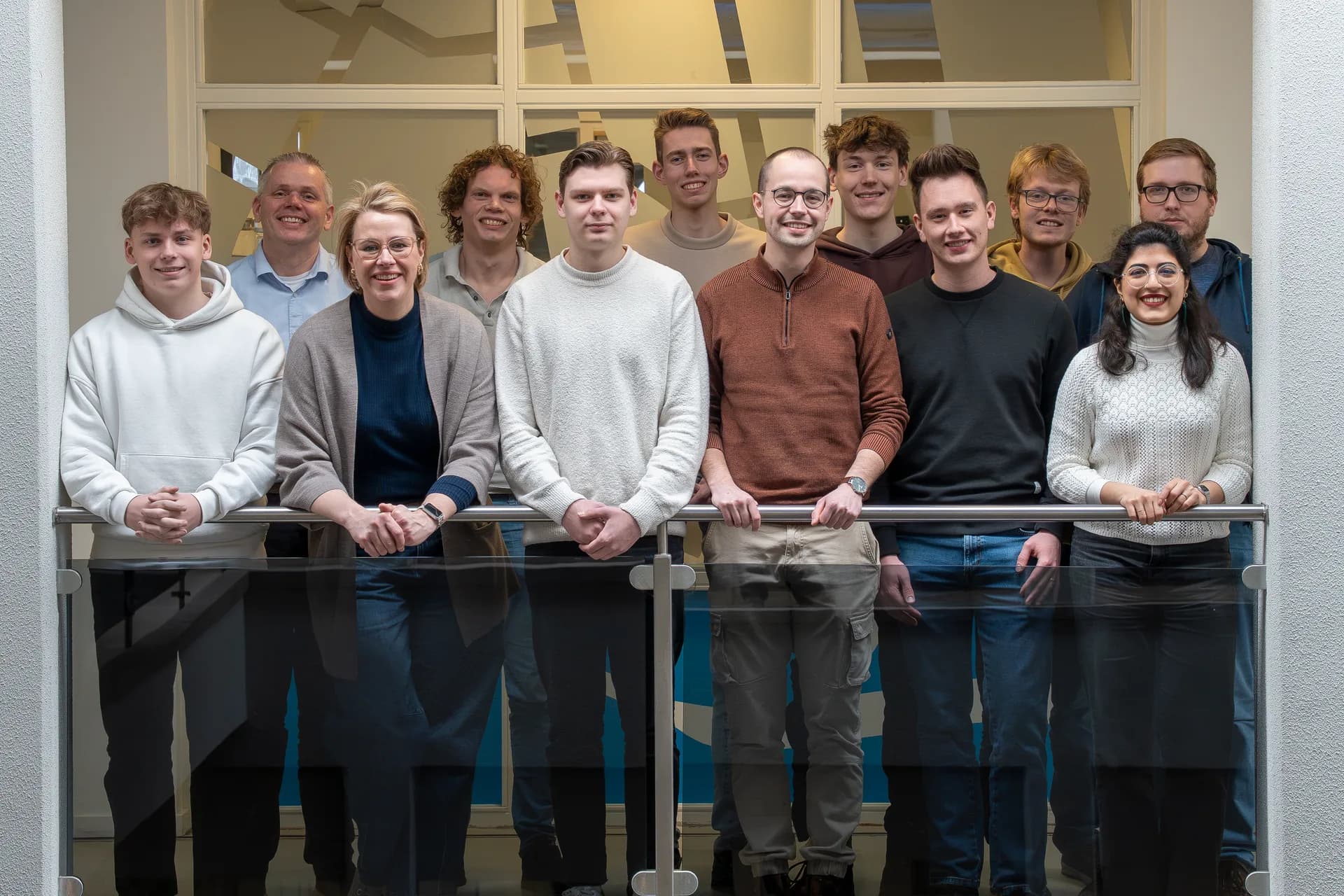
MapGear team office

Frequently Asked Questions about TouchTable

Answers to frequently asked questions about TouchTable, the models, rental and applications.
What exactly is TouchTable?
TouchTable is an interactive touch table that allows multiple users to collaborate simultaneously on documents, maps, designs and more. TouchTable comes in 2 models: Standard with a mobile base, and Go as a portable variant. Both models are customizable & configurable. The interactive multitouch table for professional sessions that won't be forgotten.
What are the differences between TouchTable Standard and TouchTable Go?
TouchTable Standard is the flagship model with a 46-85" 4K touchscreen, height adjustable, tiltable and with a mobile base. TouchTable Go is a compact 43" 4K touchscreen that is portable and can be taken in a car, including carrying bag or carrying case. Both models support multi-touch (up to 40 simultaneous touches), have a built-in PC and include software updates and 2 years warranty.
Can I rent a TouchTable?
Yes, you can rent a TouchTable for your event, trade show or project. We offer a complete hassle-free package including transport, technical support, insurance and on-site installation. If you purchase within a week after rental, the rental price (for 1 day) will be deducted from the purchase price through our Try & Buy program.
What applications is TouchTable suitable for?
TouchTable is suitable for various applications such as trade shows & events, area development, participation, sustainability, education and safety. Perfect for interactive presentations, design workshops, participation meetings, crisis management, education and map visualization. The table improves the way you communicate, collaborate and make decisions.
What kind of support and service do you offer?
We offer comprehensive support including warranty, repairs, technical support, software updates and transport. In addition, we offer a Try & Buy program, demos at the office or online, and personal advice on the best TouchTable for your situation. Everything is delivered completely including transport, installation and instruction on site.
What are the technical specifications?
TouchTable supports multi-touch with up to 40 simultaneous touches, has 4K resolution for crystal-clear display, and is designed for multiple users to work simultaneously. The table has a powerful built-in computer with i5 or i7 processor, all in one. The table is flexibly available in various variants as base, screen size and software configurations.
GeoApps Logo

GeoApps is the leading software platform for GIS applications and spatial data, enabling organizations to make data-driven decisions.

Solutions

  • Urban Planning
  • Infrastructure
  • Real Estate
  • Environment & Climate
  • Energy Transition
  • Safety & Risk
  • GIS & cartography

Products

  • GeoApps
  • Solutions
  • ESG-Maps
  • MapServices
  • TouchTable
  • Consultation
  • Platform

Apps

  • Viewer
  • Dashboard
  • Fieldwork
  • MapTour
  • MapTalk
  • Custom
  • QGIS plugin

For whom?

  • Municipalities
  • Provinces
  • Environmental Services
  • Engineering
  • Contractors
  • Safety Regions
  • Water authorities

Platform

  • Integrations
  • Documentation
  • GIS Lexicon
  • System Status
  • Changelog
  • Support
  • Subscriptions

Company

  • About Us
  • Careers
  • Contact
  • Partners
  • News & Blog
  • Events
  • Projects & cases

Stay up-to-date

Subscribe to our newsletter to get the latest updates on our products and services. You can unsubscribe at any time.

Keep an eye on our socials too

Stay connected with us through our social media channels and get the latest updates on our products and services.

Quality & trust

MapGear is ISO 9001 and ISO 27001 certified and meets the highest quality and security standards for our products and services.

ISO 9001 Certificering
ISO 27001 Certificering
QGIS Membership 2026
© 2026 MapGear B.V. All rights reserved.
Terms & conditionsPrivacy PolicySustainability statement