ExploreJobsAbout usContact
Log in
MapGear Logo
JobsNewsAbout MapGear
Log inContact
MapGear, known through GeoAppsGeoApps

Cookie settings

We use cookies to improve your experience on our website. You can choose which types of cookies you accept. Learn more

GeoApps Logo
Apps
Solutions
Platform
About us
Get advice
  1. Home
  2. Resources
  3. GeoApps vs FME

GeoApps vs FME

Compare GeoApps with FME: when to use which tool? FME for data transformation, GeoApps for publishing and sharing.

FME and GeoApps are complementary. FME is the standard for data transformation and ETL; GeoApps is your platform for publishing and sharing maps and apps. Use both for an optimal data-to-web workflow.

Use FME for:

  • Data transformation and format conversion
  • ETL pipelines and batch processing
  • Integrating diverse data sources
  • Data validation and quality checks
  • Complex geometry and attribute transformations
  • Automated data preparation workflows

Use GeoApps for:

  • Publishing maps and web viewers
  • Sharing geodata with stakeholders
  • Mobile and web access to maps
  • Citizen participation and collaboration
  • WMS/WFS and other OGC services
  • Dashboards and real-time apps

Ideal workflow

Transform and prepare data in FME, then publish and share via GeoApps. Data flows from FME into GeoApps via upload, GeoServer, PostGIS, or other supported sources.

1
Transform in FME
2
Output to GeoServer/PostGIS/upload
3
Publish in GeoApps
4
Share with stakeholders
5
Update FME workflows as needed
6
GeoApps reflects latest data

FME & GeoApps integration

GeoApps consumes the output of FME: connect to GeoServer, PostGIS, file uploads, or other sources that FME feeds. No vendor lock-in; use standard formats and OGC services.

Conclusion

FME and GeoApps work together: FME for getting your data right, GeoApps for getting it in front of users. Use FME for transformation; use GeoApps for publication and collaboration.

Recommendation

Use FME for data preparation and ETL, and GeoApps for web publishing and sharing. This combination gives you maximum flexibility and a clear path from raw data to live maps and apps.

Discover the integration
Get Started with GeoApps

Ready to start your GIS project?

Contact Us
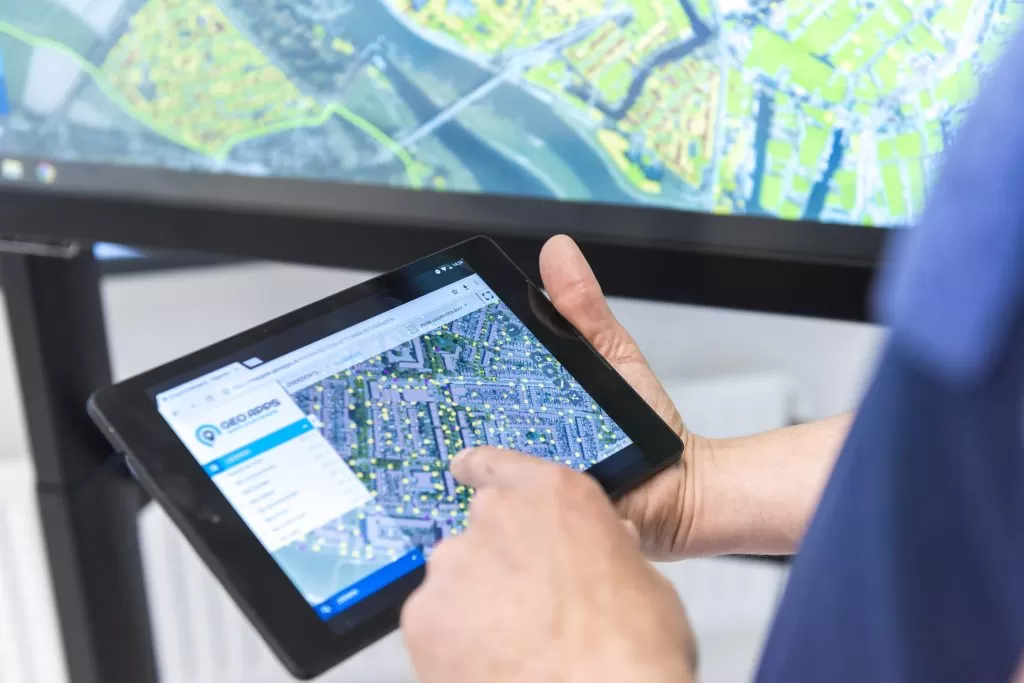
GeoApps Viewer
Gasfabriek project
MapGear team office
GeoApps Logo

GeoApps is the leading software platform for GIS applications and spatial data, enabling organizations to make data-driven decisions.

Solutions

  • Urban Planning
  • Infrastructure
  • Real Estate
  • Environment & Climate
  • Energy Transition
  • Safety & Risk

Products

  • GeoApps
  • Solutions
  • Sustainability Map
  • MapServices
  • TouchTable
  • Consultation

Apps

  • Viewer
  • Dashboard
  • Fieldwork
  • MapTour
  • MapTalk
  • Custom

For whom?

  • Municipalities
  • Provinces
  • Environmental Services
  • Engineering
  • Contractors
  • Safety Regions

Platform

  • Integrations
  • Documentation
  • System Status
  • Changelog
  • Support
  • Subscriptions

Company

  • About Us
  • Careers
  • Contact
  • Partners
  • News & Blog
  • Events

Stay up-to-date

Subscribe to our newsletter to get the latest updates on our products and services. You can unsubscribe at any time.

Keep an eye on our socials too

Stay connected with us through our social media channels and get the latest updates on our products and services.

Quality & trust

MapGear is ISO 9001 and ISO 27001 certified and meets the highest quality and security standards for our products and services.

ISO 9001 Certificering
ISO 27001 Certificering
QGIS Membership 2026
© 2026 MapGear B.V. All rights reserved.
Terms & conditionsPrivacy PolicySustainability statement