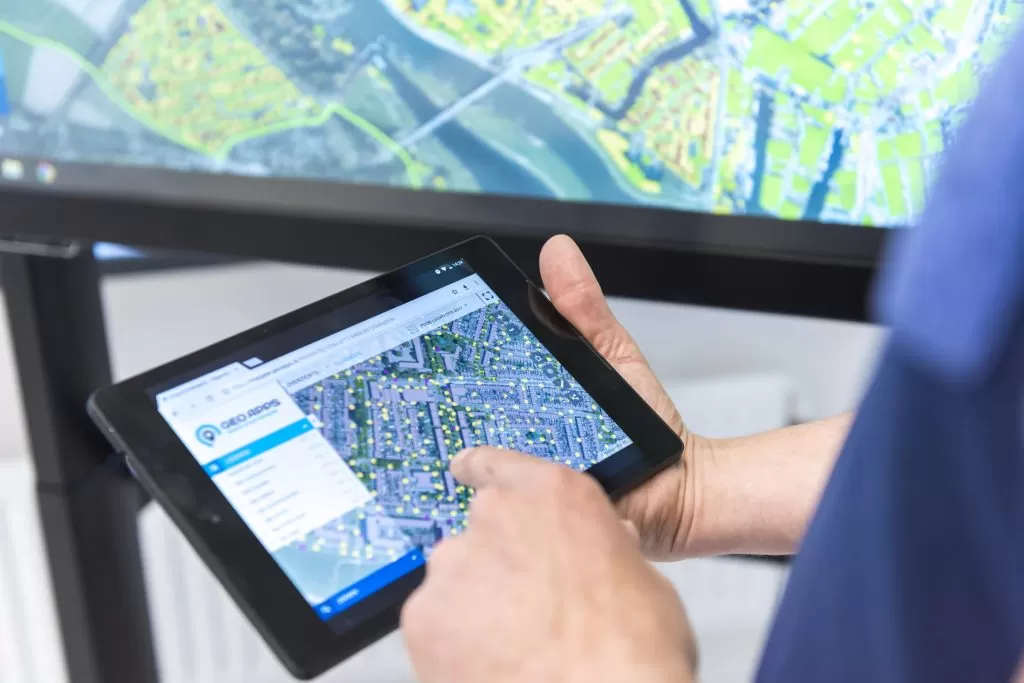
A punch list for field and office: status per location and team overview. Put reports, inspections, and field work on the map as tasks. Status, photos, and owner stay with the location, linked to Viewer and Dashboard.
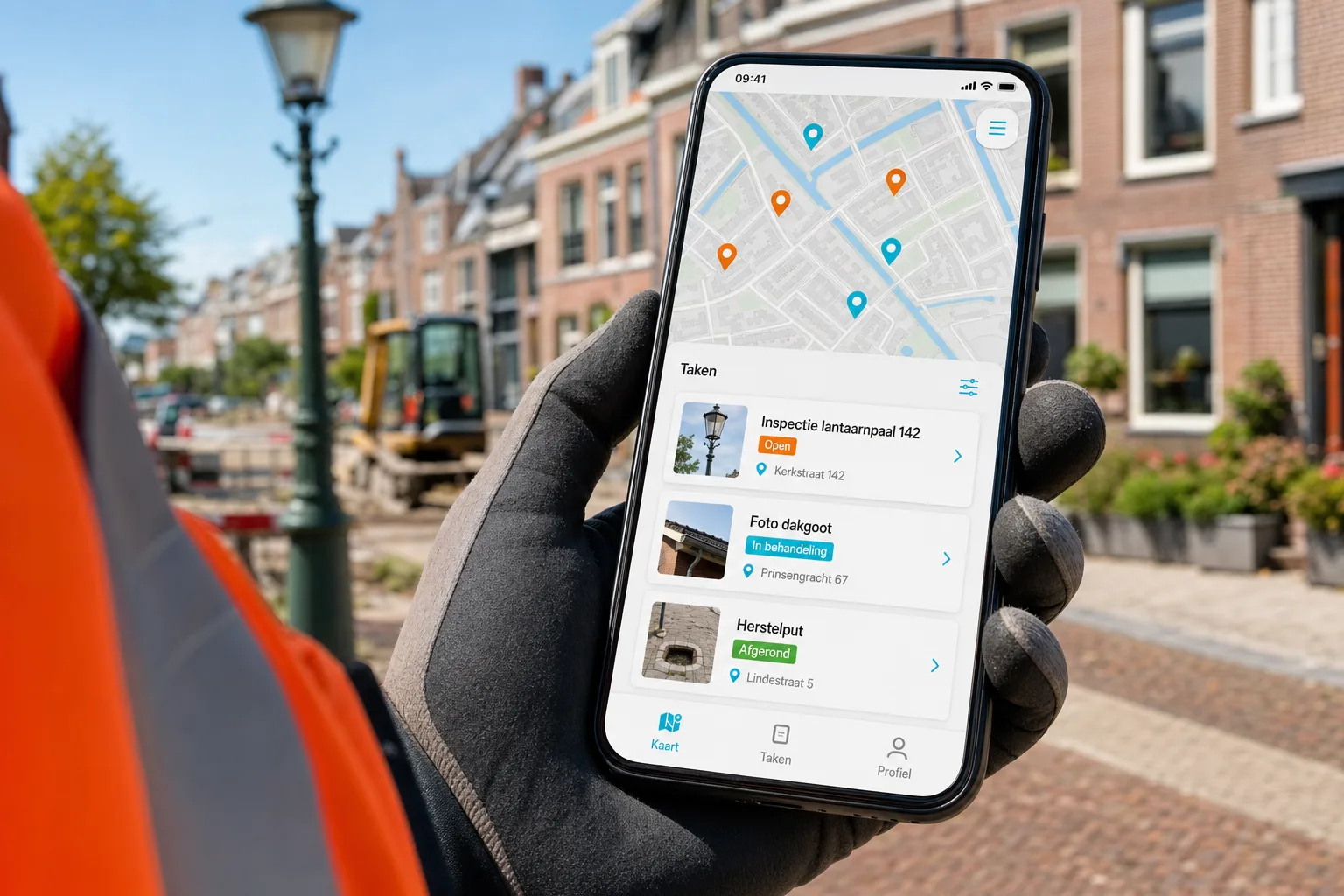
Municipalities, regions, and delivery partners use GeoApps to track tasks and reports spatially, with the same idea as Takenkaart.

Six essentials of map-driven tasks and follow-up.
Place inspections, faults, and actions as points, lines, or areas. Everyone sees the same location, priority, and owner.
Reports land where they belong. Close the loop with the reporter or internal team without long email threads.
Open, in progress, done: status stays with the location. History is there when you need to account for it.
Field staff work on phone or tablet; planners follow the same tasks from the office.
Task Map sits with Viewer for the map layer and Dashboard for overview. One GeoApps environment, not a side tool.
Use the same map logic for inspections, control programmes, contracts, or reports. The process sets the fields, not the other way around.
From report to completed task, on the same map.
Create or import tasks at the right location. Assign an owner and priority.
Open the task, add photos and notes, update status. Everyone sees the same progress.
The map layer and the overview stay in sync. No duplicate lists or lost mail.
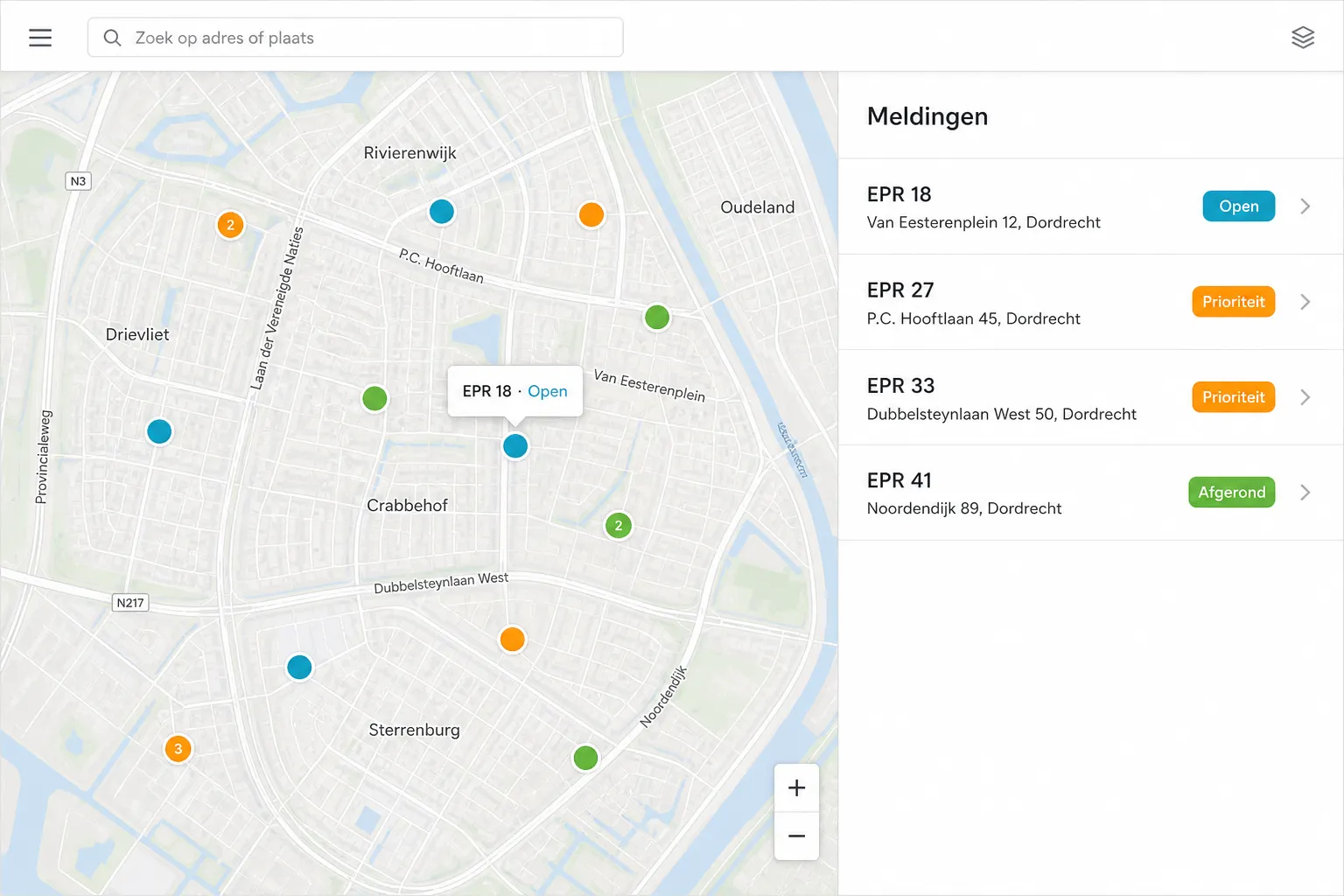
For example oak processionary moth or other report-driven work where every point gets a task and status, and field teams immediately see priorities.
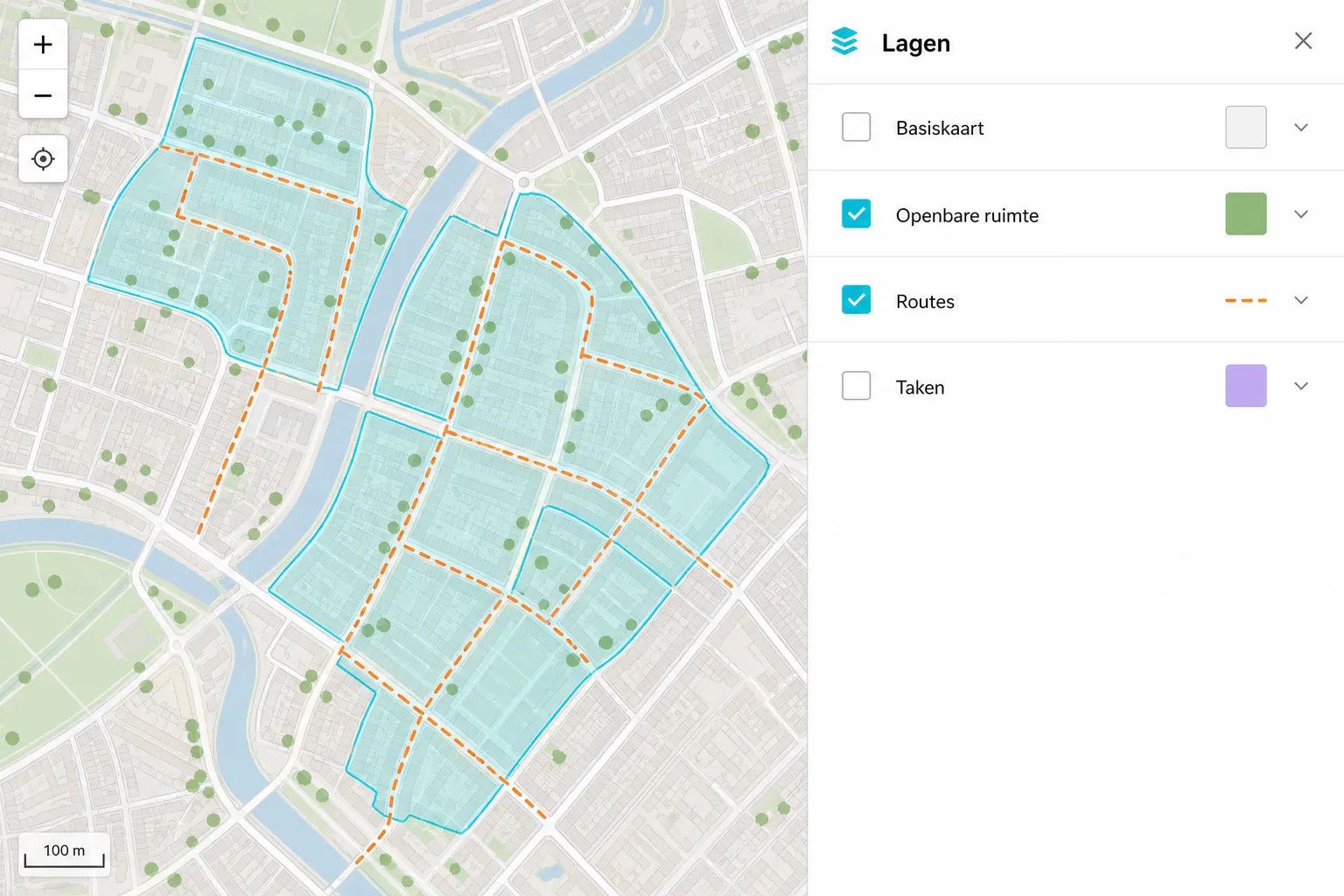
From public-space follow-up to contract partnerships: teams such as Roelofs (Lemelerveld), Riese & Geurts, and similar partners have used this style of map-based tasking.
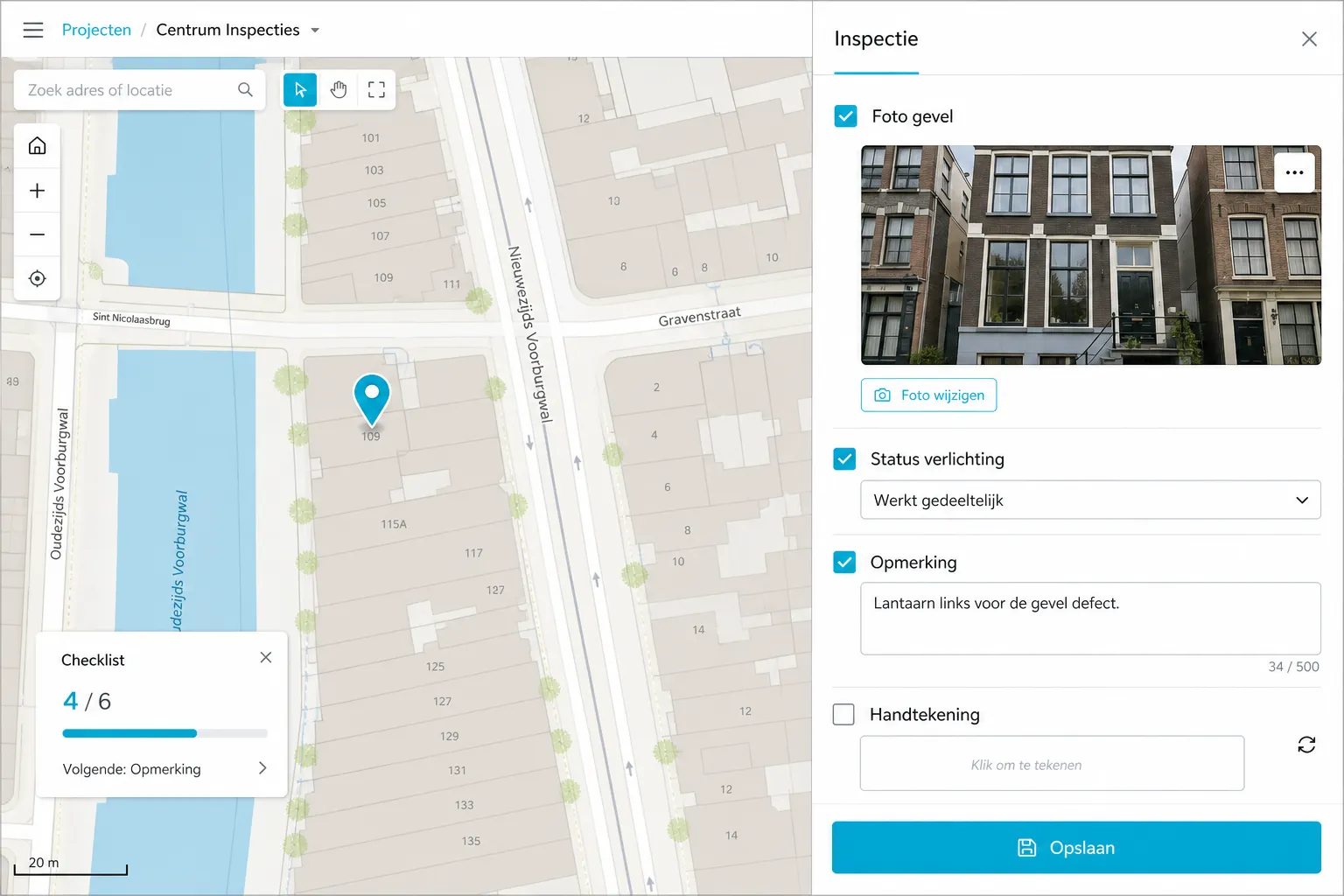
Checklists per address or asset when you want repetition, evidence, and planning in one spatial view.
Customer Stories
Discover why organizations trust GeoApps for their spatial challenges.
"The real-time map saves us many unnecessary kilometers in combating the oak processionary caterpillar."
Robbert Alferink
Planner
"For over 30 projects we now deliver a GeoApps portal; clients – even Rijkswaterstaat – call it 'the power of simplicity' and follow their land surveys live daily."
Henk Pauw
Project Manager

"Fieldwork has helped us organize field work more efficiently and synchronize data directly with our projects in GeoApps. The app works reliably in all weather conditions and ensures seamless workflows between field and office."
René Bezuyen
Head of Soil Department
Contact us for a demo or short pilot, including how it connects to your existing maps.
Answers about the task map, GeoApps integrations, and practical use.