9 features
Attribute table, custom search, information overlay, data catalog, favorites, measurement tools, dimensions.
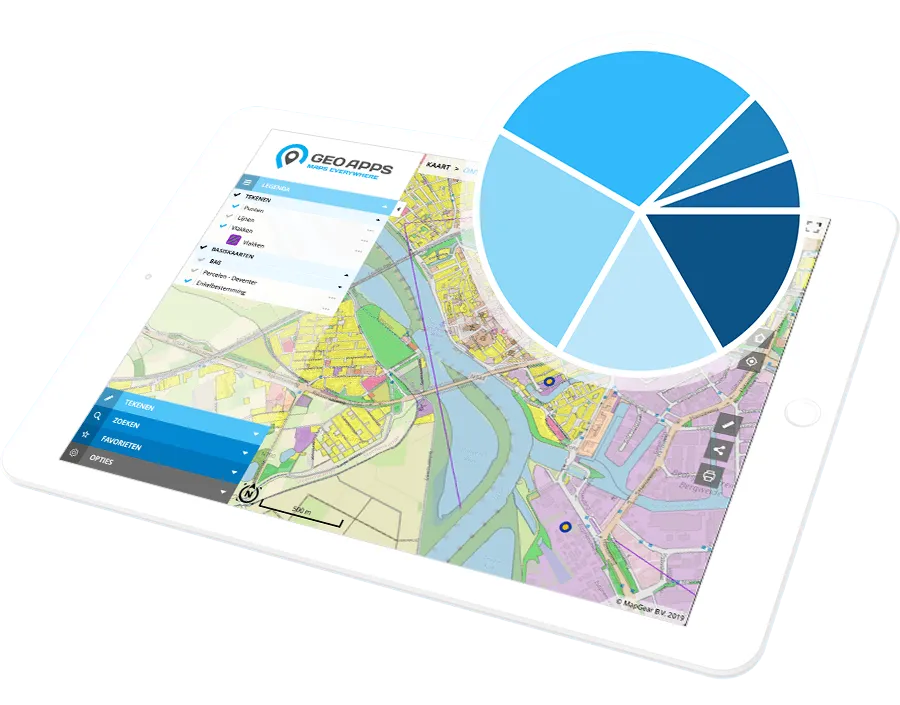
Attribute table, custom search, information overlay, data catalog, favorites, measurement tools, dimensions.
The capabilities below belong to this category. Availability varies by plan; compare subscriptions for exact limits and add-ons.
View and interact with a layer's attribute data, including filtering, sorting, and map zooming.
Search your data using tailor-made search inputs.
Add explaining text or imagery in an information window, which can optionally be shown on page load.
Browse a categorized data catalog and add datasets to the map as temporary layers.
Make your own data catalog.
Save map views, including extent and visible layers, as personal favorites and quickly zoom to them.
Share saved map views with selected user groups or everyone within the GeoApps environment, including any associated sketch layers.
Provide interactive measurements on the map, measure lines, areas, circles and heights (in 3D).
Show dimensions of an object in the map using pop-up information tab (Maatvoering).
Our team is ready to help you find the perfect solution for your organization.