Make the right choice between desktop and web GIS for your organization.
The choice between traditional desktop GIS and modern web GIS determines the future of your GIS infrastructure. Both have their place, but web GIS offers significantly more possibilities for modern organizations.
Traditional / Desktop
Installation on individual computers. Licenses per workstation. Complex deployment for updates. Limited to office environment.
Web GIS
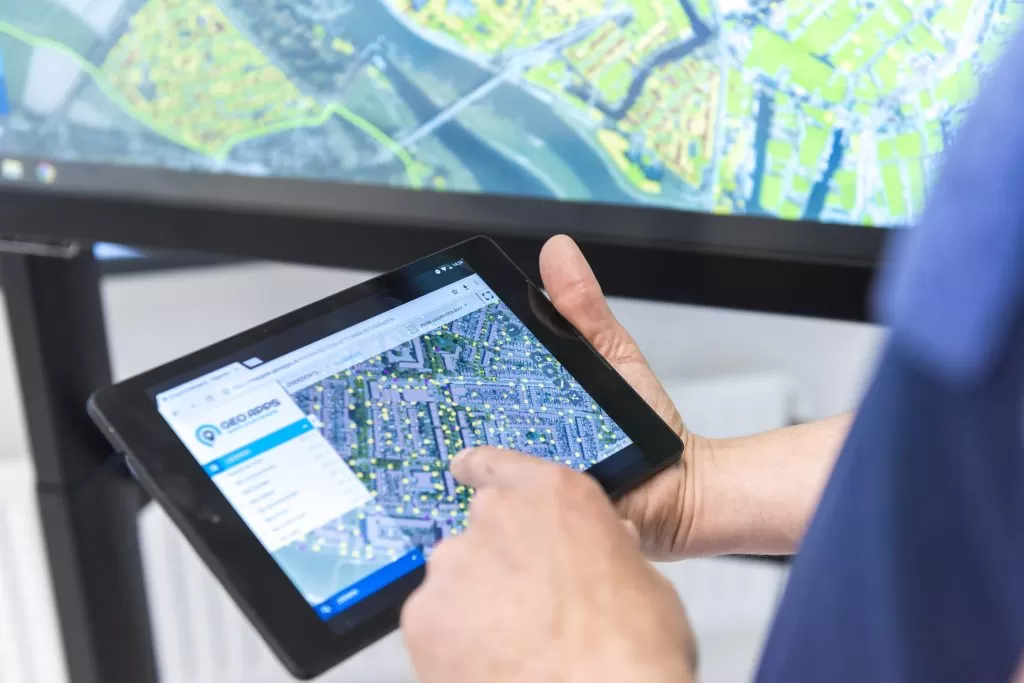
Browser-based, accessible anywhere. Central deployment. Automatic updates. Works on any device.
Traditional / Desktop
Sharing files via network or email. Version conflicts possible. Limited real-time collaboration.
Web GIS
Real-time collaboration. Central data sources. Automatic synchronization. Easy sharing with external parties.
Traditional / Desktop
High initial license costs. Costs per workstation. Expensive hardware required. High IT management costs.
Web GIS
Subscription model. Scalable costs. No special hardware. Lower management costs.
Traditional / Desktop
Manual updates on each workstation. Complex software installations. Compatibility issues. High IT burden.
Web GIS
Automatic updates. No local installation. Always the latest version. Minimal IT effort.
Traditional / Desktop
Limited by local hardware. Expensive expansion. Performance dependent on workstation.
Web GIS
Cloud-based scaling. Unlimited users. Consistent performance. Growth without hardware investment.
Traditional / Desktop
Limited APIs. Complex to integrate. Often custom development needed.
Web GIS
REST APIs standard. Webhooks for automation. Easy integrations. Modern ecosystem.
Traditional / Desktop
Desktop plugins and scripts. Requires programming knowledge. Limited UI customizations.
Web GIS
Web components. Configurable dashboards. No-code options available.
Traditional / Desktop
Scheduled maintenance windows. Risk of downtime. Users must wait.
Web GIS
Rolling updates without downtime. New features immediately available. Transparent release notes.
Traditional / Desktop
Powerful analysis tools. Advanced GIS functions. But complex to learn.
Web GIS
Intuitive interface. Essential GIS tools. Fast onboarding. Continuous feature expansion.
Traditional / Desktop
Email support. Knowledge base. Slow response to problems.
Web GIS
Live chat. Video tutorials. Community forums. Fast problem solving.
Traditional GIS remains valuable for complex analysis, but web GIS is the future for most organizations. It offers better accessibility, lower costs and faster innovation.
GeoApps offers a web-based platform with the power of desktop GIS. Use QGIS for heavy analysis, publish to GeoApps for wide usage. The best of both worlds.
Start Free Trial