ProductsJobsAbout usContact
Log in
MapGear Logo
JobsNewsAbout MapGear
Log in GeoAppsContact
MapGear, known through GeoAppsGeoApps

Cookie settings

We use cookies to improve your experience on our website. You can choose which types of cookies you accept. Learn more

GeoApps Logo
Apps
Solutions
Platform
About us
Get advice
  1. Home
  2. Apps
  3. Widget
Widget

Integrate interactive maps into your app or website

Add powerful GeoApps maps and GIS functionality to your website or application with just a few lines of code. Fully customizable to match your brand and needs.

Request a demo
Loading map…

Why use the Widget

Easy to embed

Drop the widget into your page with a few lines of code. No complex setup.

Flexible integration

Use as iframe or JavaScript component. Fits into any stack or CMS.

Use anywhere

Embed in public sites, portals, or internal tools. Same GeoApps power, your layout.

Customize

Match your brand with configurable colors, size, and layers.

Where does the widget fit?

On your website, in a portal, or via your CMS. One widget, multiple use cases.

Website Integration

Website Integration

Embed interactive maps directly into your website for visitors
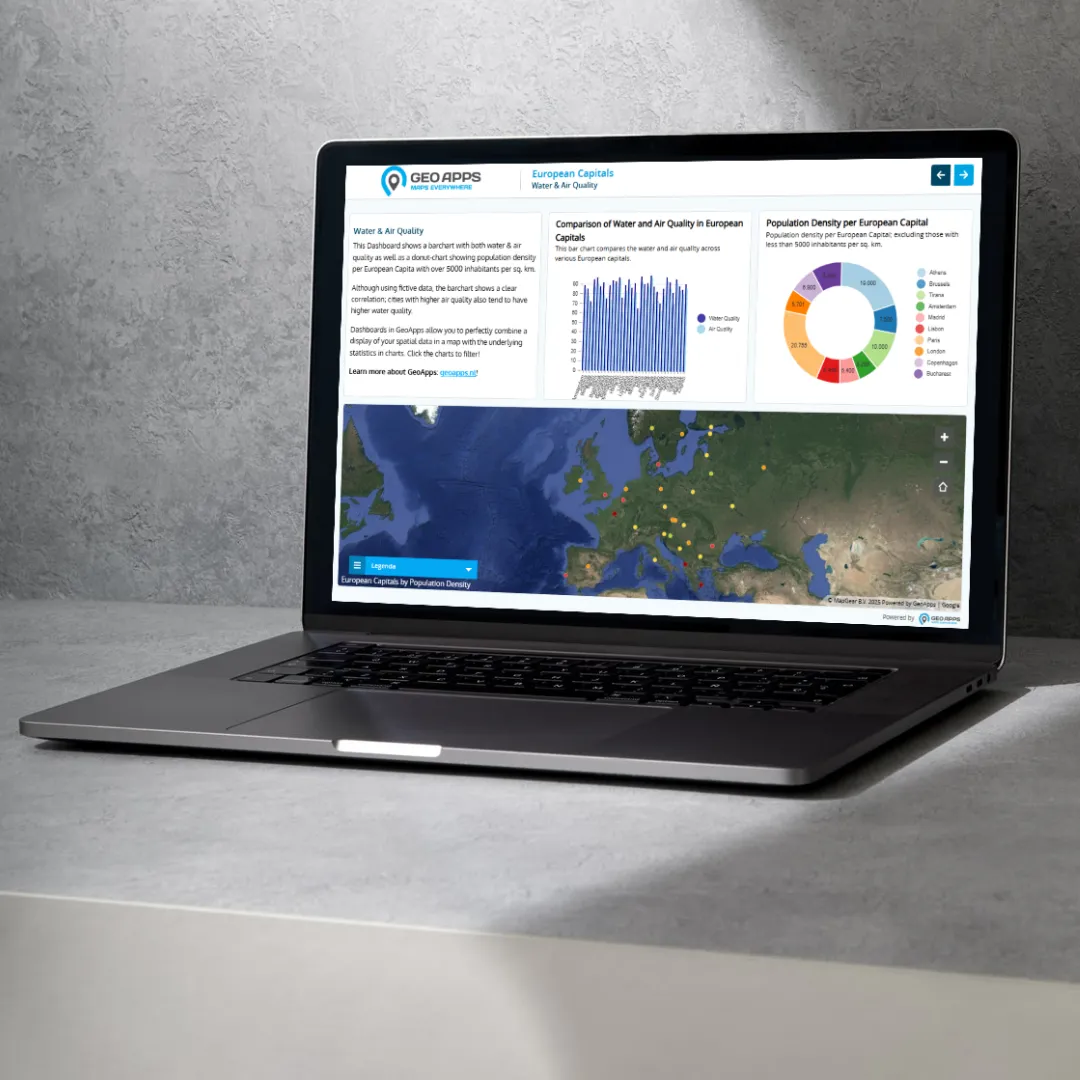
Portal Integration

Portal Integration

Add maps to your portal or intranet for employees

CMS Integration

CMS Integration

Use the Widget in WordPress, Drupal, or other CMS platforms

Ready to embed a map?

Request a demo and we'll show you how to add the Widget to your project.

Request a demo Contact
GeoApps Viewer
GeoApps Dashboard
GeoApps MapTour

Frequently Asked Questions about the Widget

Find answers to common questions about the GeoApps Widget.

What is the GeoApps Widget?
The GeoApps Widget lets you embed interactive maps and GIS functionality into your own website or application. You get the same GeoApps map power in your layout, with configurable styling and data.
How do I add the Widget to my site?
You can embed the Widget via an iframe or as a JavaScript component. A few lines of code are enough; no complex setup. Request a demo and we'll guide you through integration.
Can I customize the Widget to match my brand?
Yes. You can configure colors, size, and which layers or data are shown so the Widget fits your brand and use case.
Where can I use the Widget?
Use it on public websites, portals, intranets, or internal tools. It works with common CMSs and tech stacks.
Do I need a GeoApps subscription?
Yes. The Widget uses your GeoApps map services and data. Contact us for a demo and subscription options that include the Widget.
GeoApps Logo

GeoApps is the leading software platform for GIS applications and spatial data, enabling organizations to make data-driven decisions.

Solutions

  • Urban Planning
  • Infrastructure
  • Real Estate
  • Environment & Climate
  • Energy Transition
  • Safety & Risk

Products

  • GeoApps
  • Solutions
  • Sustainability Map
  • MapServices
  • TouchTable
  • Consultation

Apps

  • Viewer
  • Dashboard
  • Fieldwork
  • MapTour
  • MapTalk
  • Custom

For whom?

  • Municipalities
  • Provinces
  • Environmental Services
  • Engineering
  • Contractors
  • Safety Regions

Platform

  • Integrations
  • Documentation
  • System Status
  • Changelog
  • Support
  • Subscriptions

Company

  • About Us
  • Careers
  • Contact
  • Partners
  • News & Blog
  • Events

Stay up-to-date

Subscribe to our newsletter to get the latest updates on our products and services. You can unsubscribe at any time.

Keep an eye on our socials too

Stay connected with us through our social media channels and get the latest updates on our products and services.

Quality & trust

MapGear is ISO 9001 and ISO 27001 certified and meets the highest quality and security standards for our products and services.

ISO 9001 Certificering
ISO 27001 Certificering
QGIS Membership 2026
© 2026 MapGear B.V. All rights reserved.
Terms & conditionsPrivacy PolicySustainability statement