

Find Your Way Around GeoApps More Quickly
The first time someone uses a GIS environment, several practical questions may arise. Which layers should they open? How do filters and search functions work? Where can they find object information, dashboards or analyses?
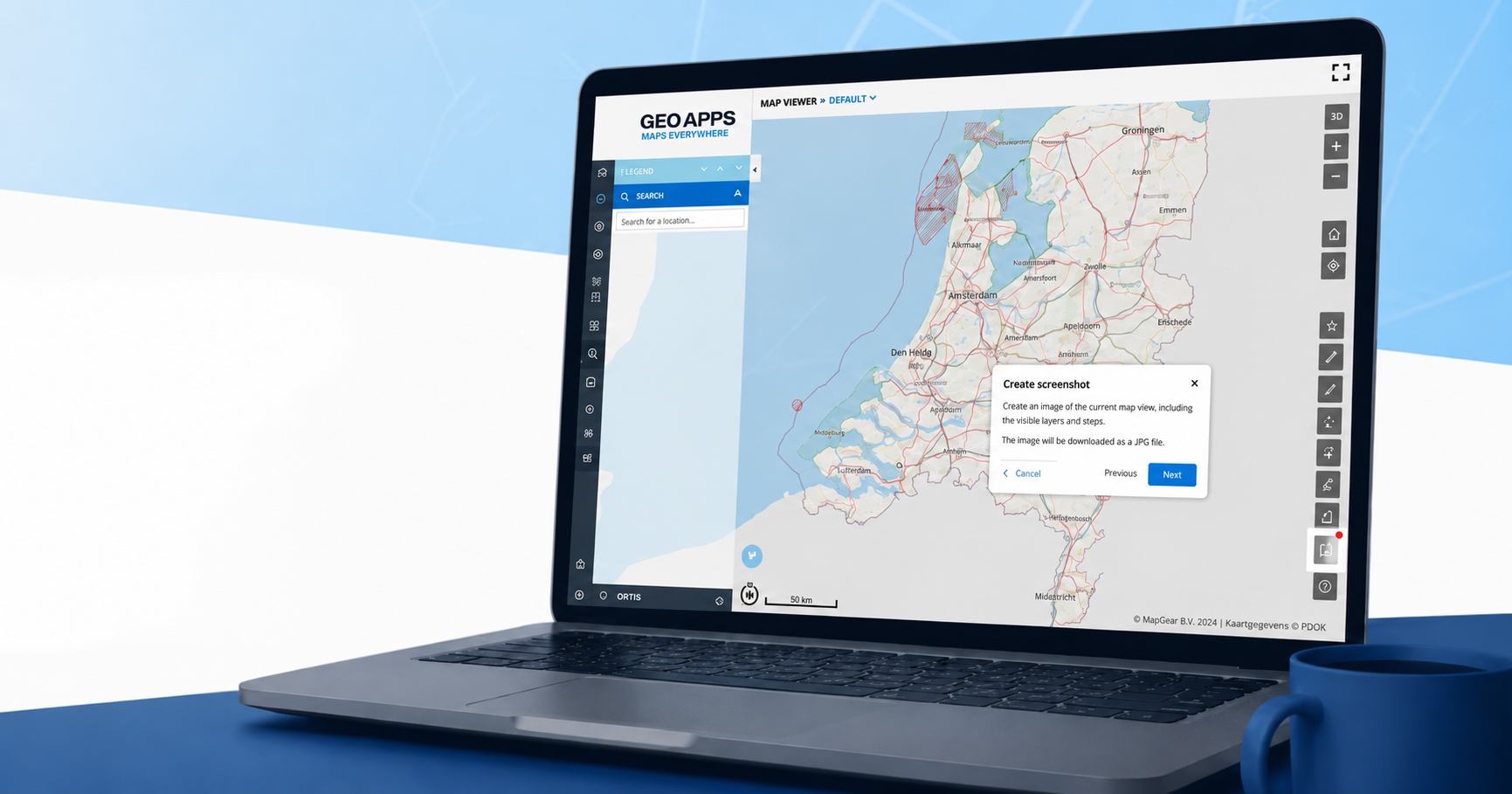
Interactive walkthroughs lead users through the most important functions in a clear sequence. Instructions appear directly in the GeoApps environment, allowing users to learn while working rather than switching between the platform and a separate manual.
Walkthroughs can help users:
find relevant map layers;
explore datasets and object information;
apply filters and search functions;
use dashboards and analyses;
complete common workflows;
share results with colleagues.
Because the guidance is connected to the action taking place, users can apply each instruction immediately. This supports faster onboarding and helps new users become independent sooner.
Provide Guidance Inside the Workflow
Traditional documentation remains useful, but it does not always appear at the moment someone needs help. Users must first locate the correct instructions, understand them and then reproduce the steps inside the application.
An interactive walkthrough brings the explanation to the user instead. Prompts and next steps appear within GeoApps and guide them through a task or feature in context. This approach can support the first introduction to the platform, the launch of new functionality or the explanation of an organisation-specific workflow.
Users do not need to memorise the complete process in advance. They can learn while carrying out the task, making the guidance more practical and easier to apply.
Help Users Discover More With Fewer Support Questions
A portion of the functionality within extensive software platforms often remains unused. This is not necessarily because those functions lack value, but because users may not know they exist or understand how they fit into their work.
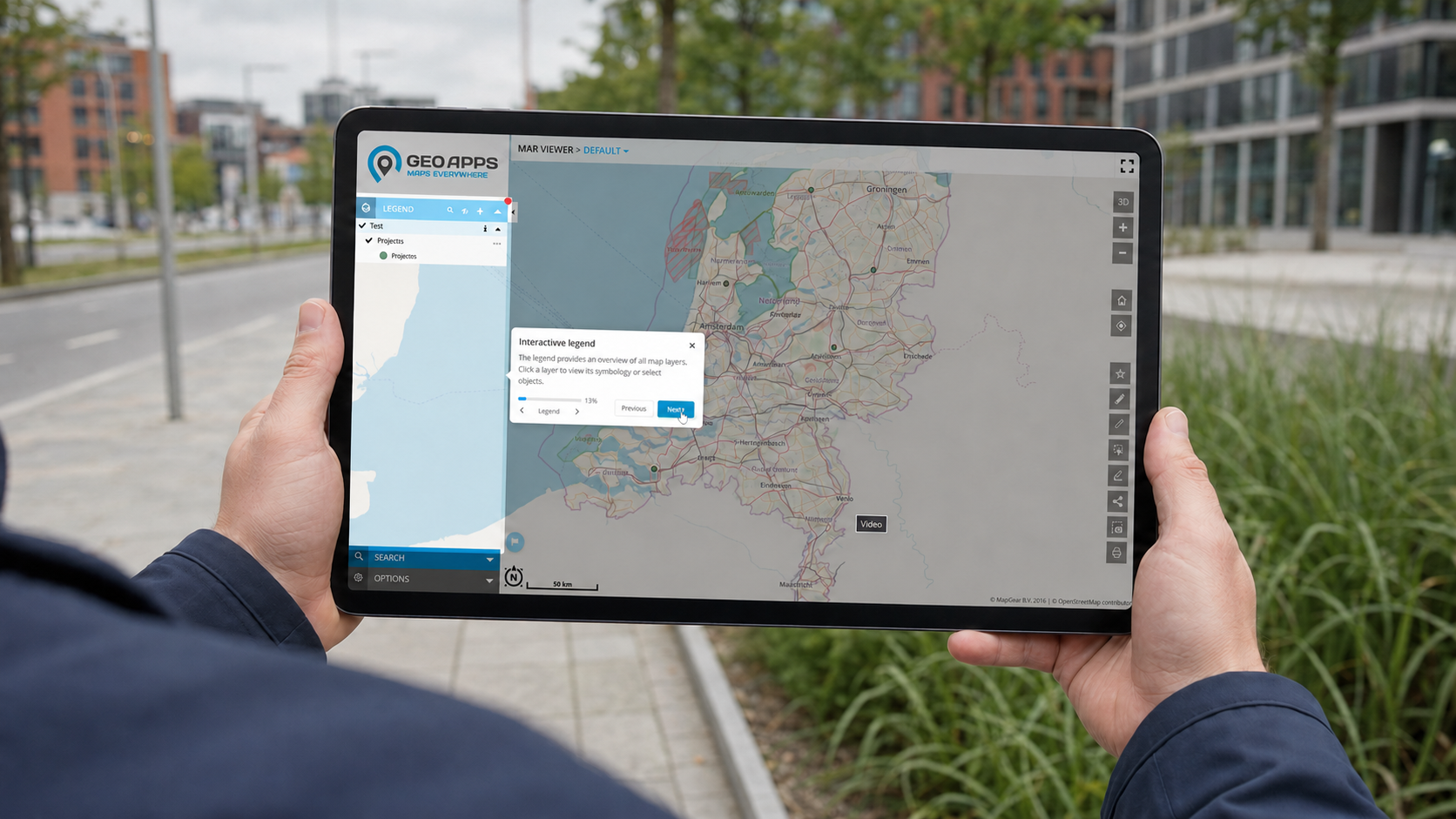
Interactive demos make those capabilities easier to discover. Organisations can guide users through activities such as combining map layers, reviewing object information, completing an analysis or working with a new dashboard. Users can explore these features at their own pace and immediately see how they support a practical workflow.
Walkthroughs also provide a first layer of assistance for recurring questions. As users become more capable of completing basic tasks independently, GIS administrators and application managers can spend less time repeating the same explanations and more time supporting complex or organisation-specific needs. GeoApps highlights faster onboarding, greater confidence and broader adoption as key benefits of this in-app guidance.
Configure Walkthroughs for Every App in GeoApps Manage
Every organisation uses GeoApps differently. One app may focus on asset management, while another supports policy analysis, fieldwork or project communication. The guidance should therefore reflect the functions, users and workflows of each specific application.
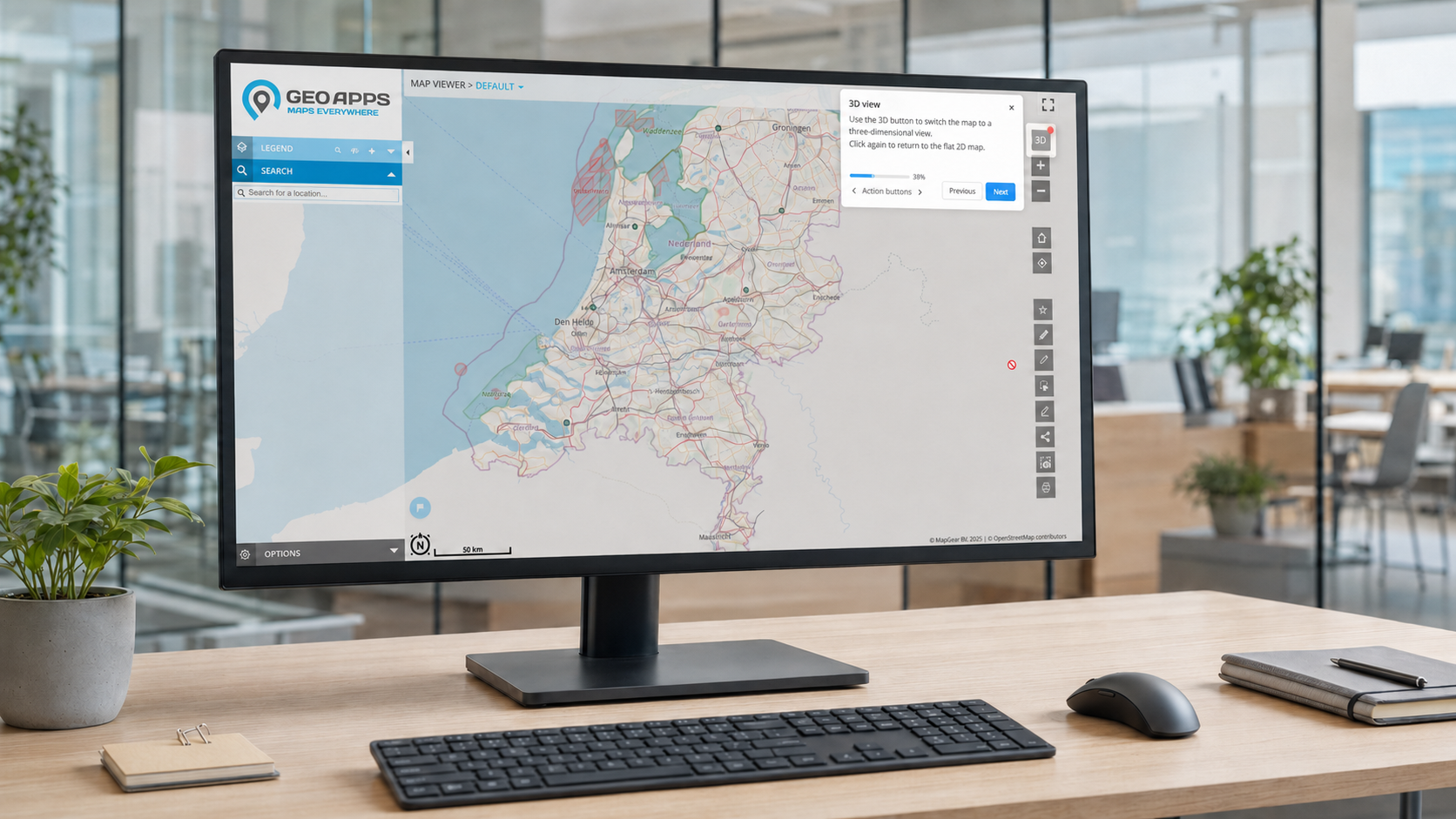
Walkthroughs can be configured in GeoApps Manage for any app within your GeoApps environment. This allows administrators to create app-specific guidance rather than relying on one generic tour for the entire platform. Users receive instructions that match the application they are working in and the tasks they are expected to complete.
A walkthrough can support new-user onboarding, explain a recently introduced function or guide colleagues through an organisation-specific process. By configuring the guidance per app, organisations can offer more relevant support and create a more consistent user experience across teams and departments.
Make GeoApps Easier to Use Across Your Organisation
A powerful GIS environment should not only provide extensive functionality. It should also help users understand how to apply that functionality within their work.
Interactive demos and walkthroughs bring guidance directly into GeoApps. New users can get started more quickly, experienced users can discover additional possibilities and organisations can support adoption without relying entirely on repeated training or individual assistance.
Would you like to see how interactive walkthroughs can guide users within your GeoApps applications?


