

Brand assets
Logos, illustrations, colours and brand guidelines for MapGear and our products


All logos: MapGear & product lines
Download the complete brand kit with all logos and favicons for MapGear and every product line.
Complete MapGear brand kit
All logos and favicons for MapGear and every product line (colour, white and black, SVG and PNG), plus brand summaries in one zip.
Zip includes logos, favicons and brand-info. Download illustrations and imagery individually using the buttons below.
Choose brand / product
Brand kit per product line
Logos, favicons and brand summary for MapGear.
Brand overview
Positioning
Parent company and geospatial partner " lime green, clear and enterprising.
Tone of voice
Professional, direct and inviting " technical when needed, always human.
MapGear logos
The primary MapGear logo. Use the colour version on light backgrounds and the white version on dark or green (lime) backgrounds.



Favicons
Favicons for use in browsers, bookmarks and app icons.












Typography
Typefaces for web and marketing materials.
Primary
Aller
Main typeface on mapgear.nl and MapGear documentation. Weights 400 (Regular) and 700 (Bold).
Secondary
System UI
Fallback: Segoe UI, Roboto, Apple system fonts: forms and native UI elements.
Brand colours
MapGear uses lime green as its primary brand colour across communications.
MapGear lime-50
#f7fee7
MapGear lime-100
#ecfccb
MapGear lime-200
#d9f99d
MapGear lime-300
#bef264
MapGear lime-400
#a3e635
MapGear lime-500
#84cc16
Accent
MapGear lime-600
#65a30d
Primair (knoppen, links)
MapGear lime-700
#4d7c0f
MapGear lime-800
#3f6212
MapGear lime-900
#365314
Recommended combinations
- Primary (buttons, links):
#65a30d(lime-600) - Background accent:
#84cc16(lime-500) - Text on lime: white or
#ecfccb(lime-100)
Guidelines
- Always use the logo in the correct proportions. Do not distort or stretch.
- Ensure sufficient white space around the logo (at least the height of the "M" in MapGear).
- Do not use effects (shadow, glow, gradient) on the logo.
- The primary brand colour is lime green (#65a30d). Avoid blue for primary elements.
- For questions about using the brand: contact us.
MapGear illustrations
Patterns and brand backgrounds (SVG and PNG) for headers and layouts, plus ESG-Maps role icons and USP icons.
Backgrounds (SVG & PNG)
Patterns and backgrounds from mapgear.nl.

MapGear background without logo (PNG)
Download (PNG)

Lime pattern (lime-bg.svg)
Download (SVG)
Streets pattern (streets-bg.svg)
Download (SVG)Role icons
Six characters for common ESG-Maps user roles.

Sustainability policy officer
Download (PNG)

Climate adaptation specialist
Download (PNG)

Energy advisor
Download (PNG)

Green space manager
Download (PNG)

Data/GIS specialist
Download (PNG)

Resident
Download (PNG)
USP icons
Five homepage icons that visualize ESG-Maps's core promises.

Always up-to-date insight
Download (SVG)
All your data in one central place
Download (SVG)
Effective analysis tools
Download (SVG)
User-friendly, interactive and clear
Download (SVG)
Fast reporting to stakeholders
Download (SVG)MapGear images
Photos for heroes, team and campaigns on mapgear.nl.
Hero photos
Photography for the hero on mapgear.nl.
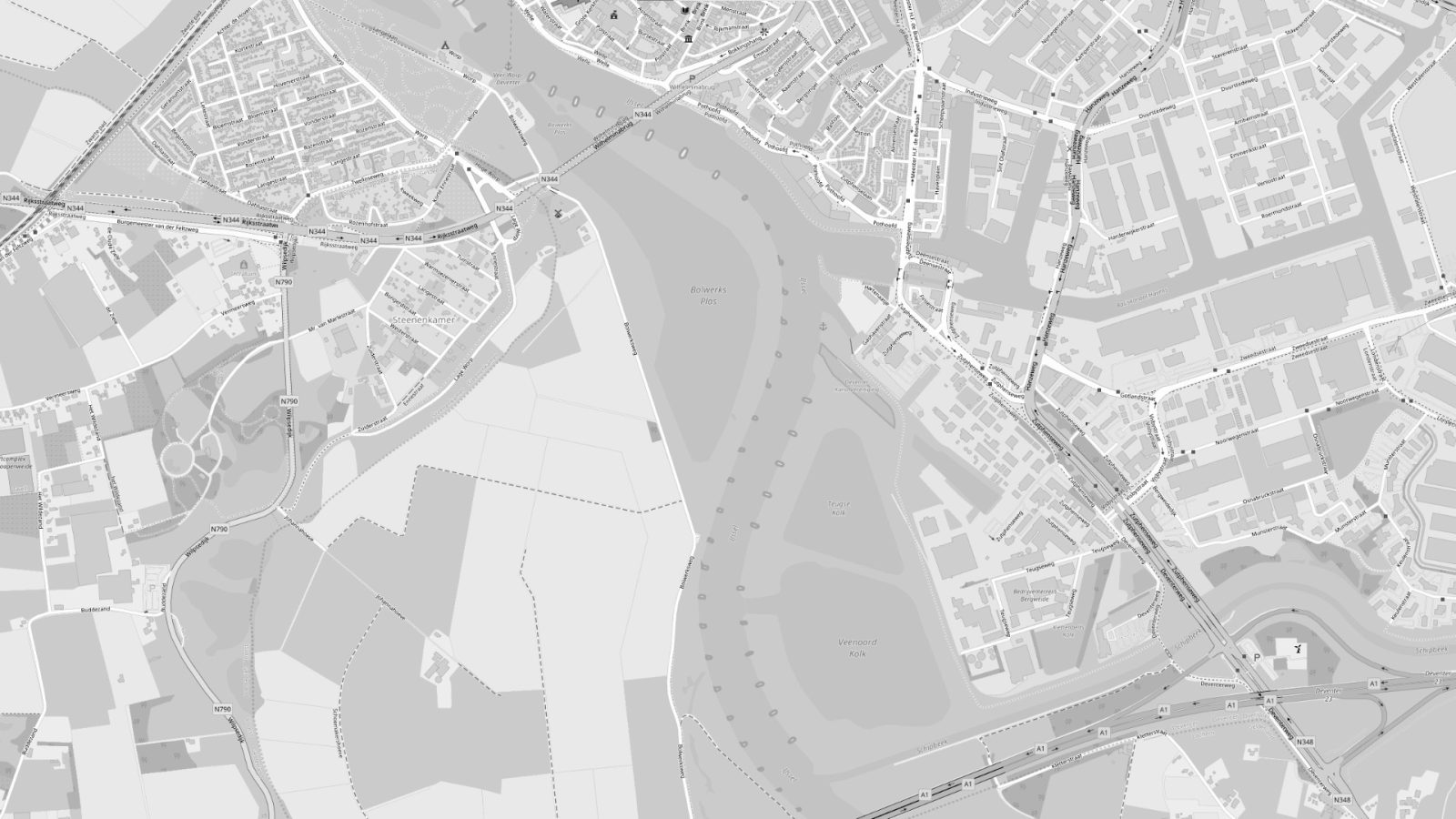
Default hero (map photo)
Download (JPG)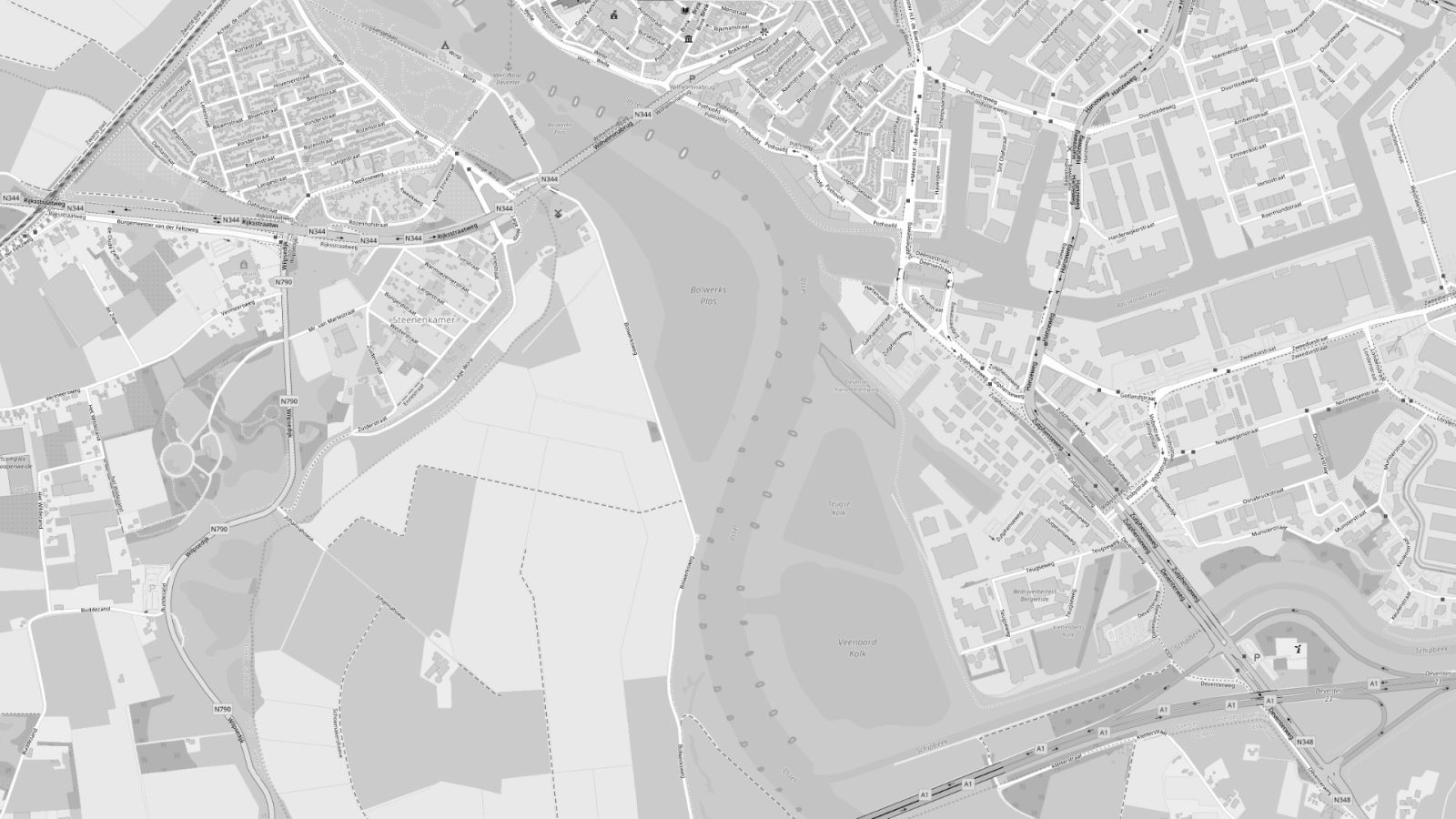
Team photos
Official team imagery for about pages, careers and campaigns.
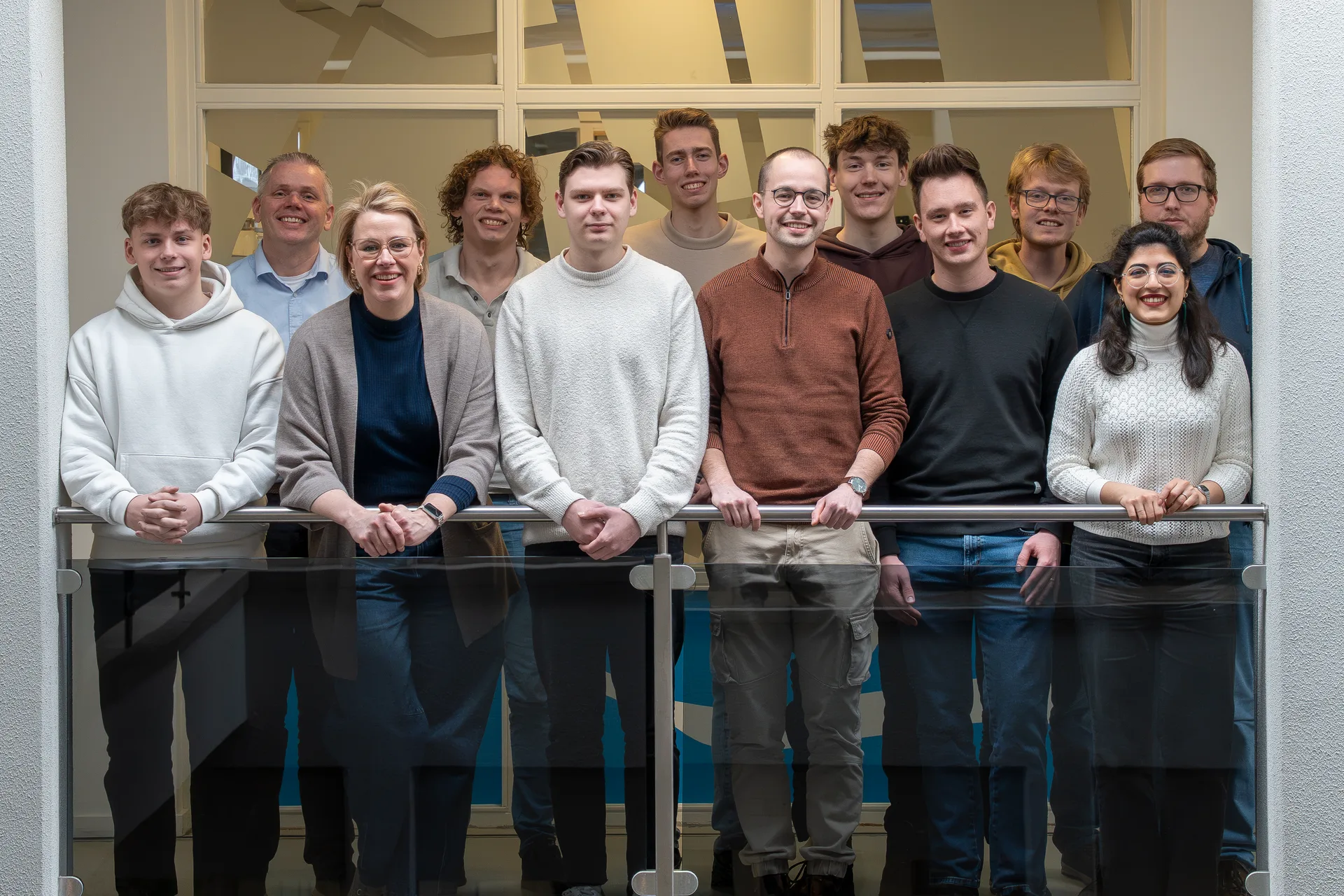
Group photo of the MapGear team at the Deventer office
Download (WEBP)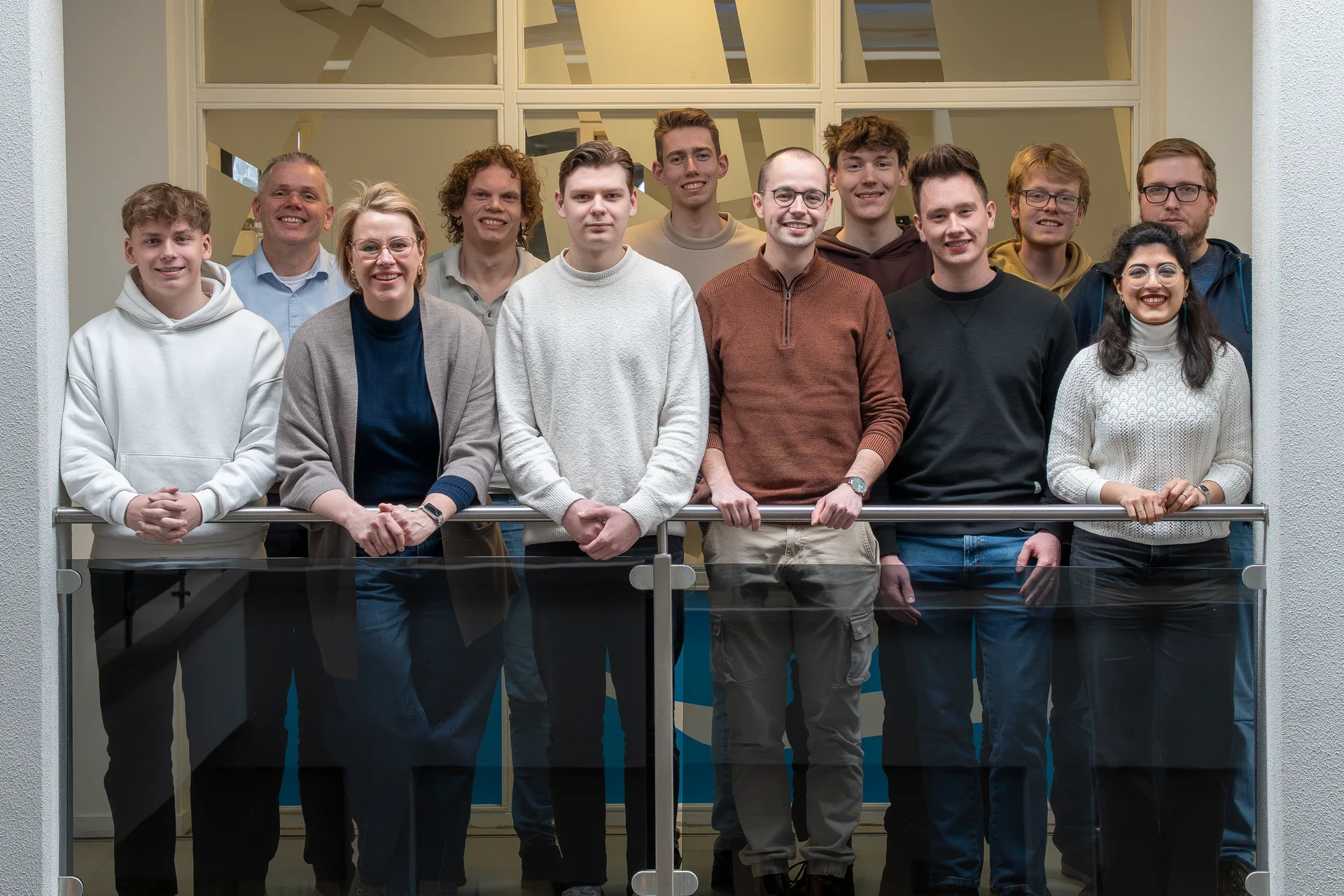

MapGear team on the stairs at the Deventer office
Download (WEBP)
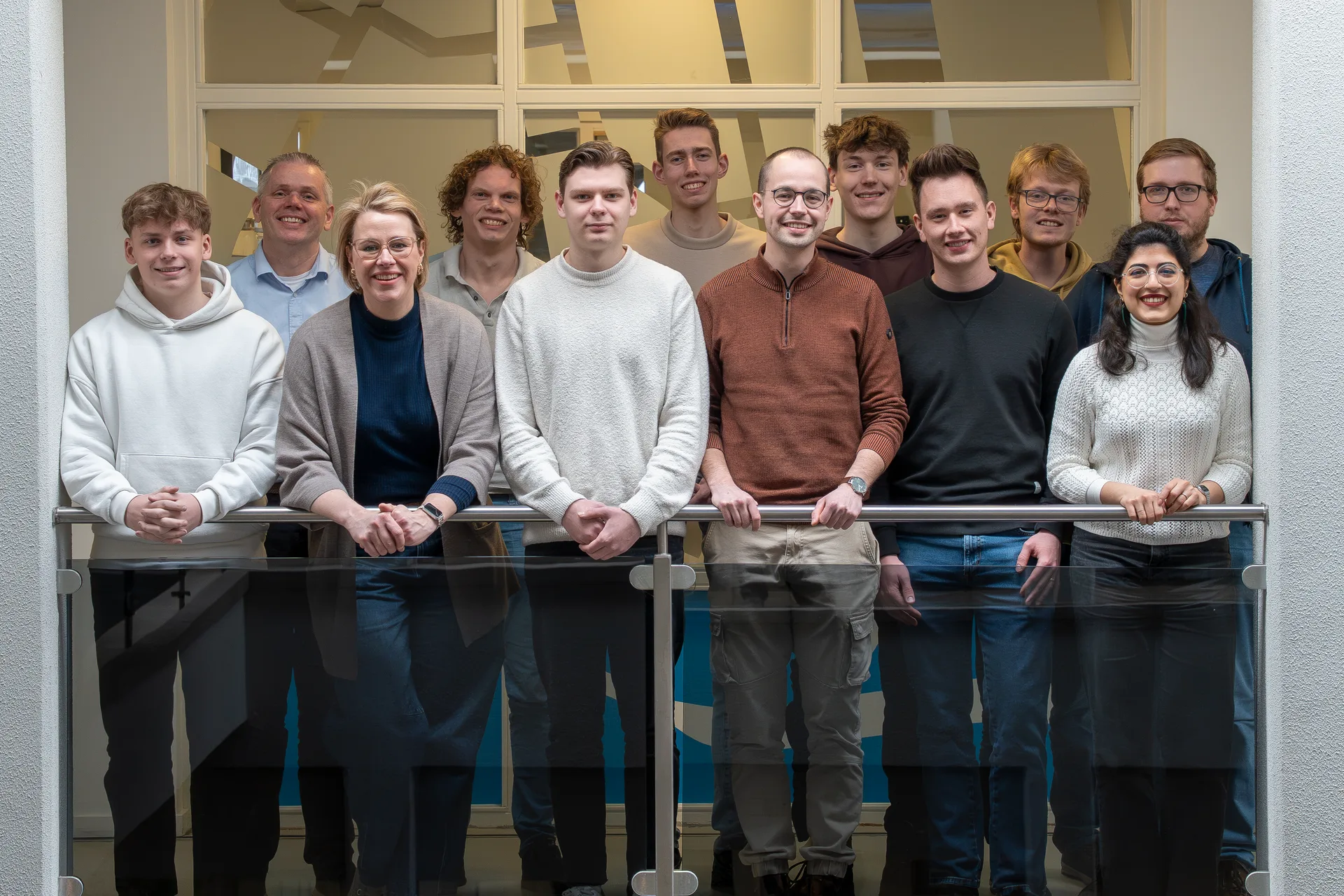
Group photo of the MapGear team at the Deventer office
Download (WEBP)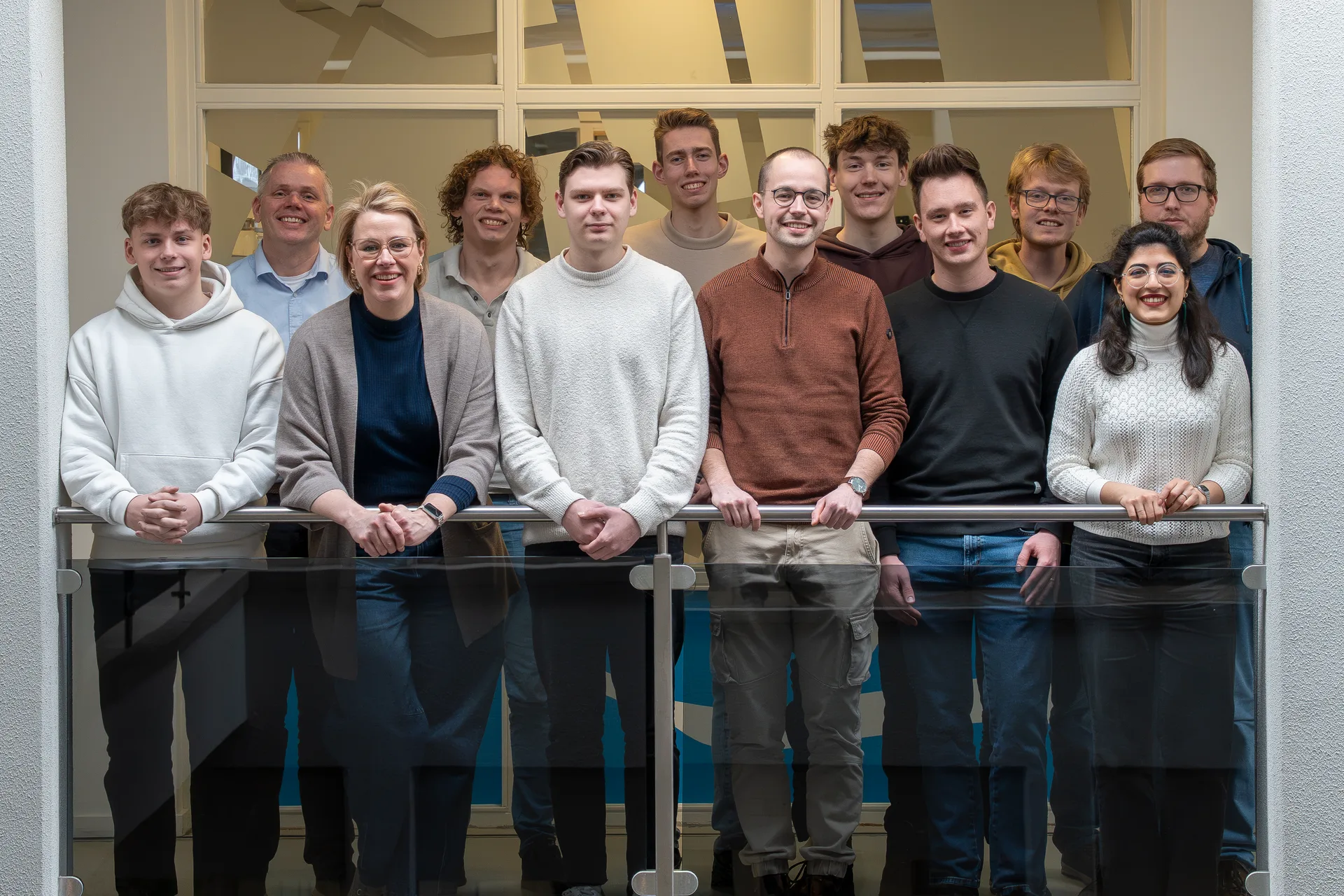
Documents & downloads
Brochures, specsheets and product sheets for this brand. Only verified files are downloadable.
Brochures and specsheets are managed separately from the logo brand kit.
No documents yet
Brochures and specsheets for this product are being inventoried. They will appear here once files are available.
View all product downloadsWant to know more?
Do you have questions and want to know more about one of our products or request a demo? Fill in the contact form so we can get in touch with you.