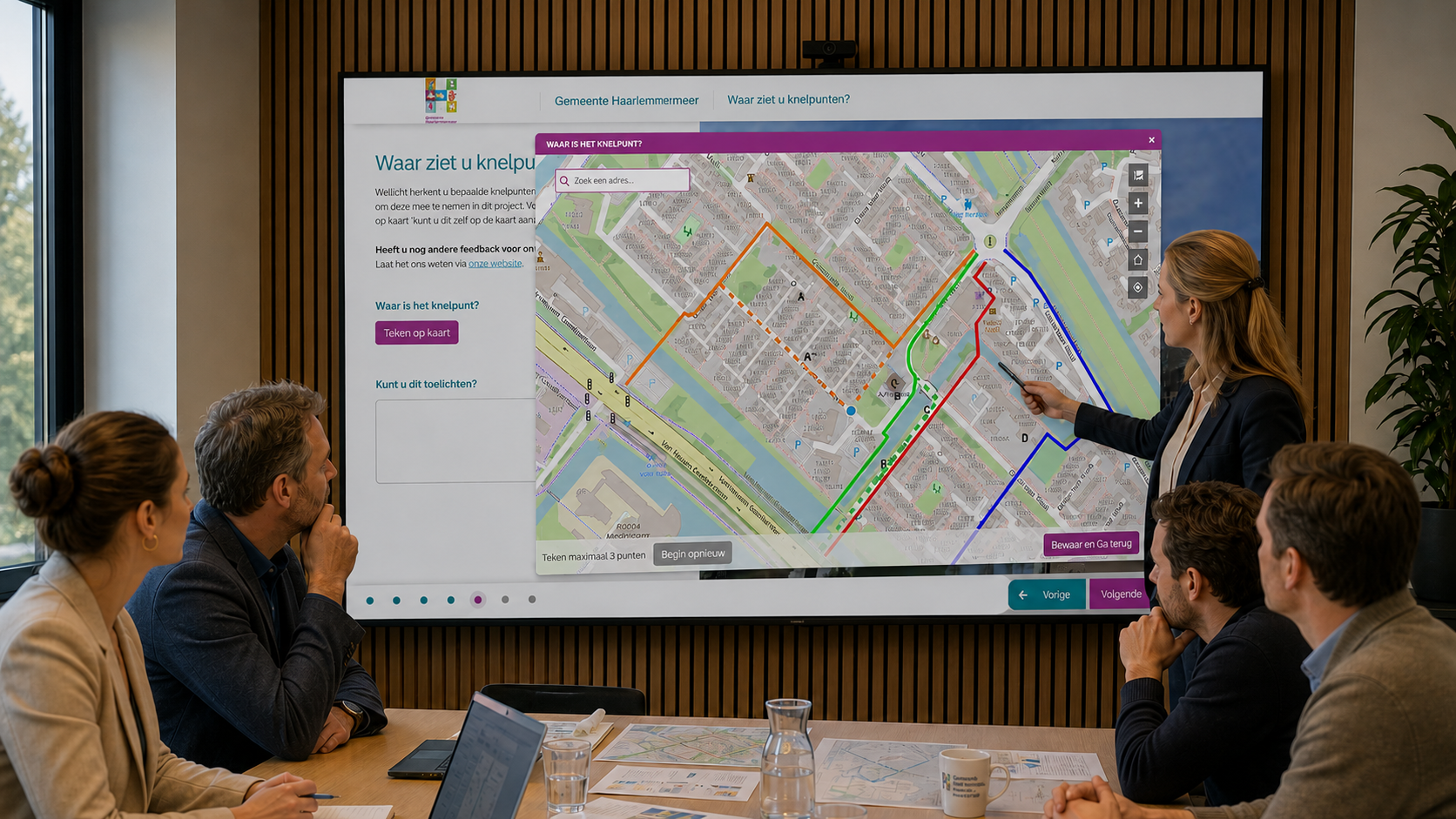

A development plan can be technically detailed and still leave residents unsure about what will change. Understanding building heights, street layouts and the relationship between existing and proposed spaces requires more than recognising a location on a map.
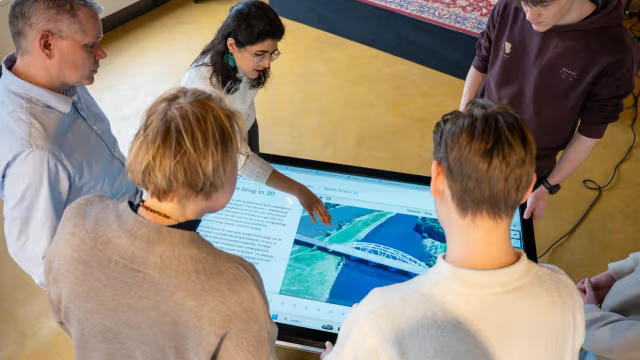
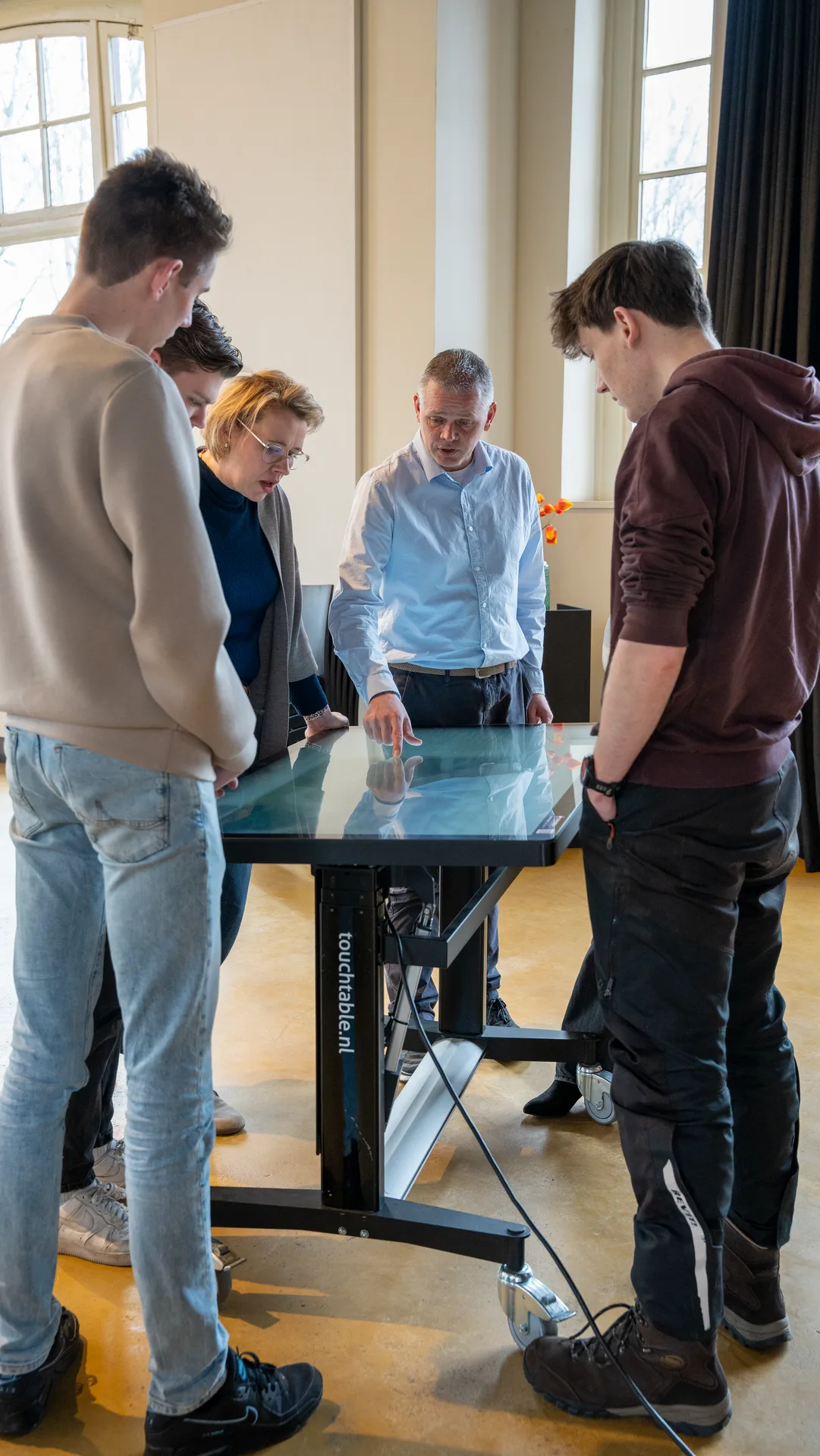
Municipalities can use existing 3D models and Digital Twins to make those conversations more accessible. Bringing spatial information into an interactive setting gives residents another way to explore proposals and explain their concerns.
Make the proposal easier to explore
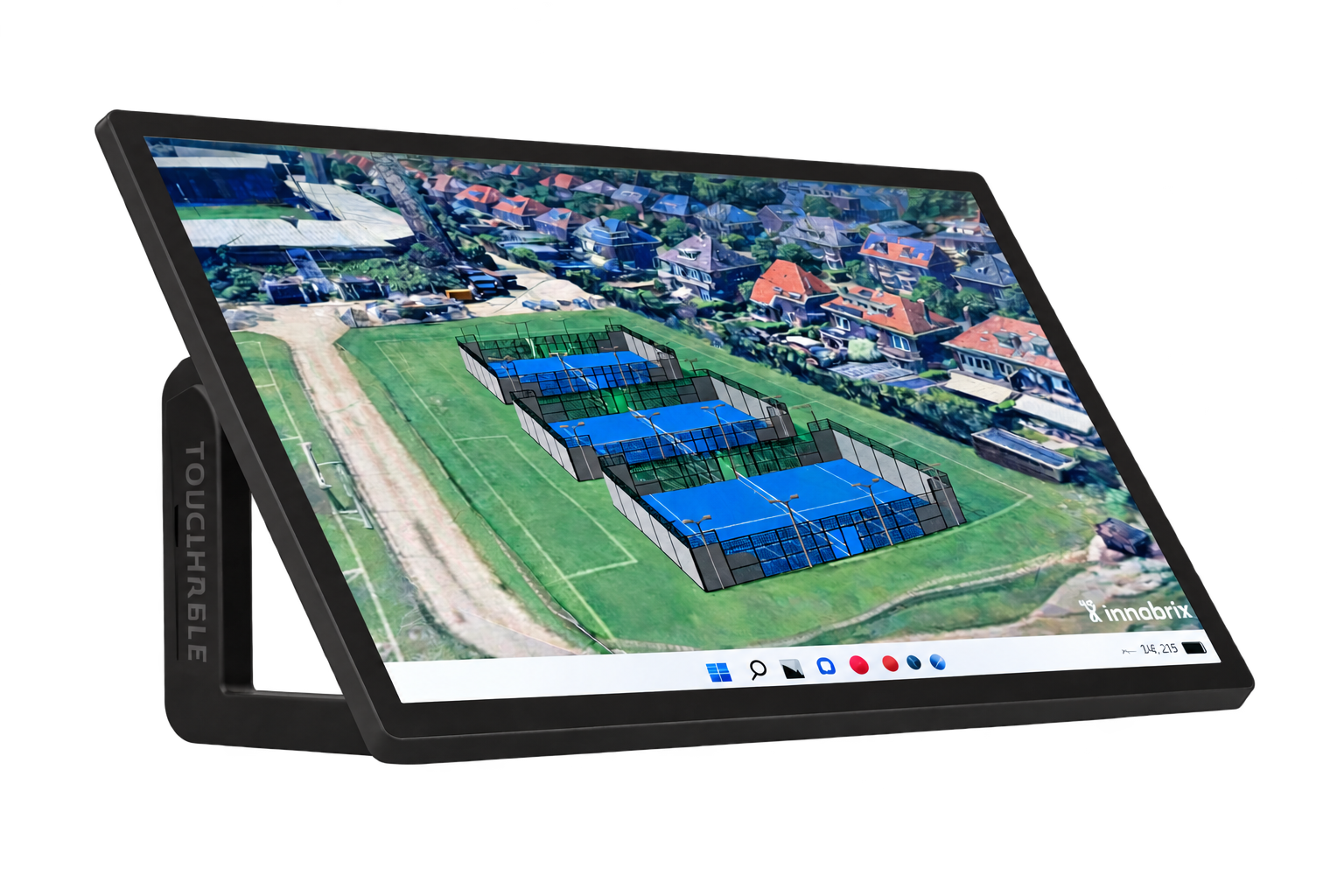
Consider a proposed apartment building beside an existing residential street. A resident may recognise the site boundary without understanding how the building relates to the houses nearby. Viewing the proposal from different angles provides a starting point for discussing its scale and position.
However, the visualisation also needs context. Explain which elements represent the current situation, which show a proposal and which remain open for discussion. Clear labels help participants distinguish a design option from an approved decision.
Connect feedback to specific places
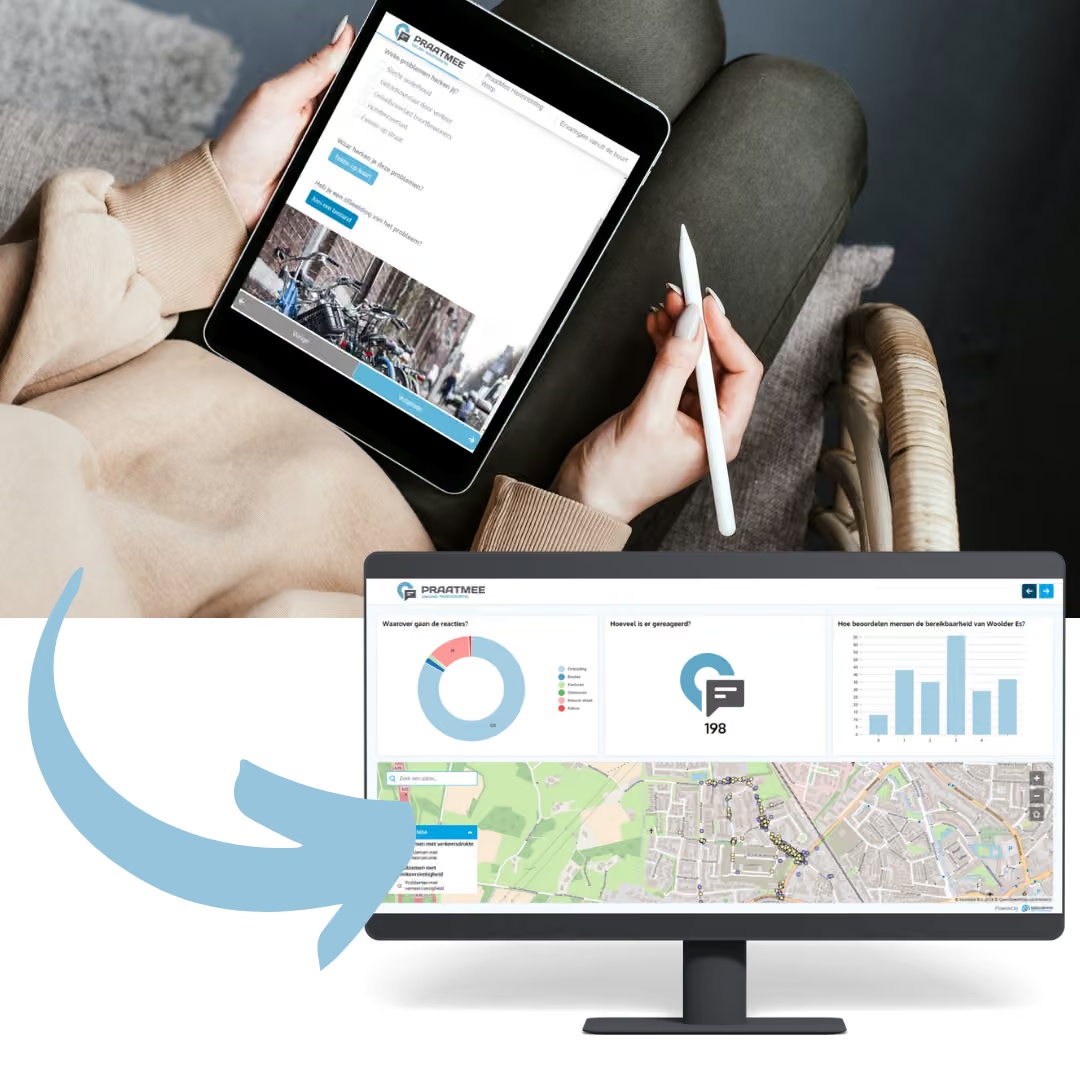
An interactive map gives participants a shared reference for discussing locations. For example, someone commenting on a proposed pedestrian connection can point to the route and explain how they currently move through the area.
The facilitator can then ask a focused follow-up: which part of the connection needs attention, and why? Recording that explanation alongside the location gives the project team something concrete to review after the session.
Build visualisation into the participation process
Before choosing a visualisation, define what participants can influence. A session exploring alternative layouts requires a different approach from one explaining a design whose main parameters are already fixed.
During the session, allow time for participants to explore, ask questions and describe their everyday experiences. Afterwards, explain how their contributions will be assessed and when they can expect a response. This connects the visual experience to a clear participation process.
Make your next participation session more tangible
Explore how MapTalk and TouchTable could support conversations about your spatial project. Contact us to discuss your participation goals and the information you want to make accessible.